New article
Recently updated
Generating trusted clients access keys in the new UI (Helix) for embedded integration

Who is this article for?
Administrators wanting to generate trusted clients access keys for an embedded integration.
Sysadmin permissions are required.
In this tutorial, you will learn how to create a trusted clients access key in the new (Helix) Ideagen Please Review interface.
This article provides instructions using the new interface. If you want to generate trusted clients access keys in the legacy UI, see Generating trusted clients access keys in the legacy UI.
Creating a trusted clients access key
-
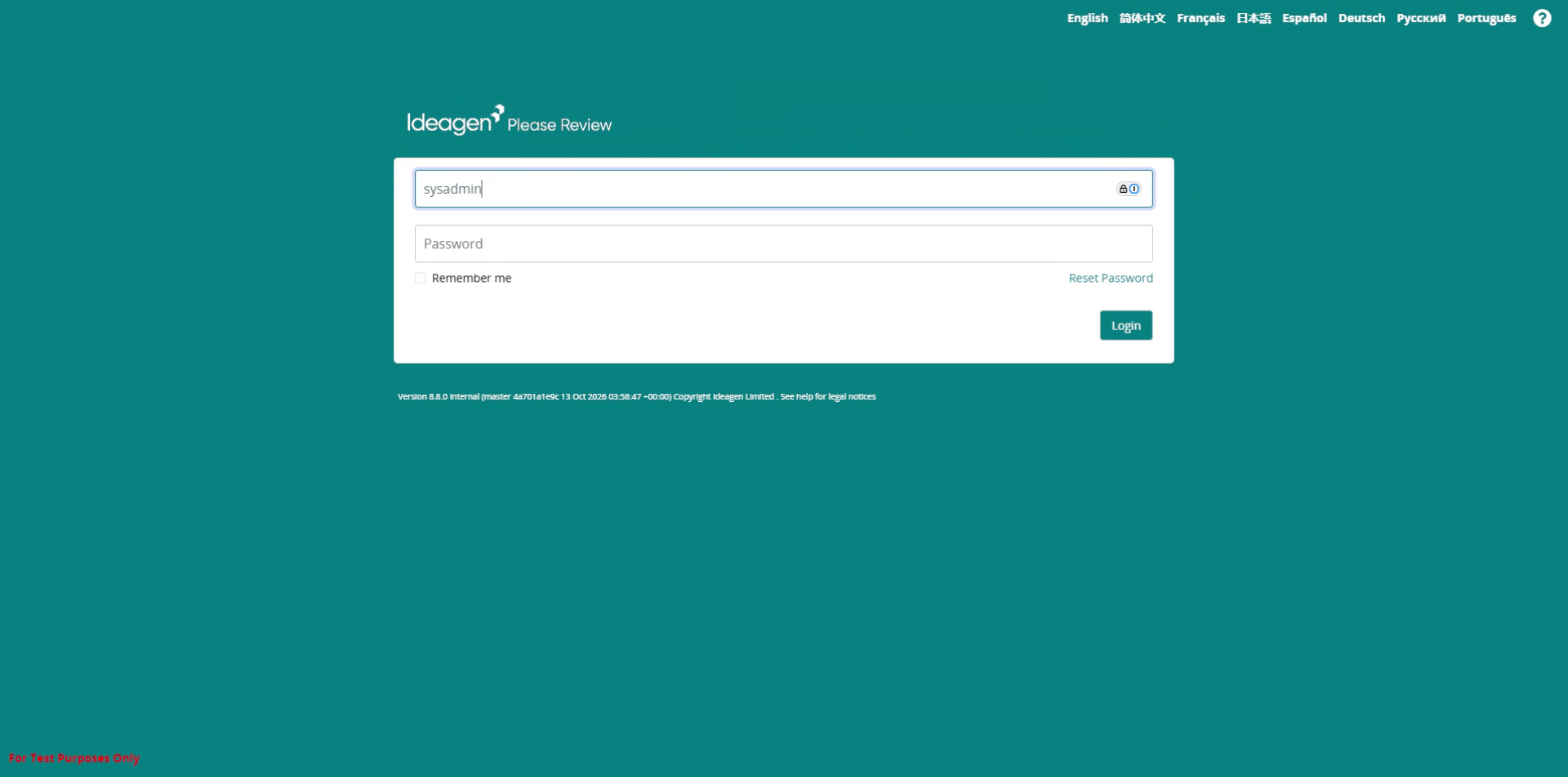
Log into the system.
-
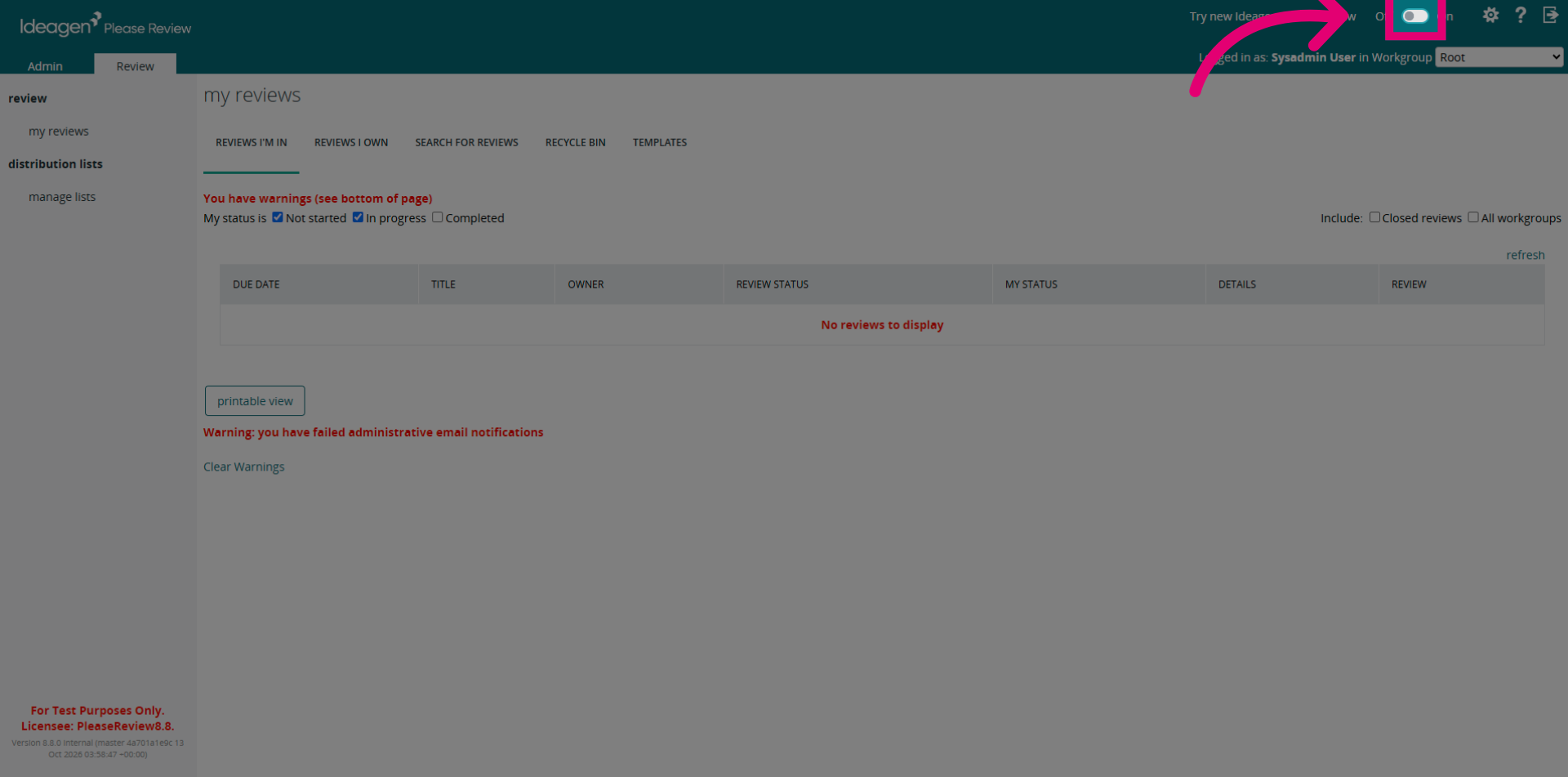
Switch to the new UI by clicking the toggle, if the toggle is off.
-
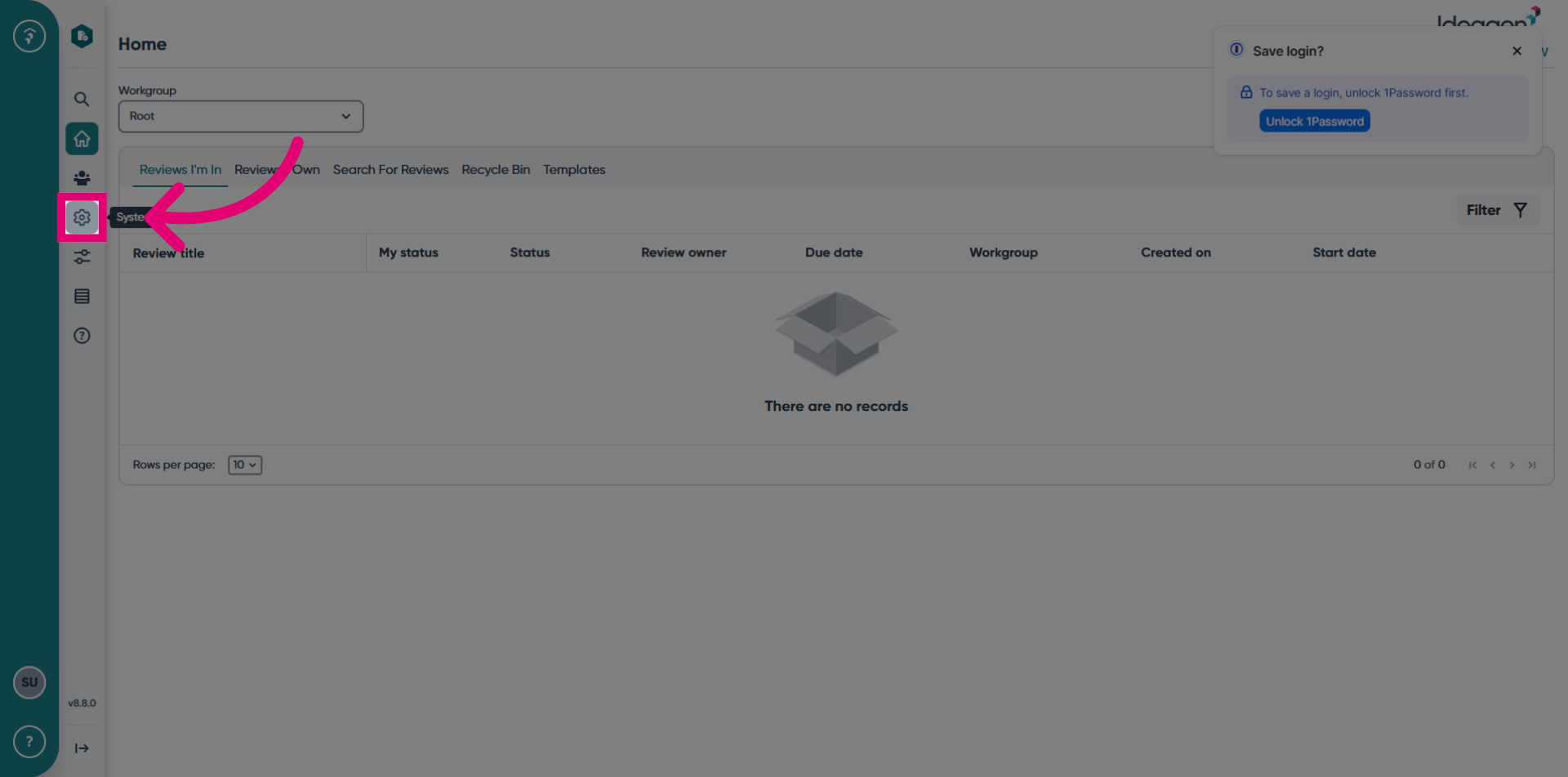
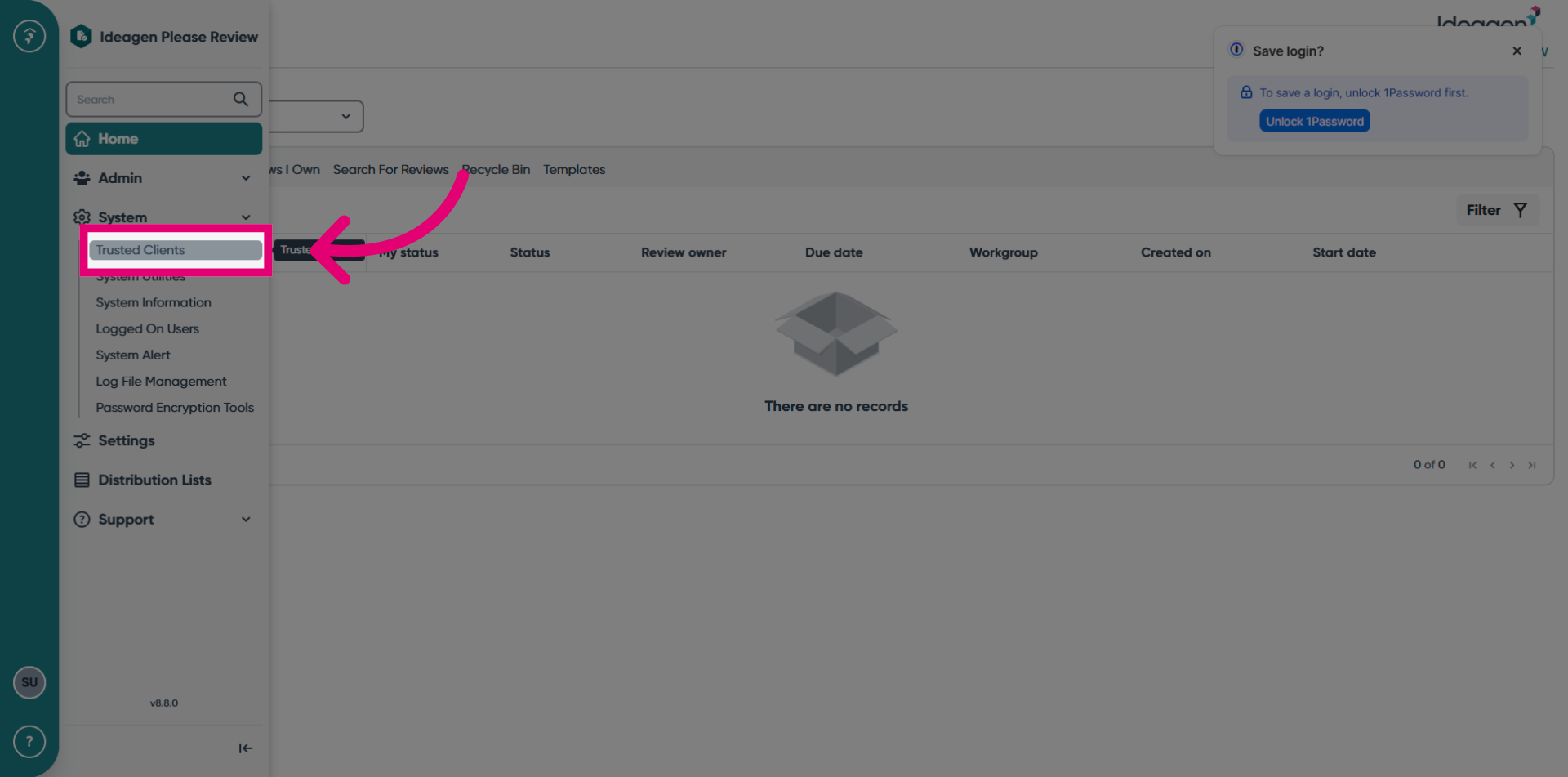
Click the System button.
-
Select the Trusted Clients option.
-
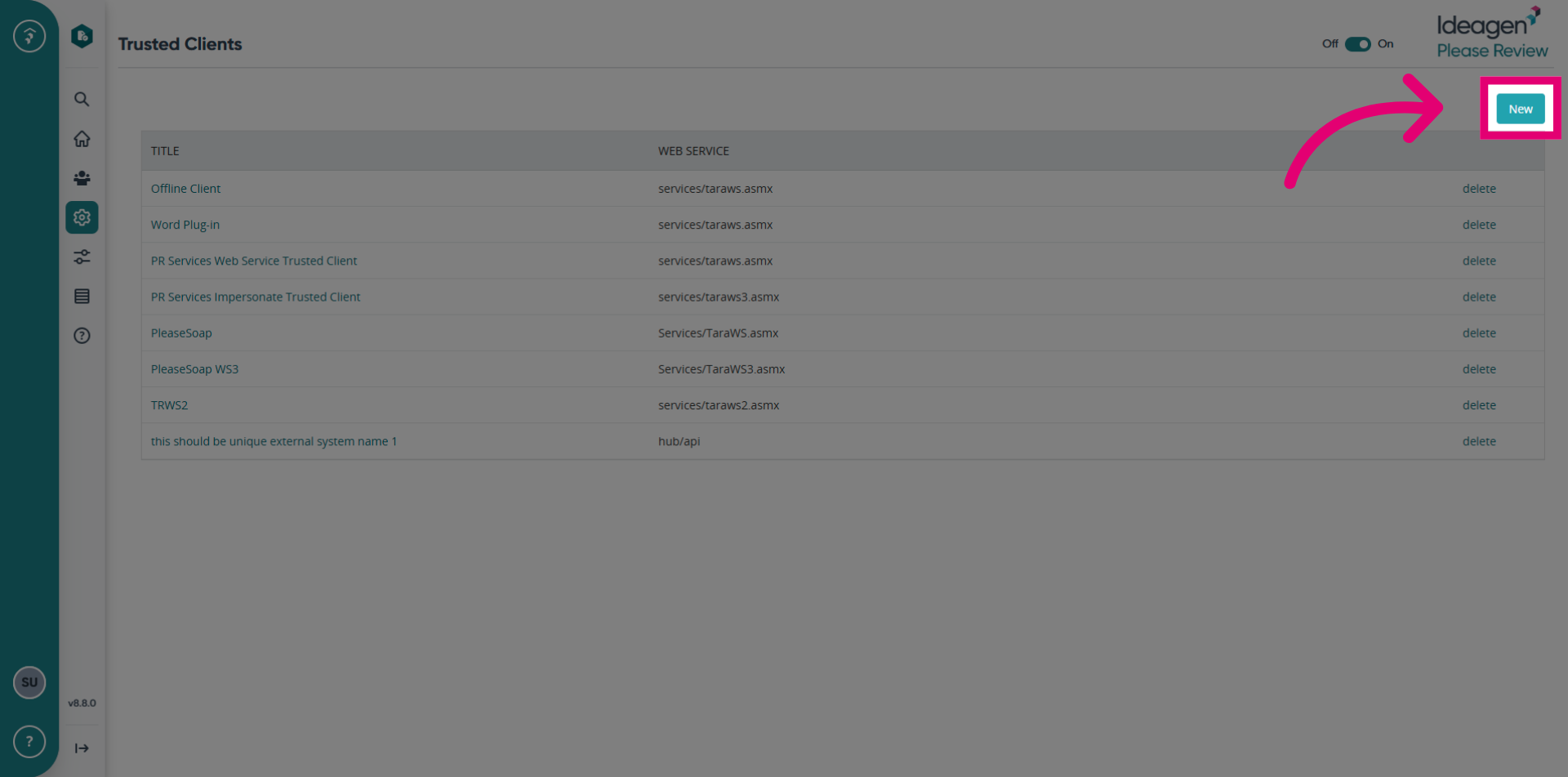
Click the New button to start adding a new trusted clients in Please Review.
-
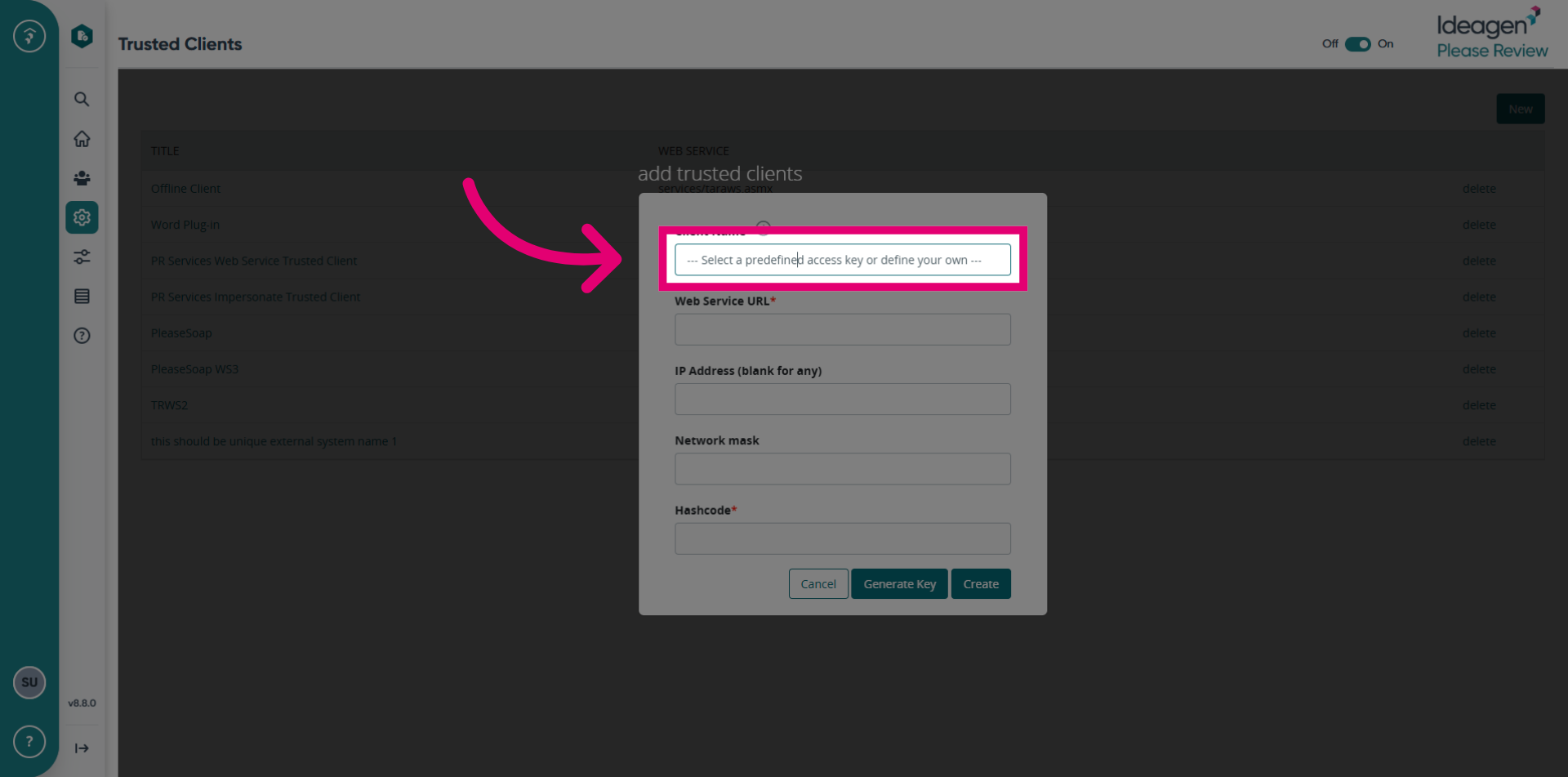
Enter the Client Name. This is the unique name of the external system. Eg: REST API - IQMP.
-
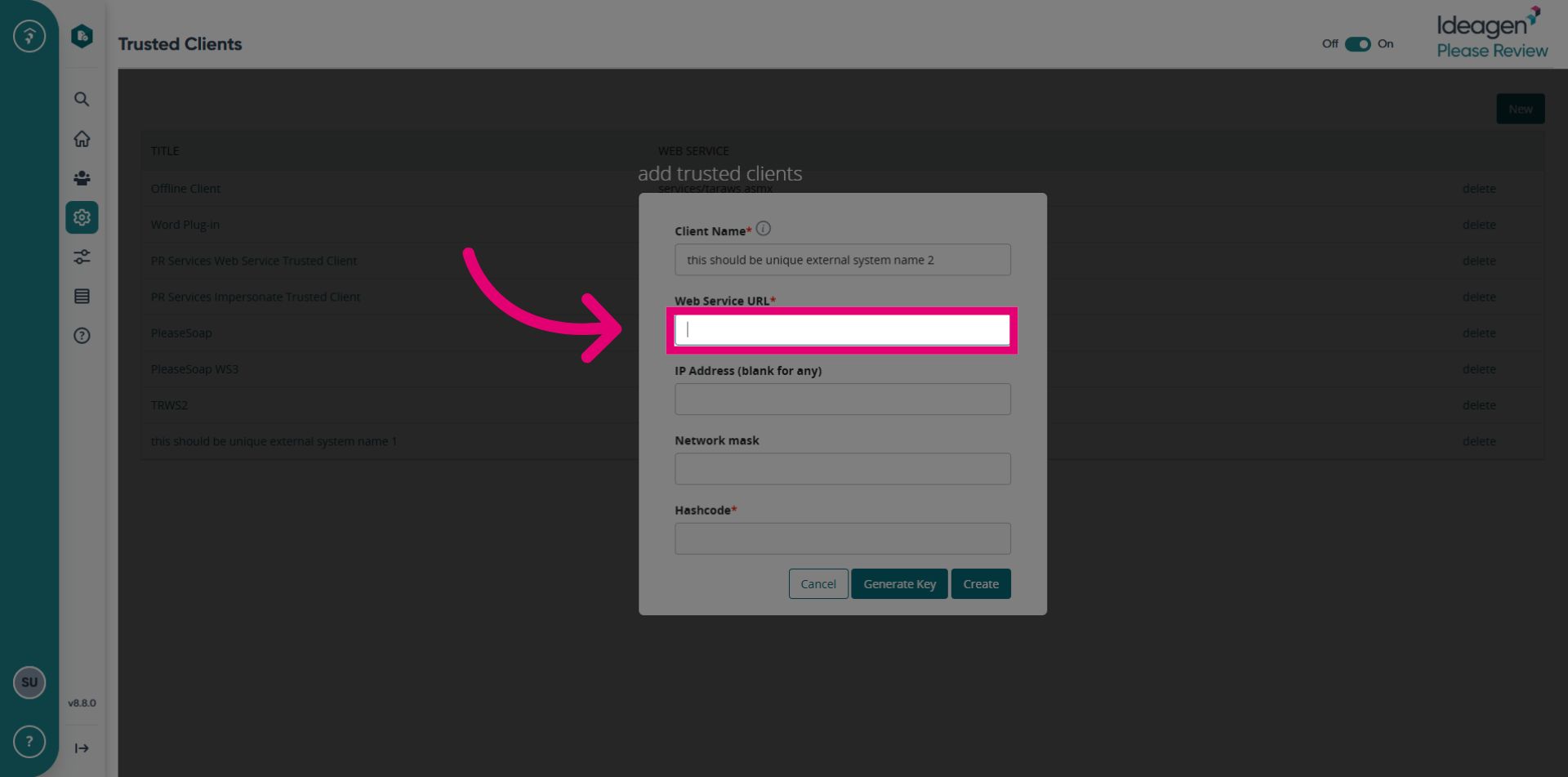
Enter hub/api for Web Service URL.
You must enter this exact value: hub/api. The Hub REST API checks this on every request. A key with a different service name is rejected with INVALID_ACCESS_KEY.
-
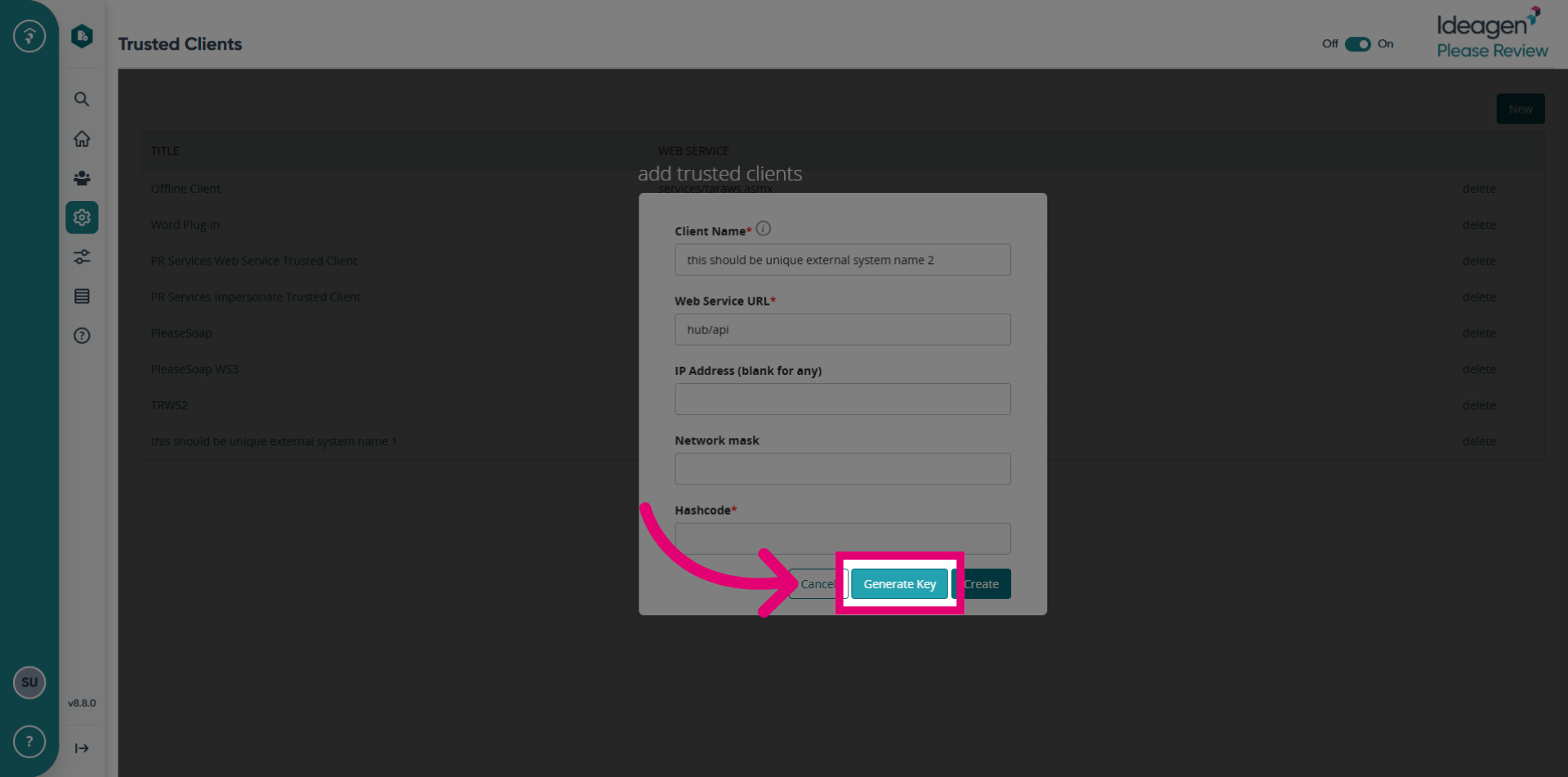
Click the Generate Key button to create a new access key for the trusted clients.
-
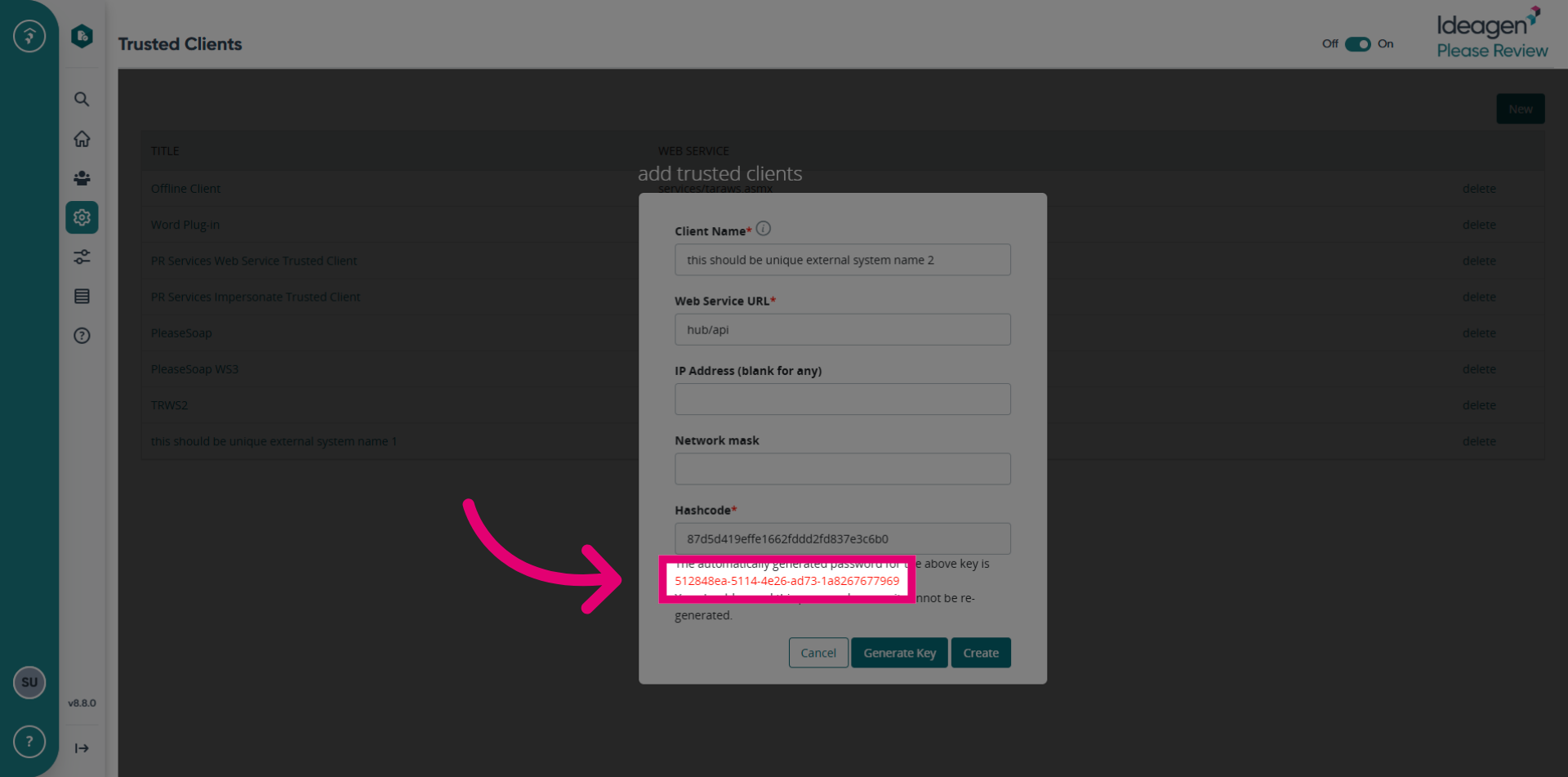
Save this access key securely, as it cannot be re-generated.
-
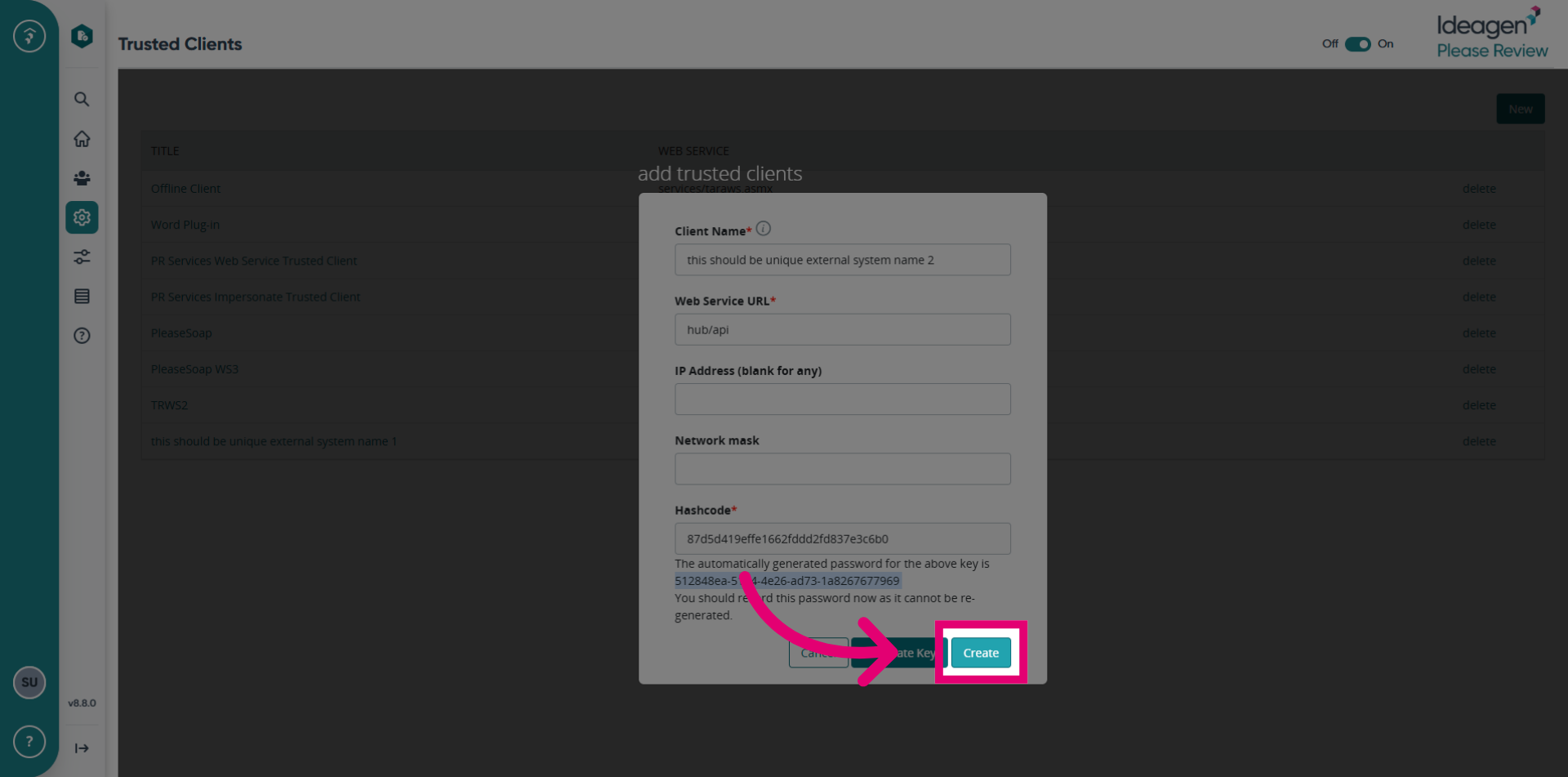
Click the Create button to save the new trusted clients configuration.
-
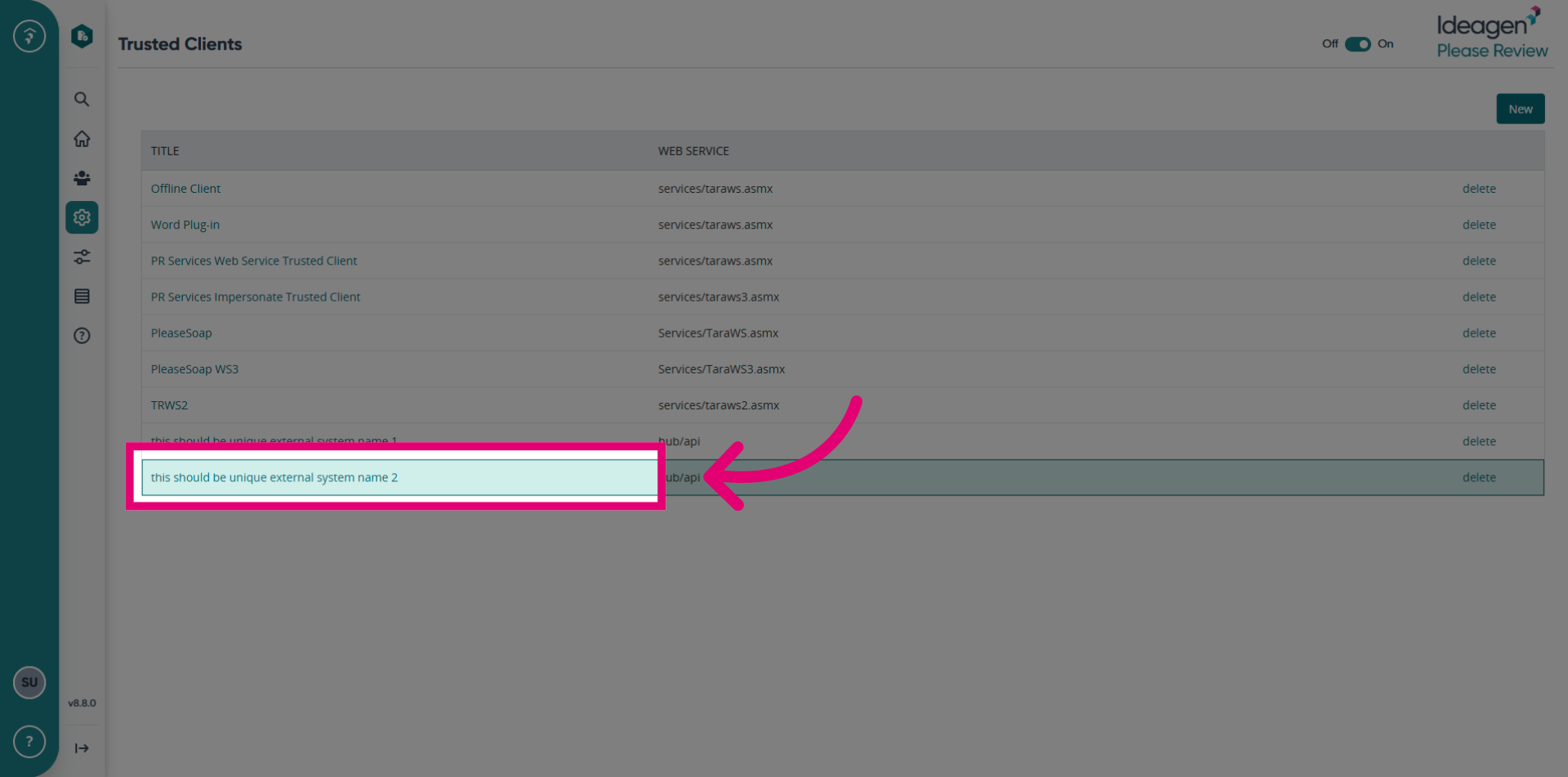
The new trusted clients has been created successfully.