New article
Recently updated
Adding participants to a review after it has started in Veeva Vault UI

Who is this article for?
Users who want to learn to add participants to a review after it has already started.
No elevated permissions are required.
This demo showcases how to add participants to a review after it has started in Veeva Vault UI.
You will learn how to add both external users and Vault users as reviewers or authors to an active review.
Adding participants to an active review
Navigate to the inbox and find your review.
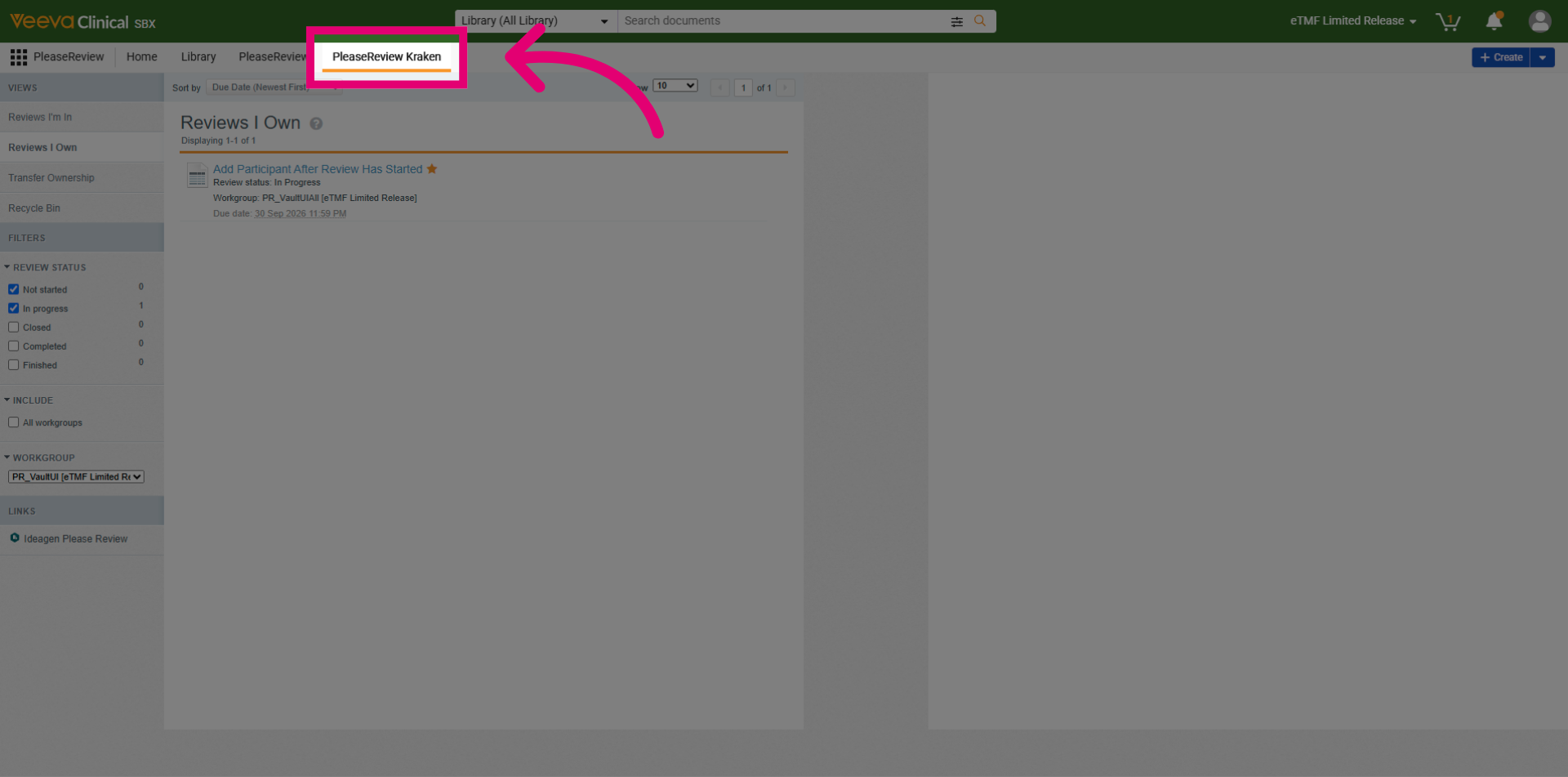
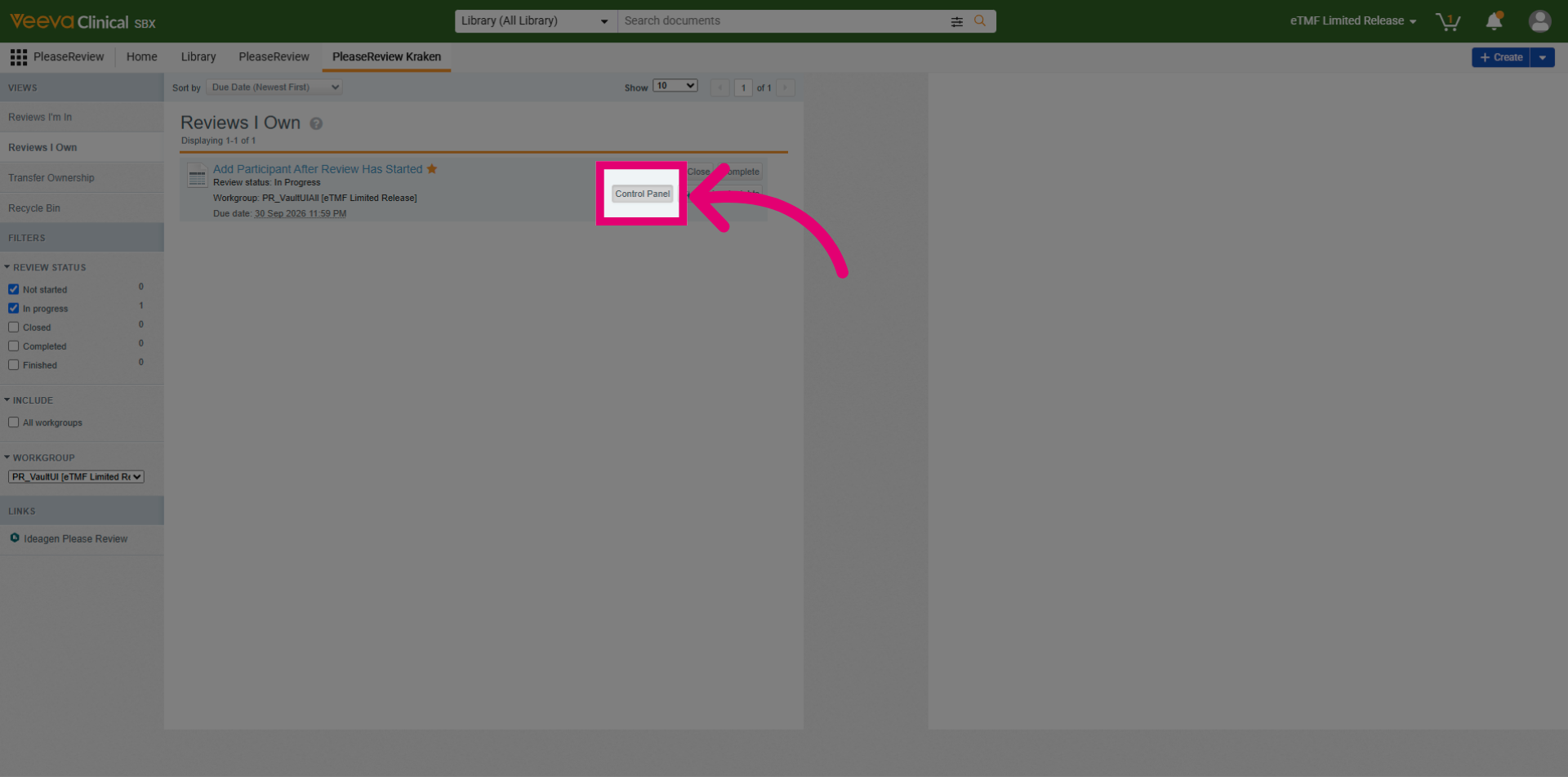
Select the Control Panel button.
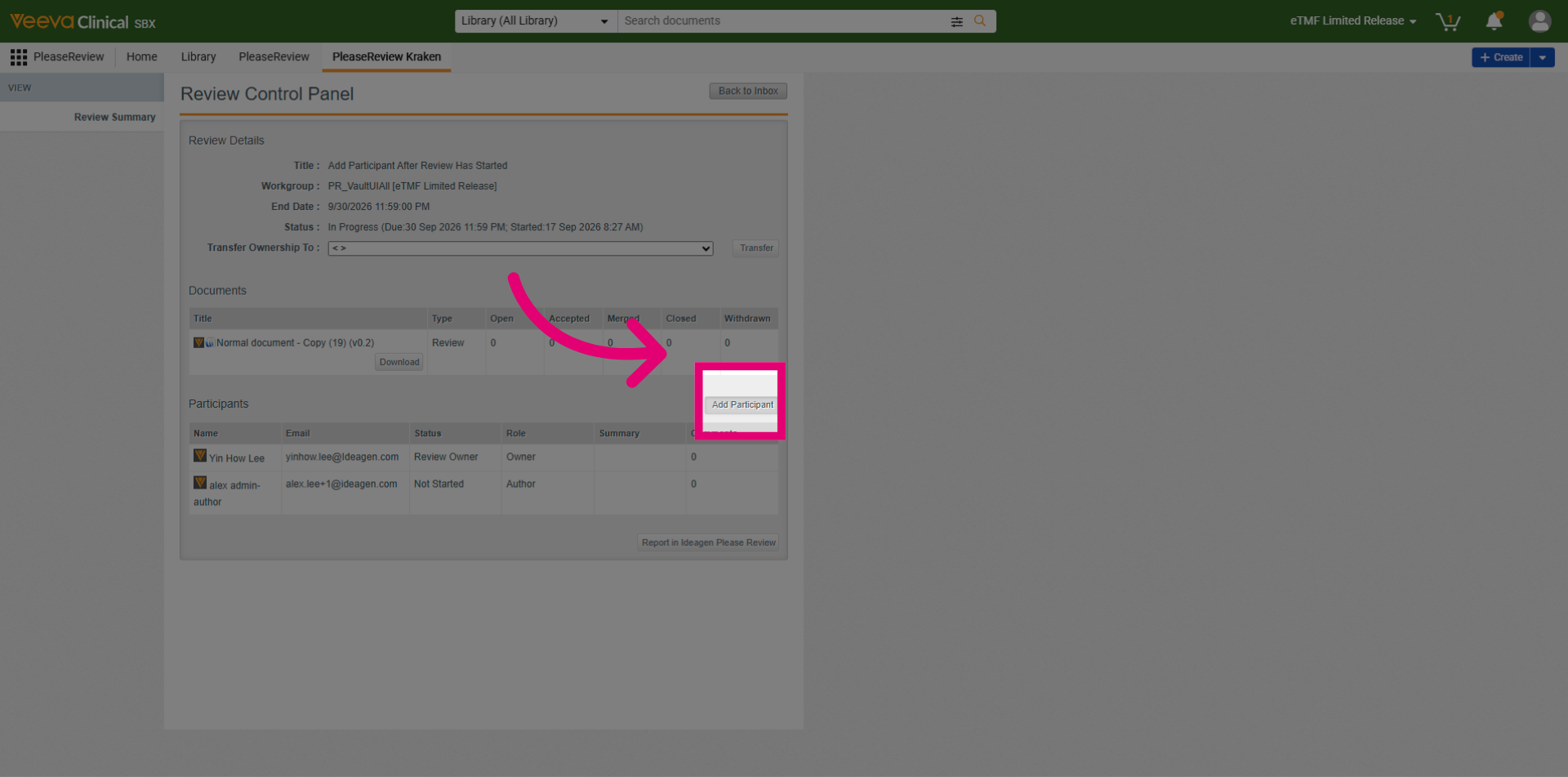
Click the Add Participant button.
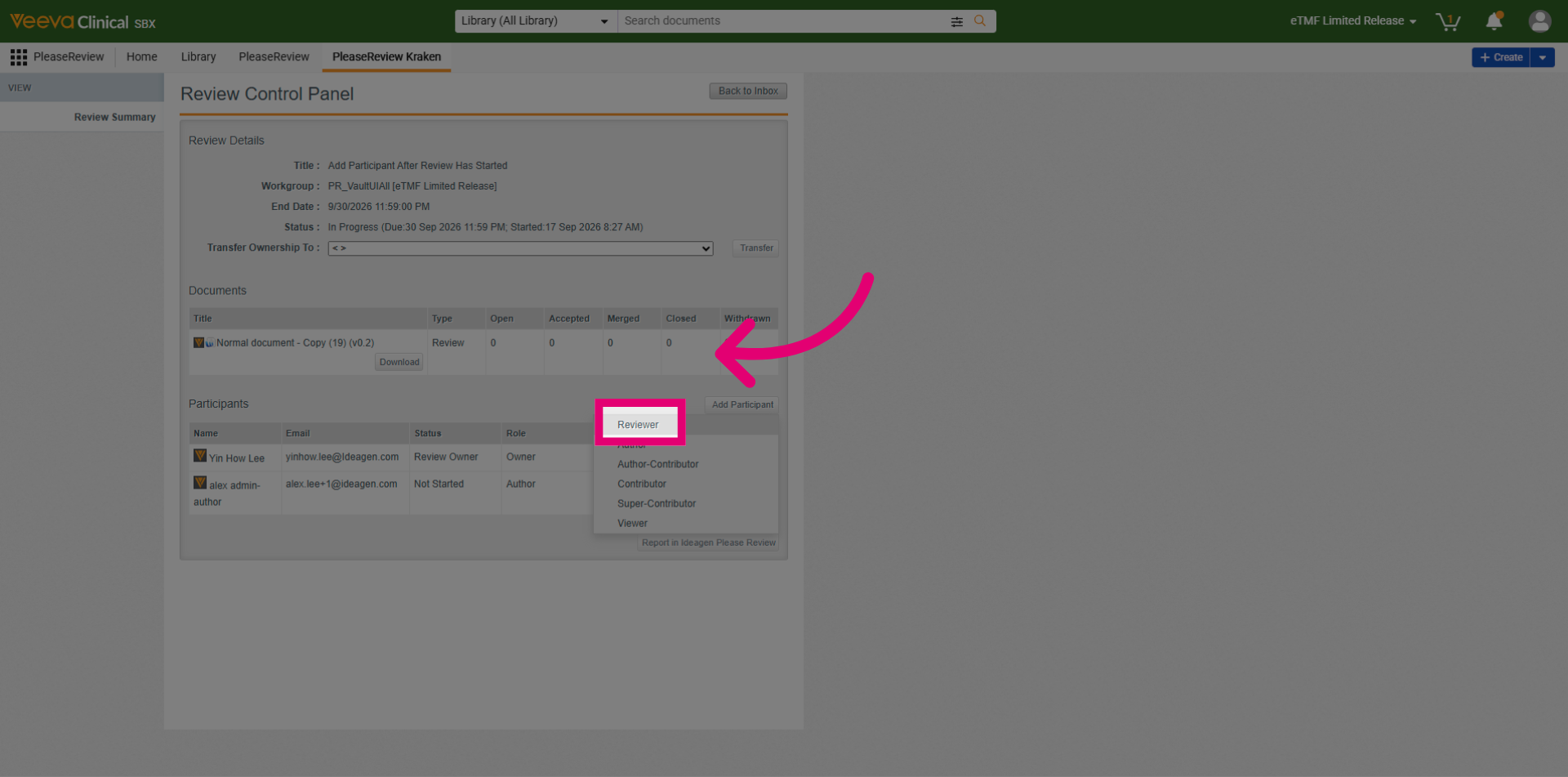
In this example, a Reviewer needs to be added. Click the Reviewer role.
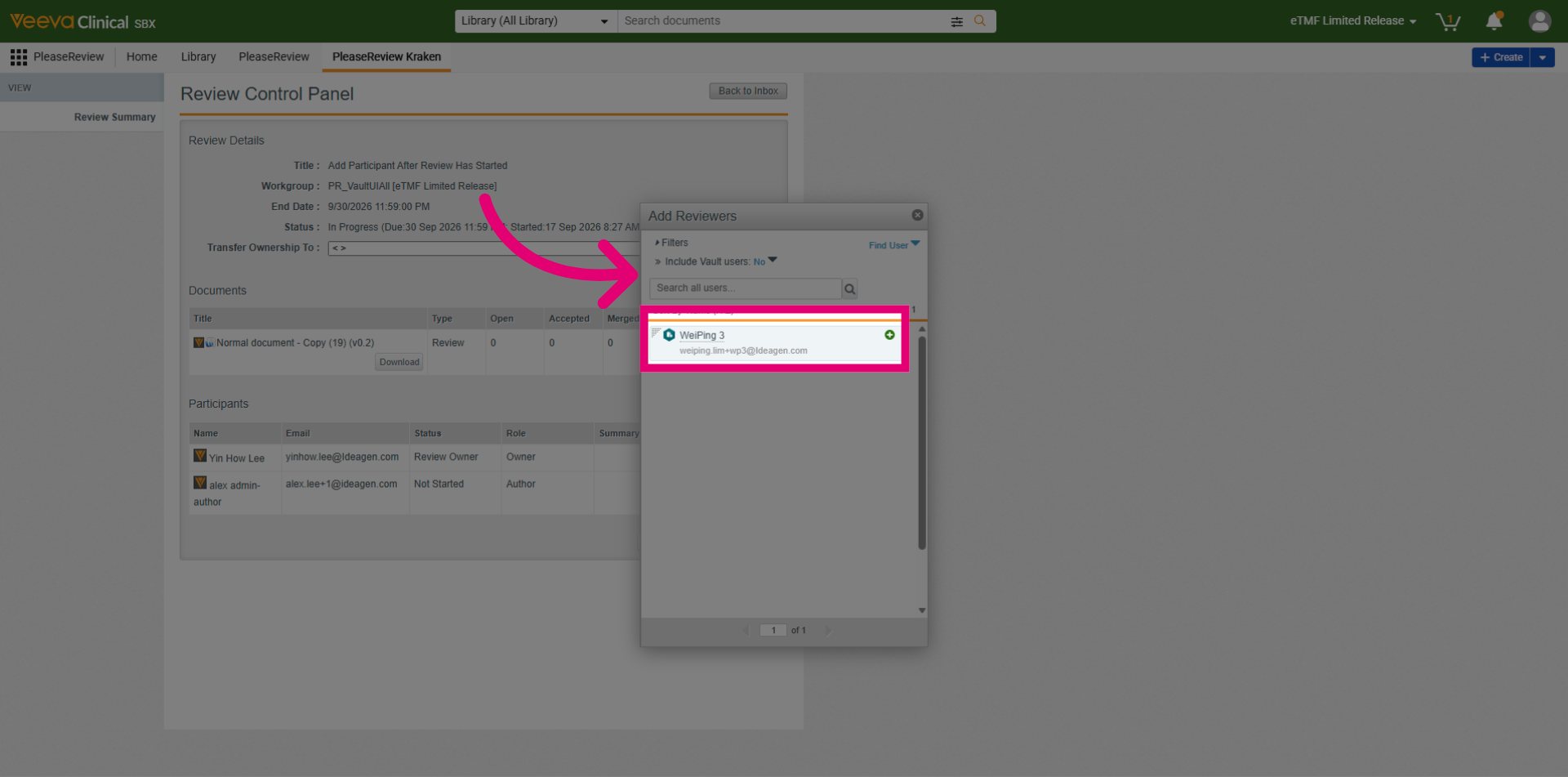
Let's add an external user as a reviewer. Click the + button to add the user as a reviewer.
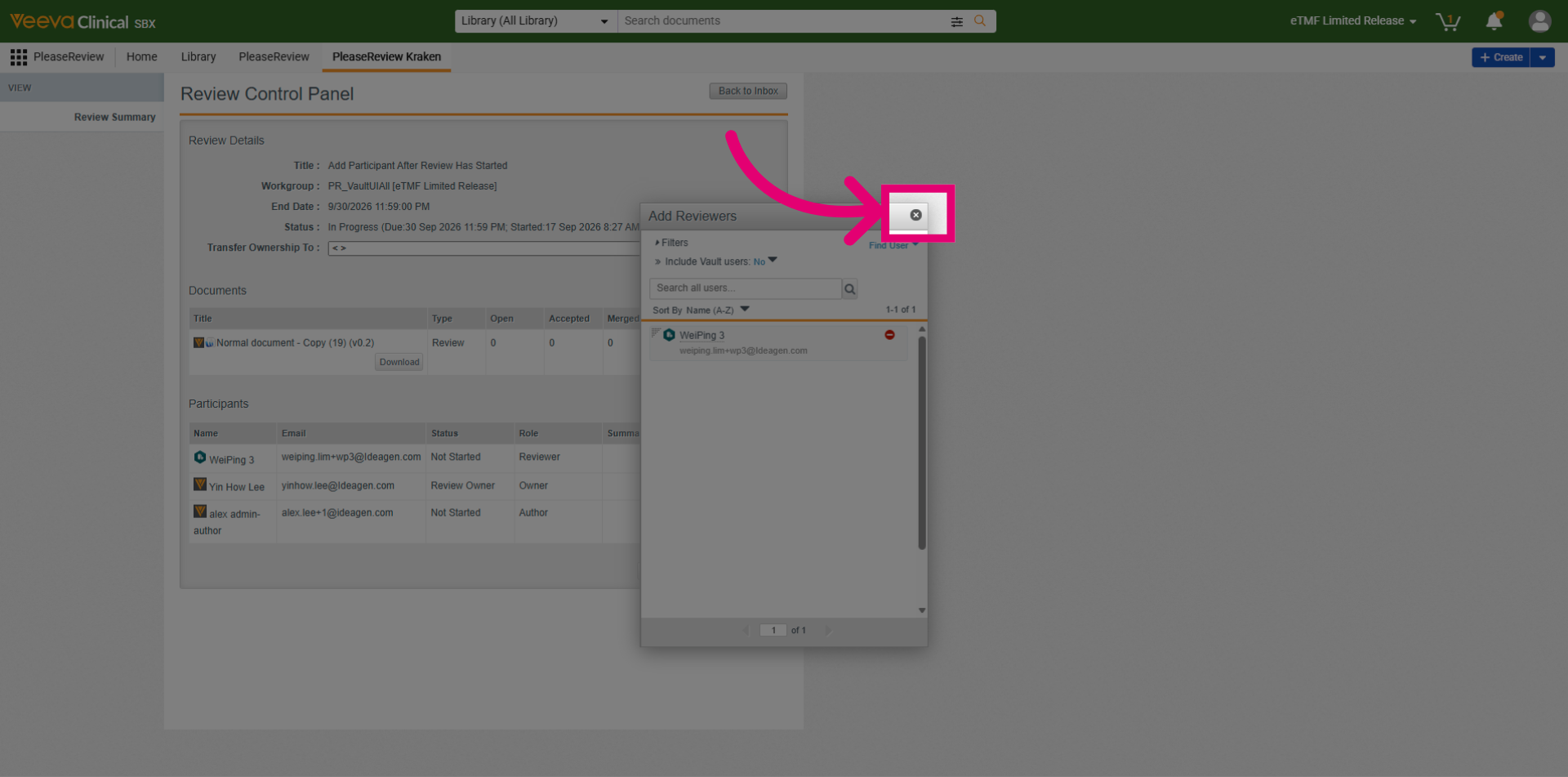
Click the x to close the Add Participant dialog.
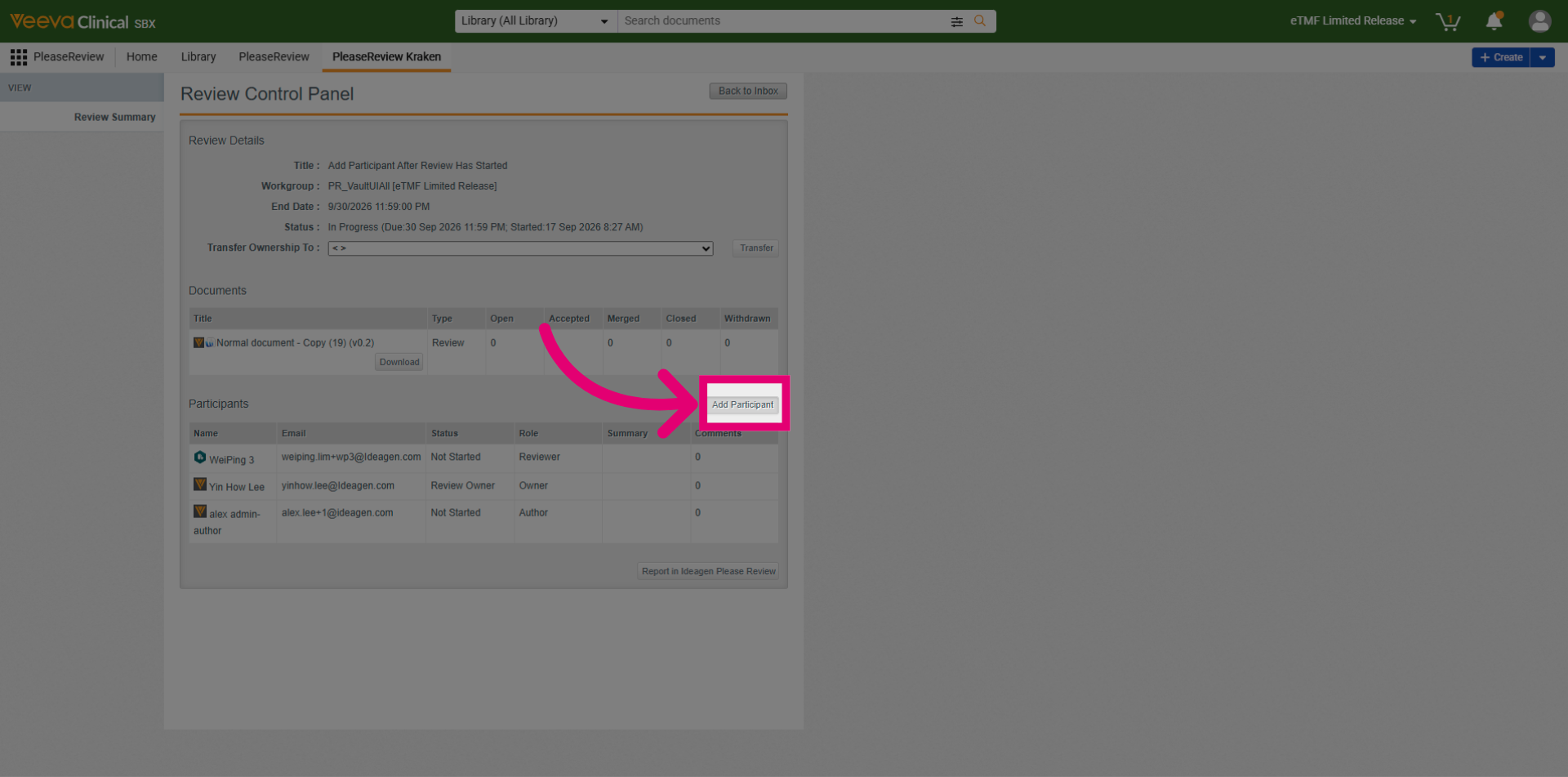
Let's add Vault user this time. Select the Add Participant button.
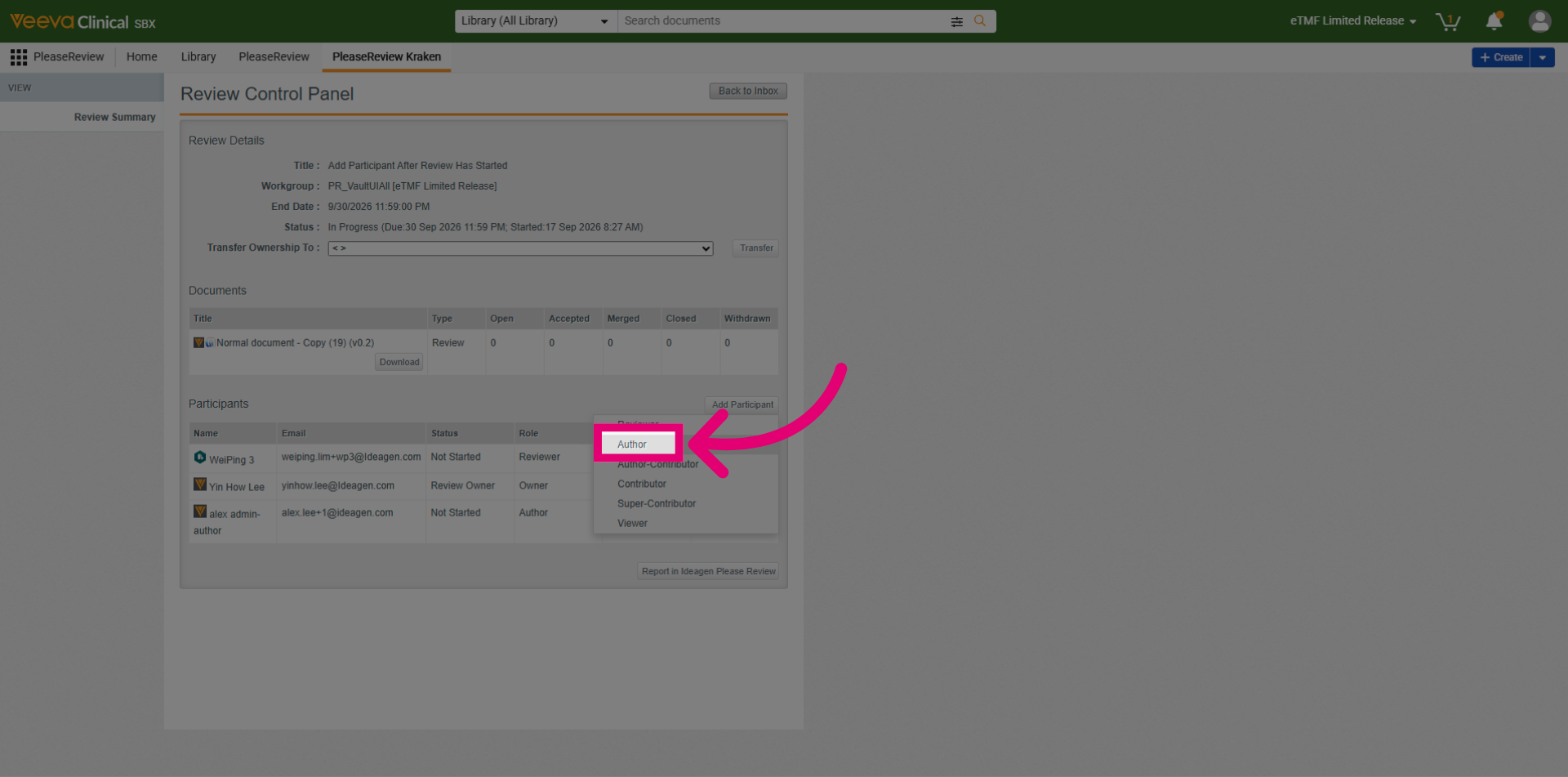
To add an author into a review, click Author.
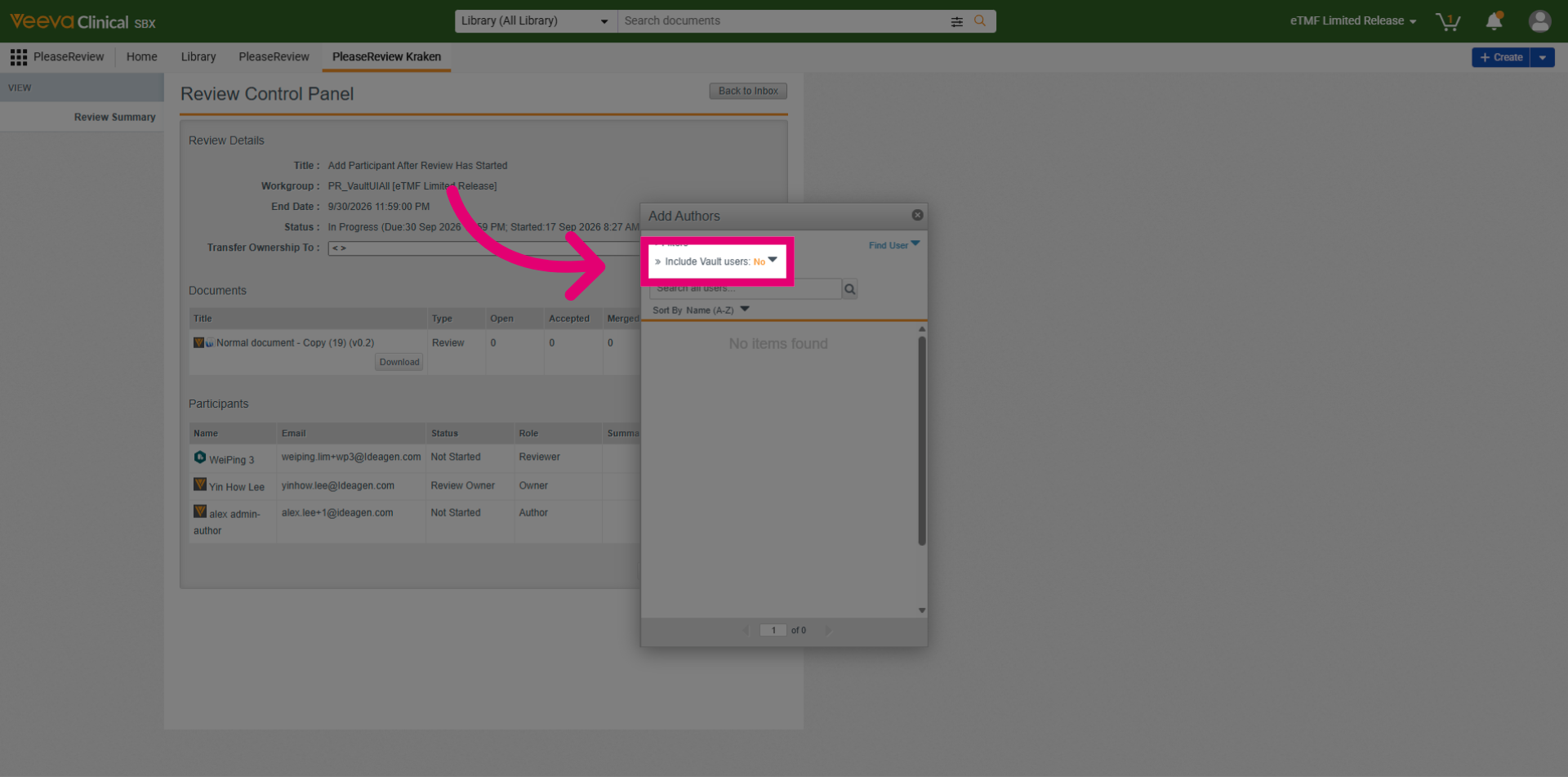
Click the Include Vault Users dropdown.
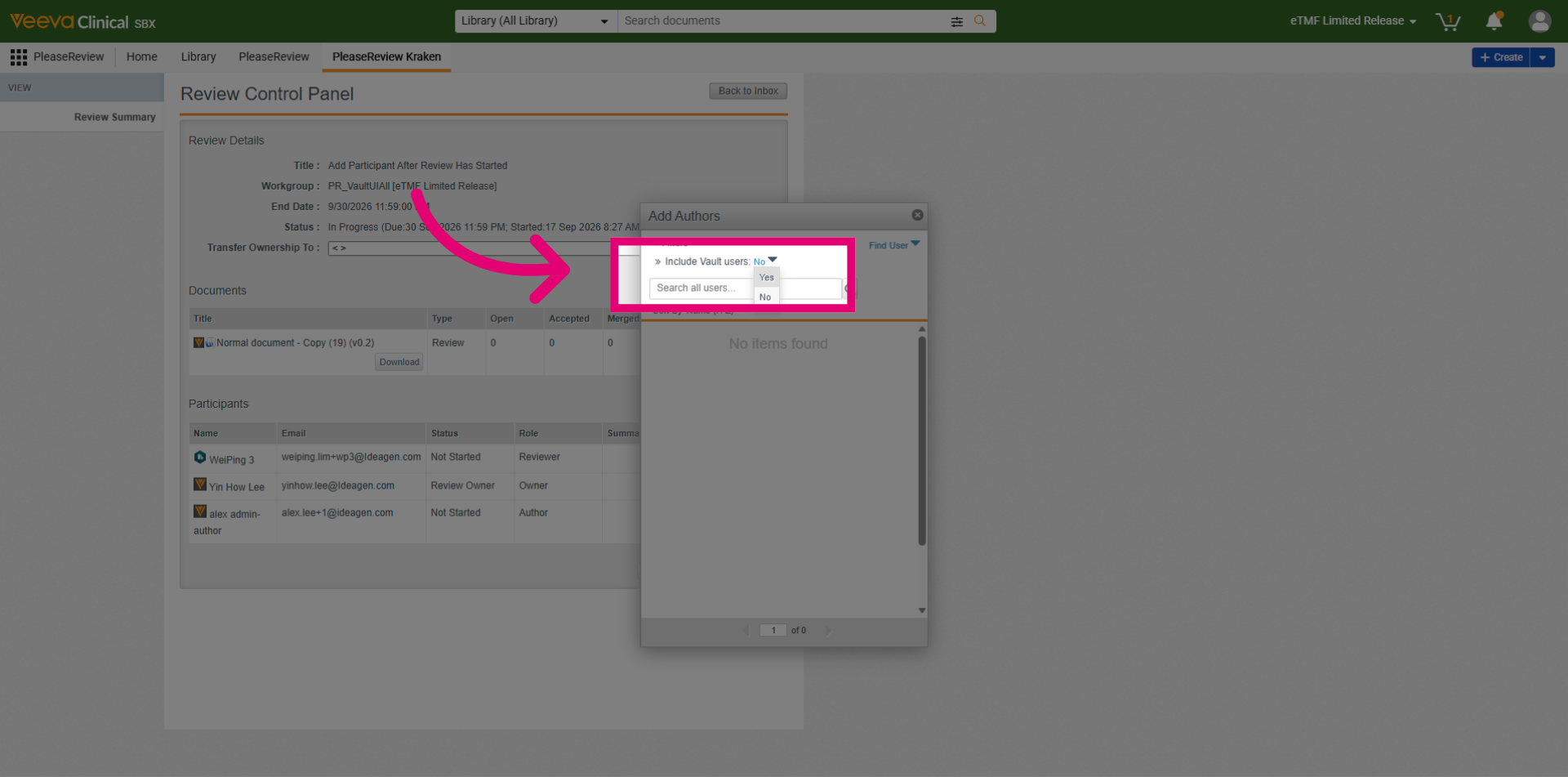
Choose Yes to include Vault Users.
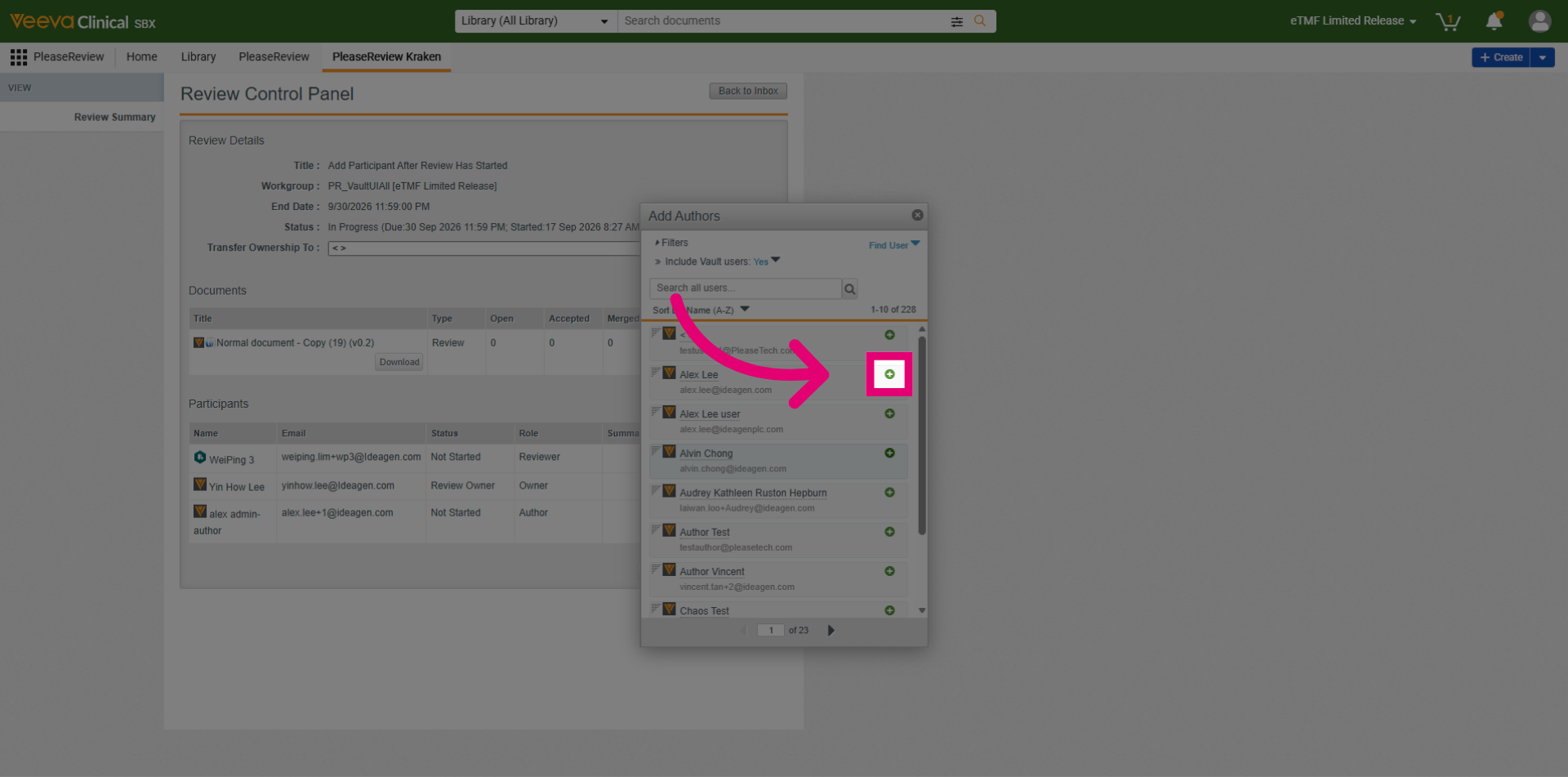
Click the + icon to add a user as an Author into the review.
Click x to close Add Participant Dialog.
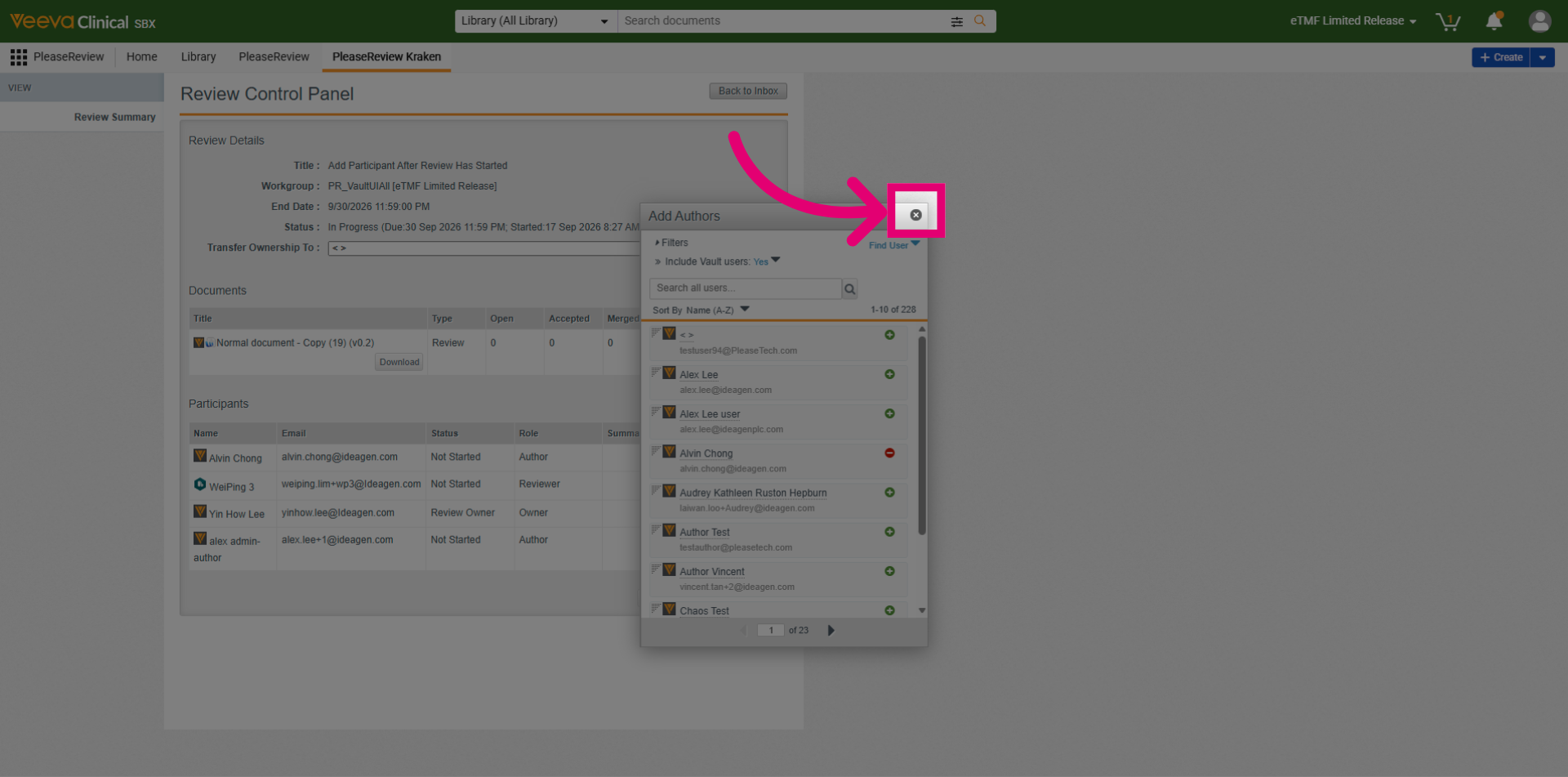
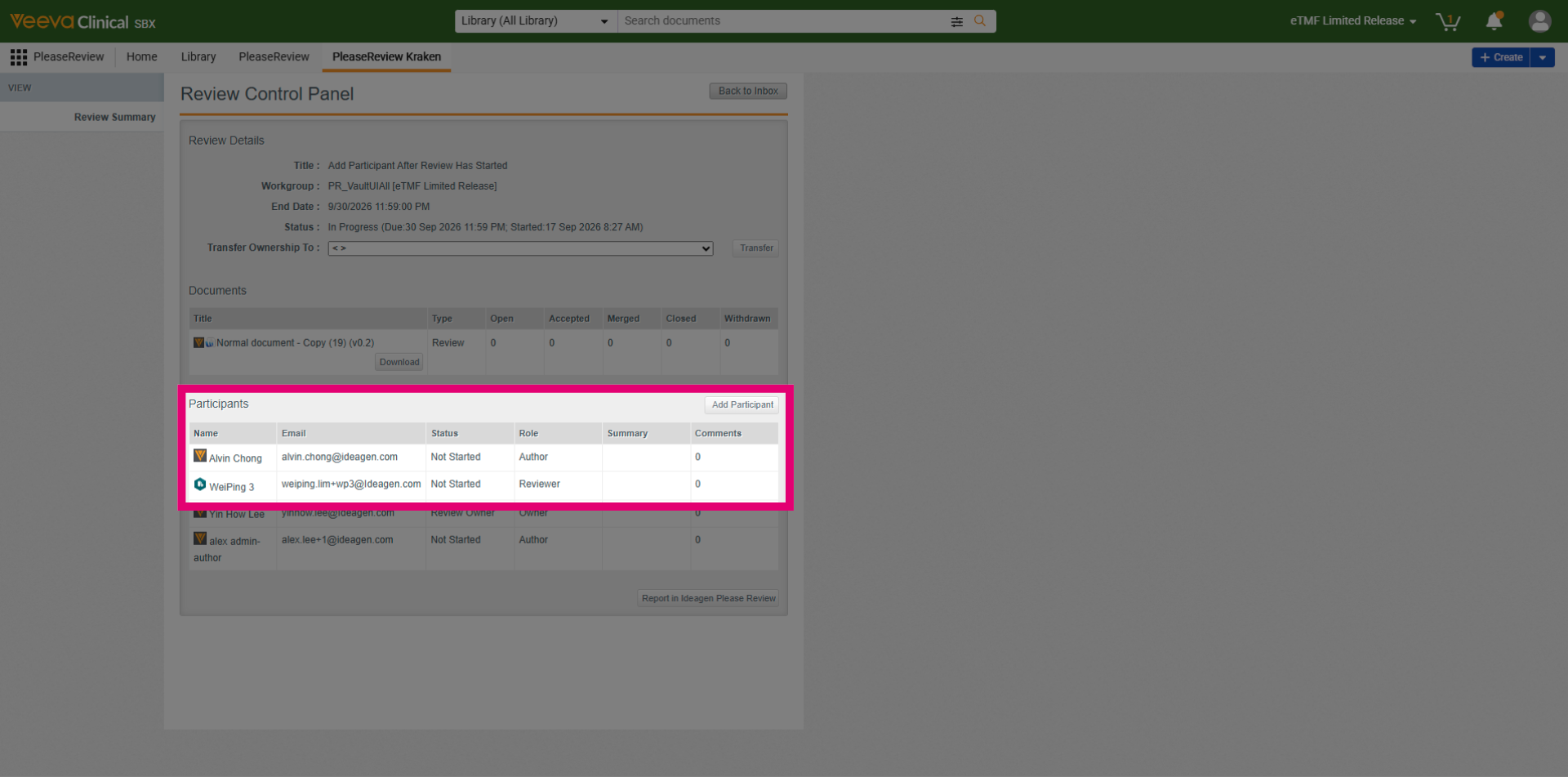
Newly added users are displayed in the Participants section.
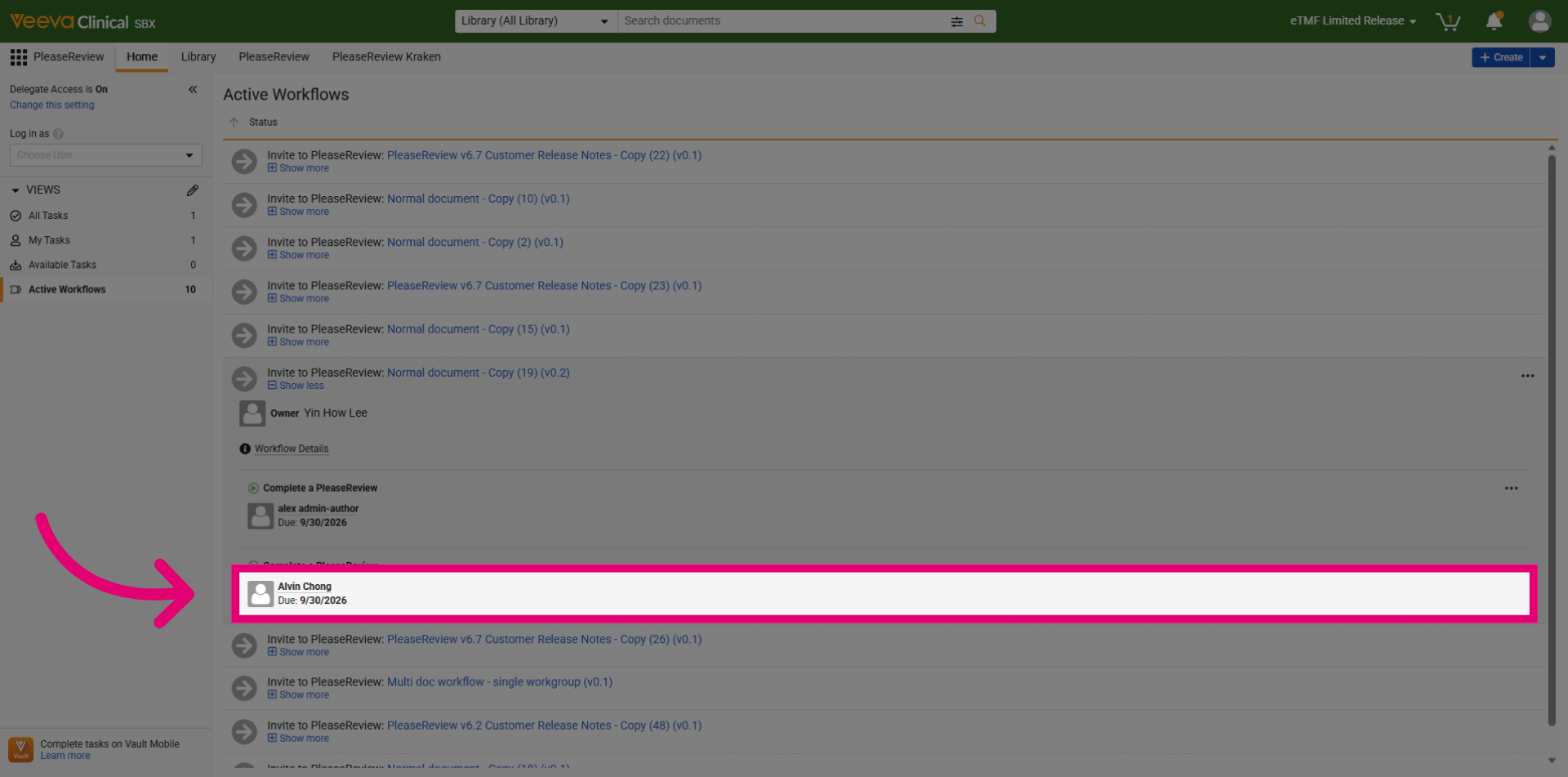
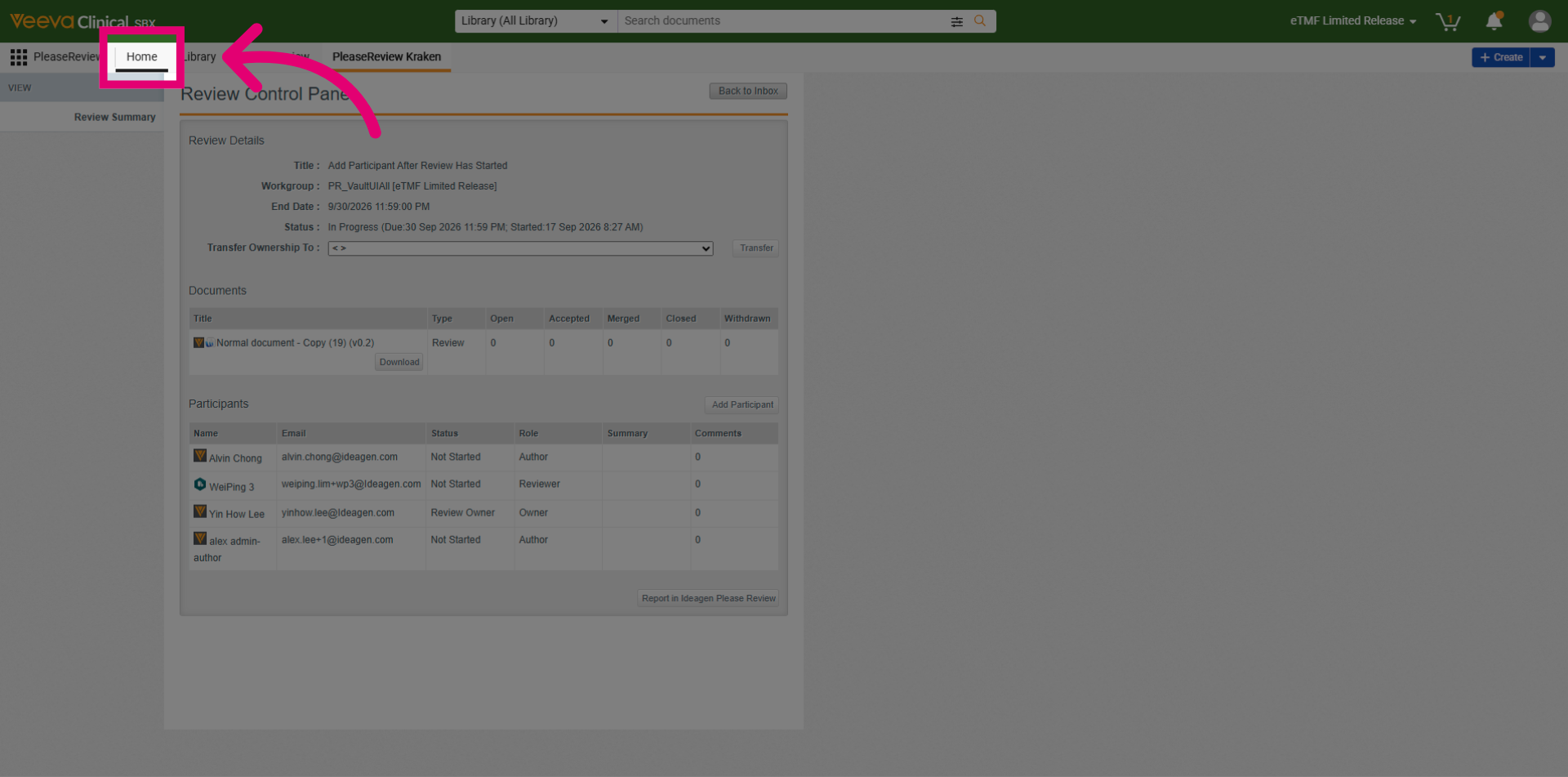
Let's verify the Vault user is added into the Review Active Workflow. Select the Home button.
Expand the workflow section to view more detailed information about active processes.
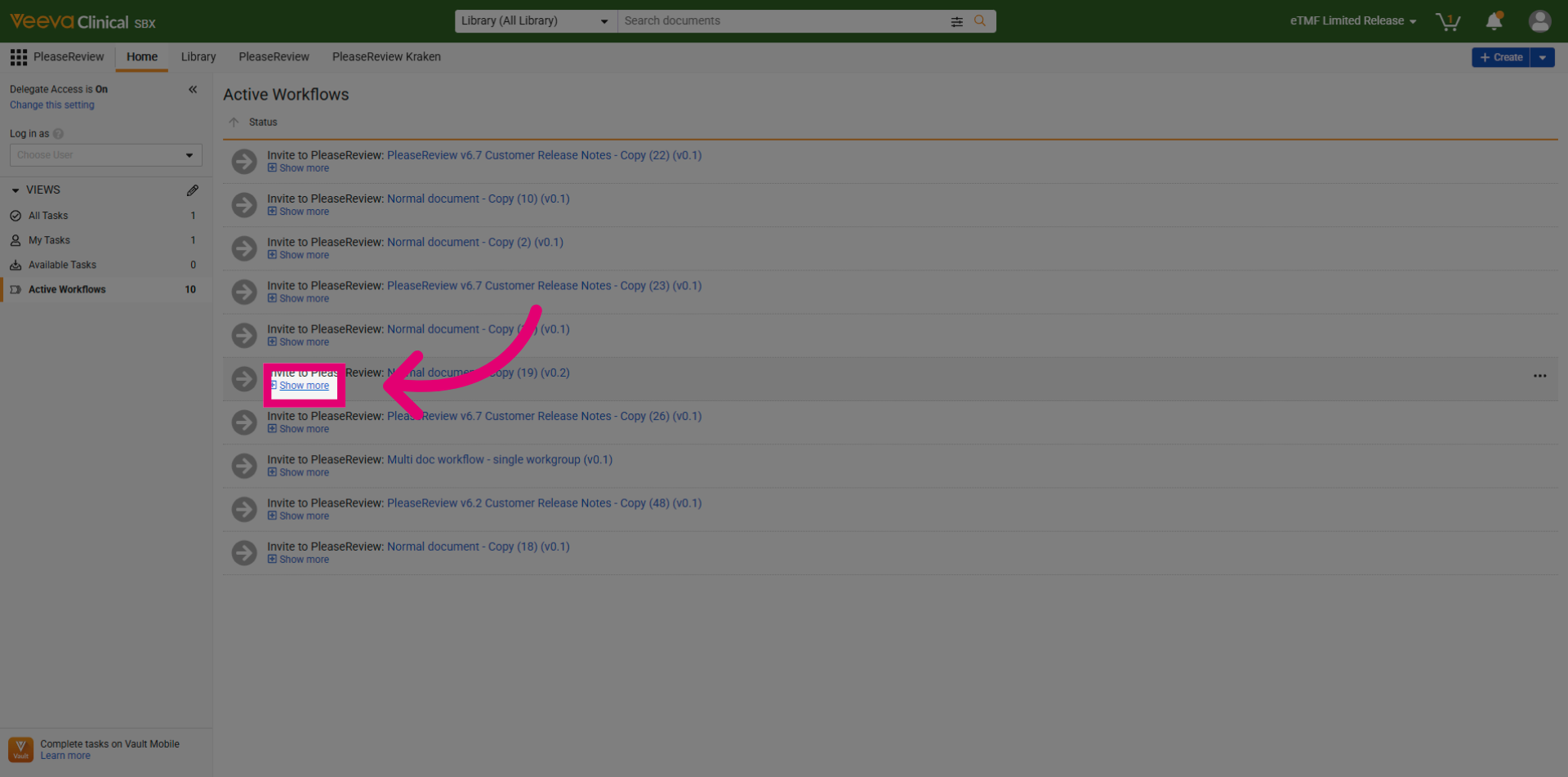
Vault user is added into the Review Active Workflow.