New article
Recently updated
Using the Hub integration: Cascade logout initiated from the Hub

Who is this article for?
Users who want to learn to cascade logout from the Hub.
No elevated permissions are required.
This demo showcases how to perform a cascade logout initiated from the Hub.
1. Initiating a cascade logout from the Hub
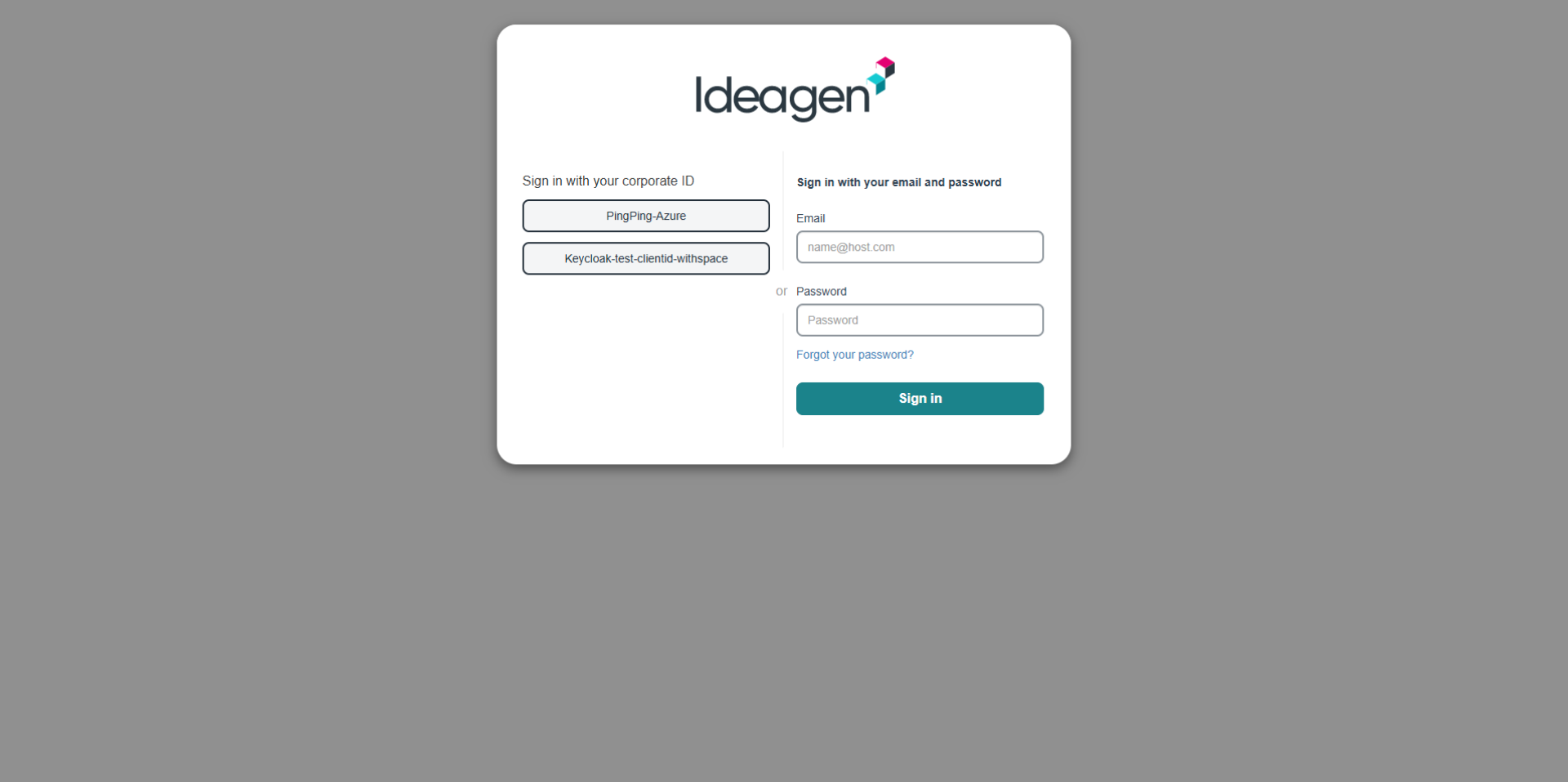
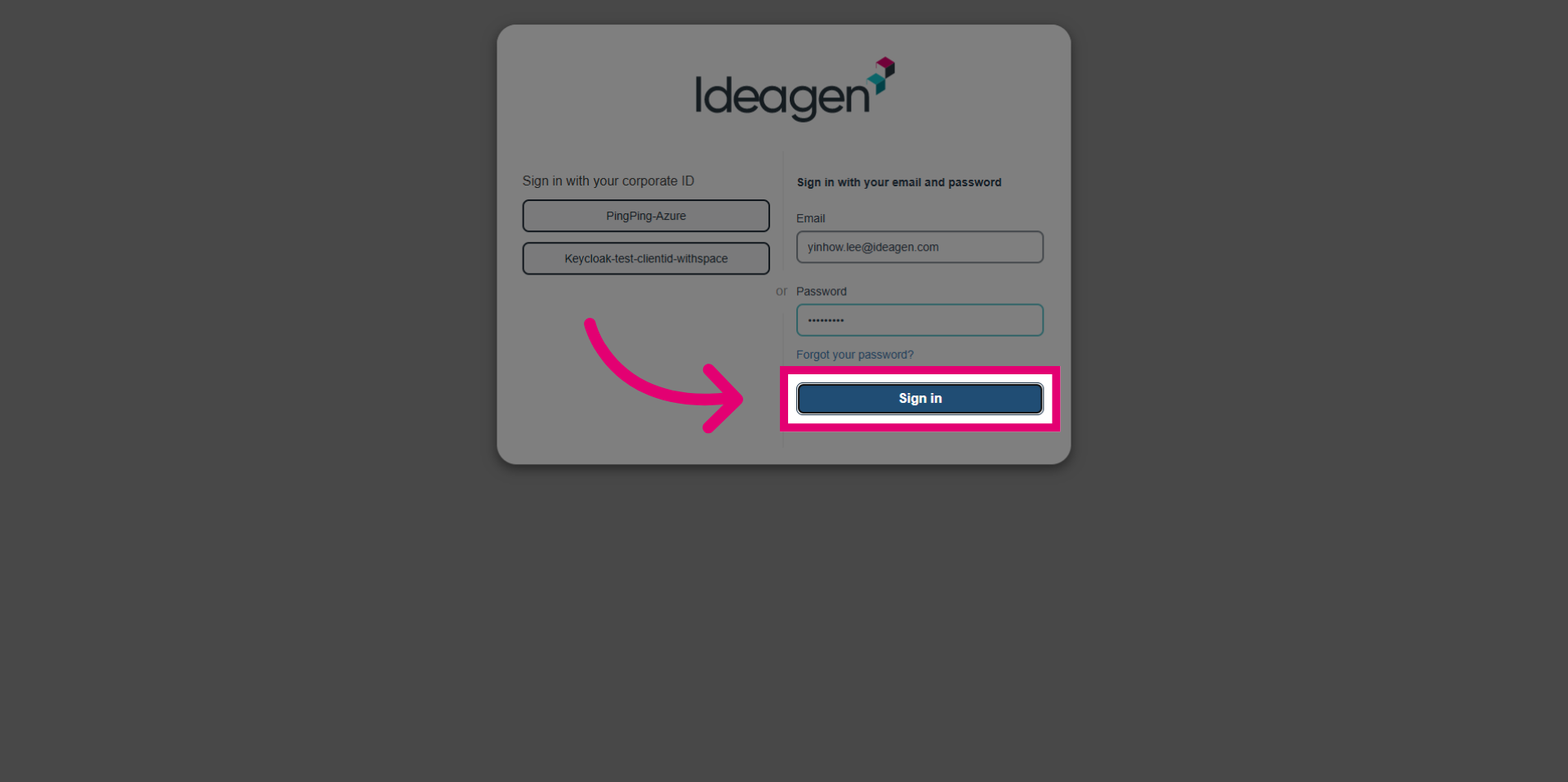
- Go to the Hub login screen.
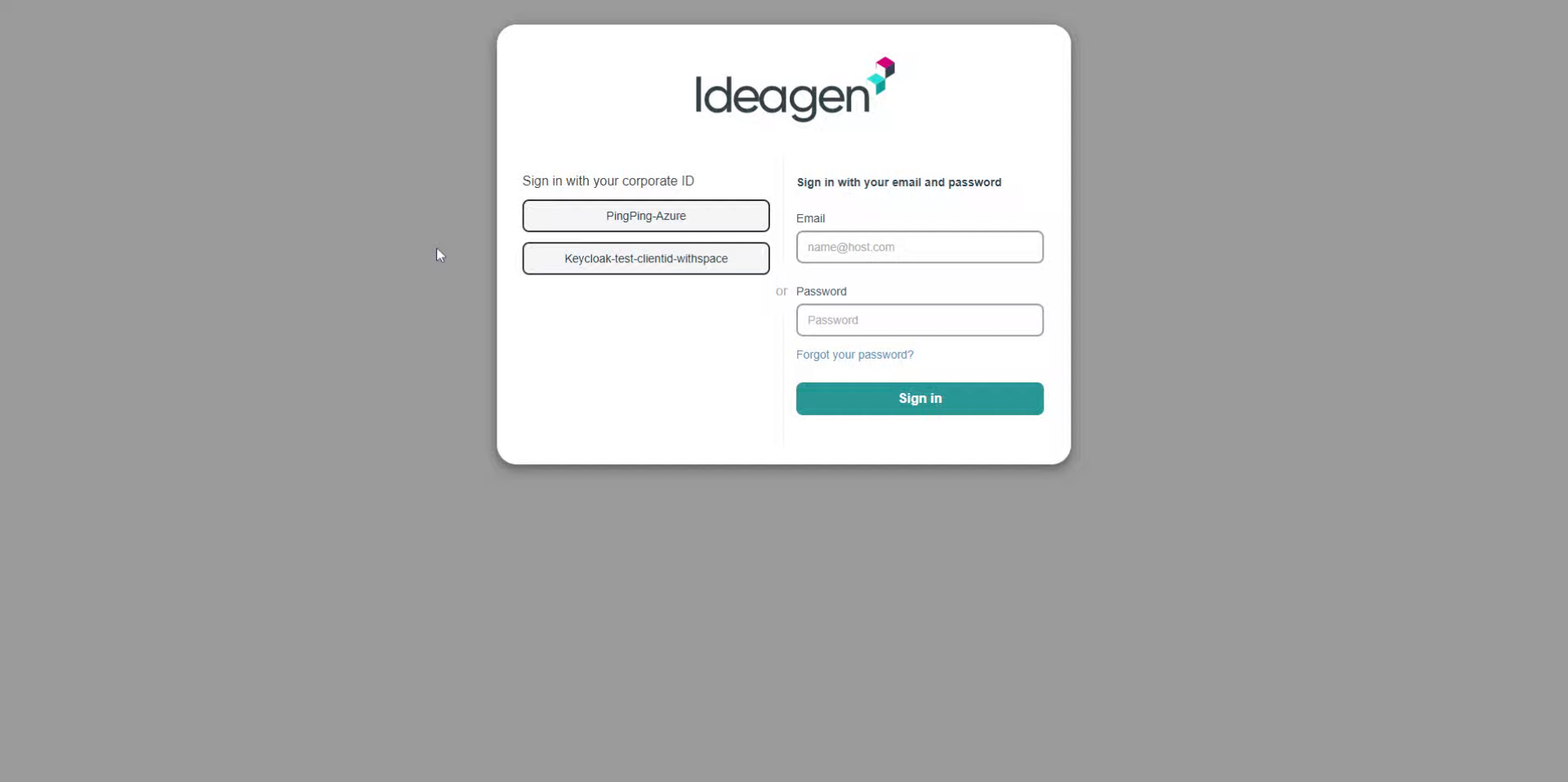
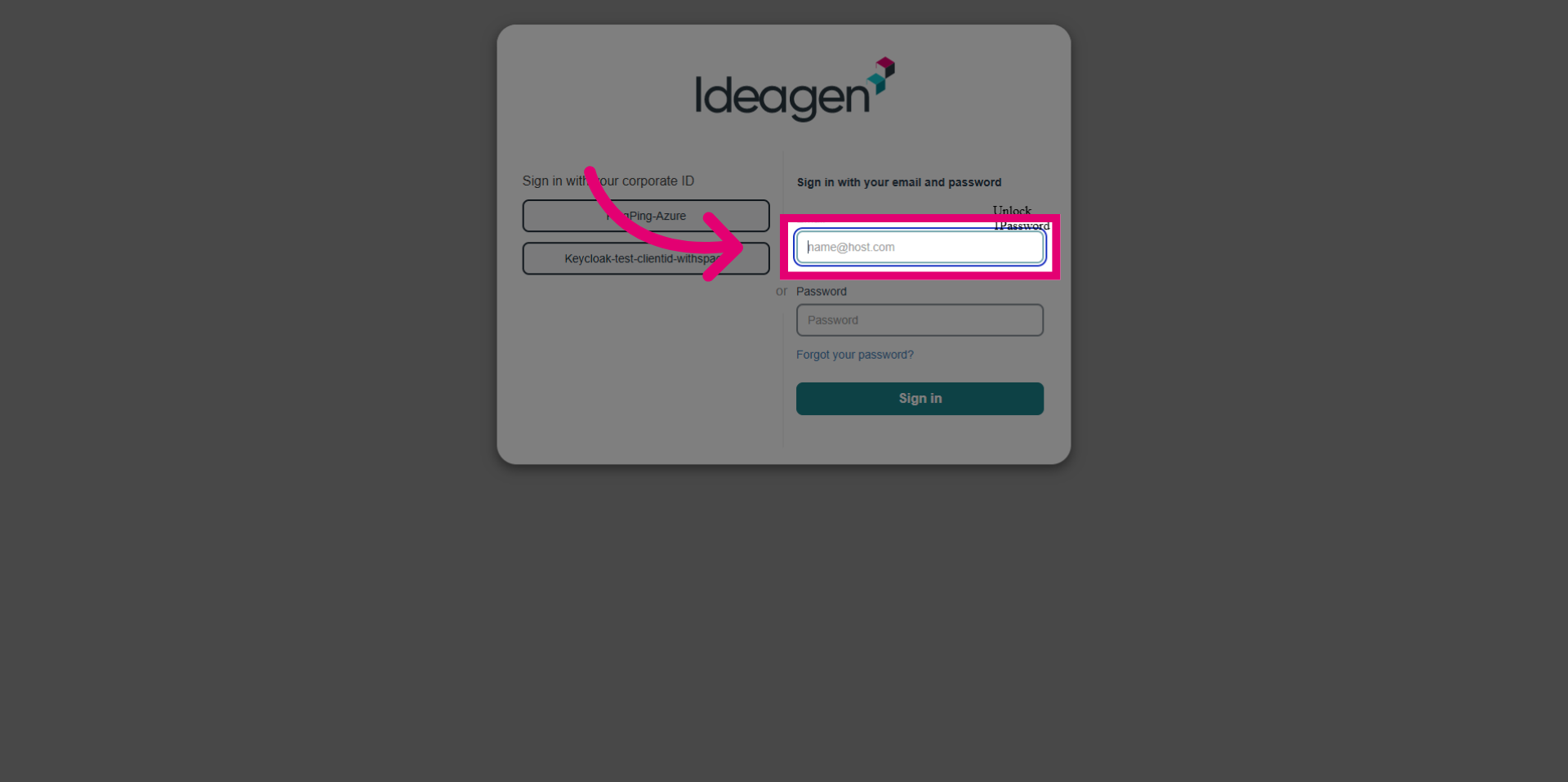
- Enter your email address to identify your user account securely.
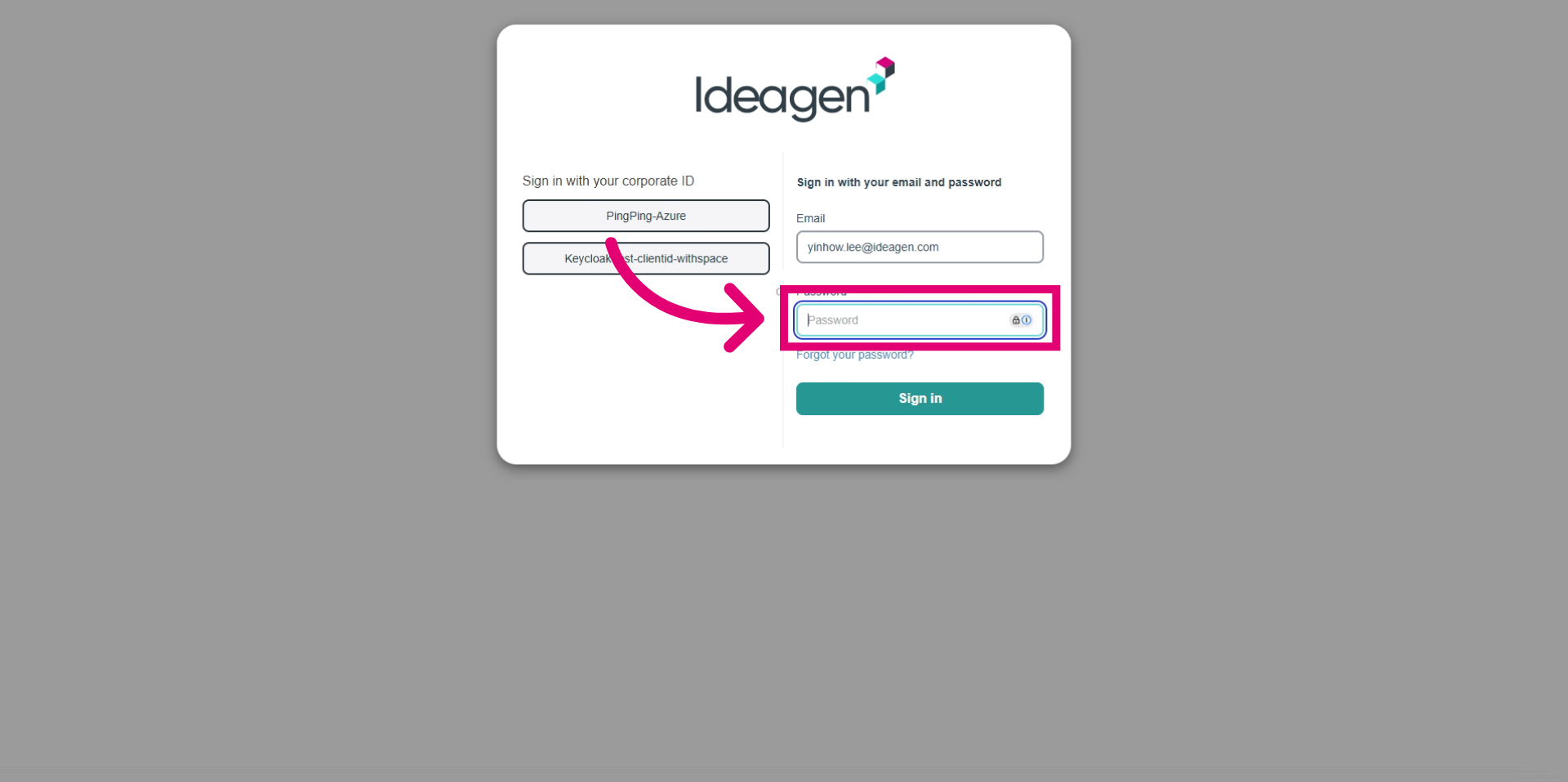
- Enter your password to authenticate your access.
- Click the Sign in button to log in and access your account.
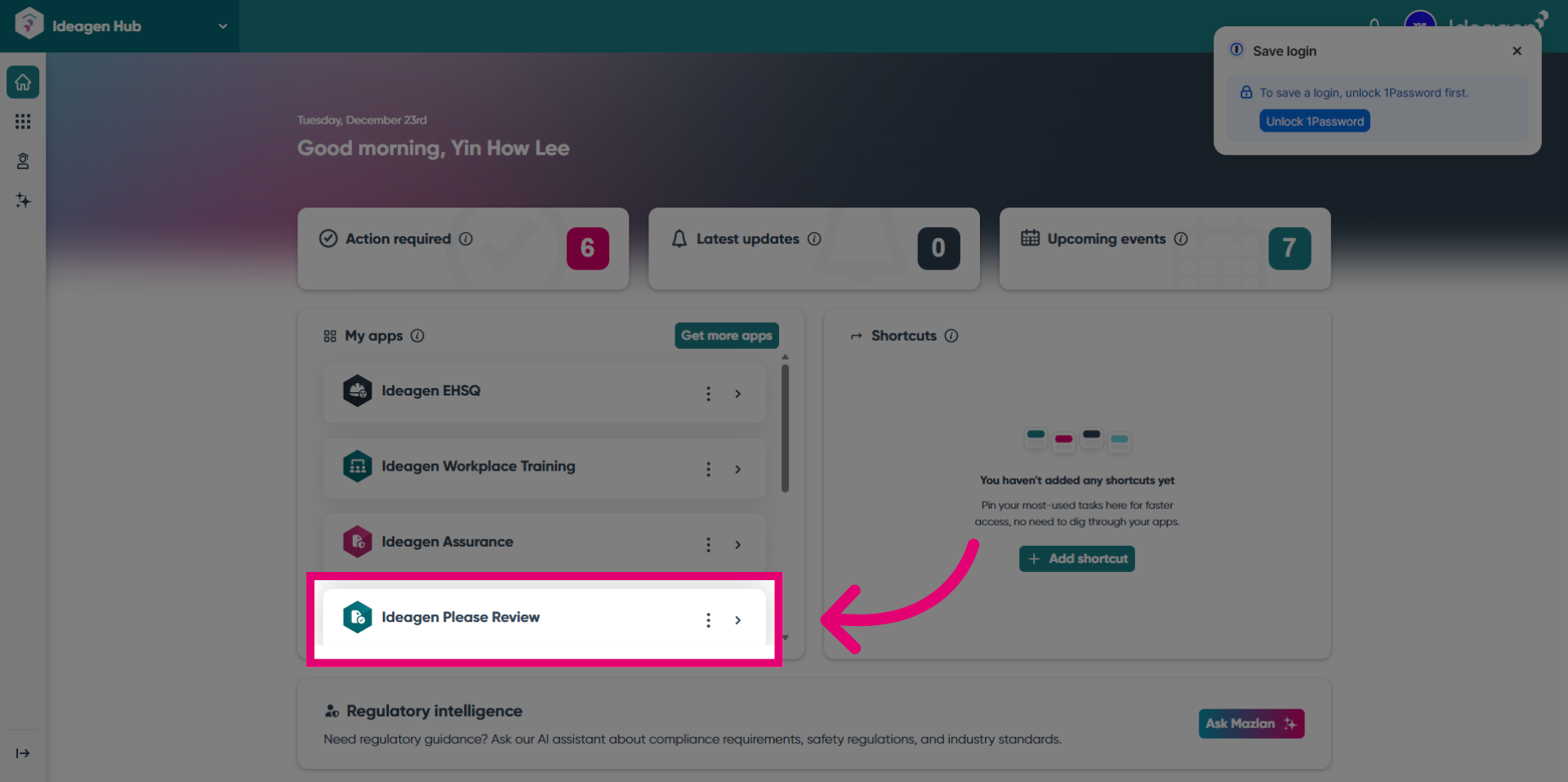
- Click the Ideagen Please Review option to access the instances.
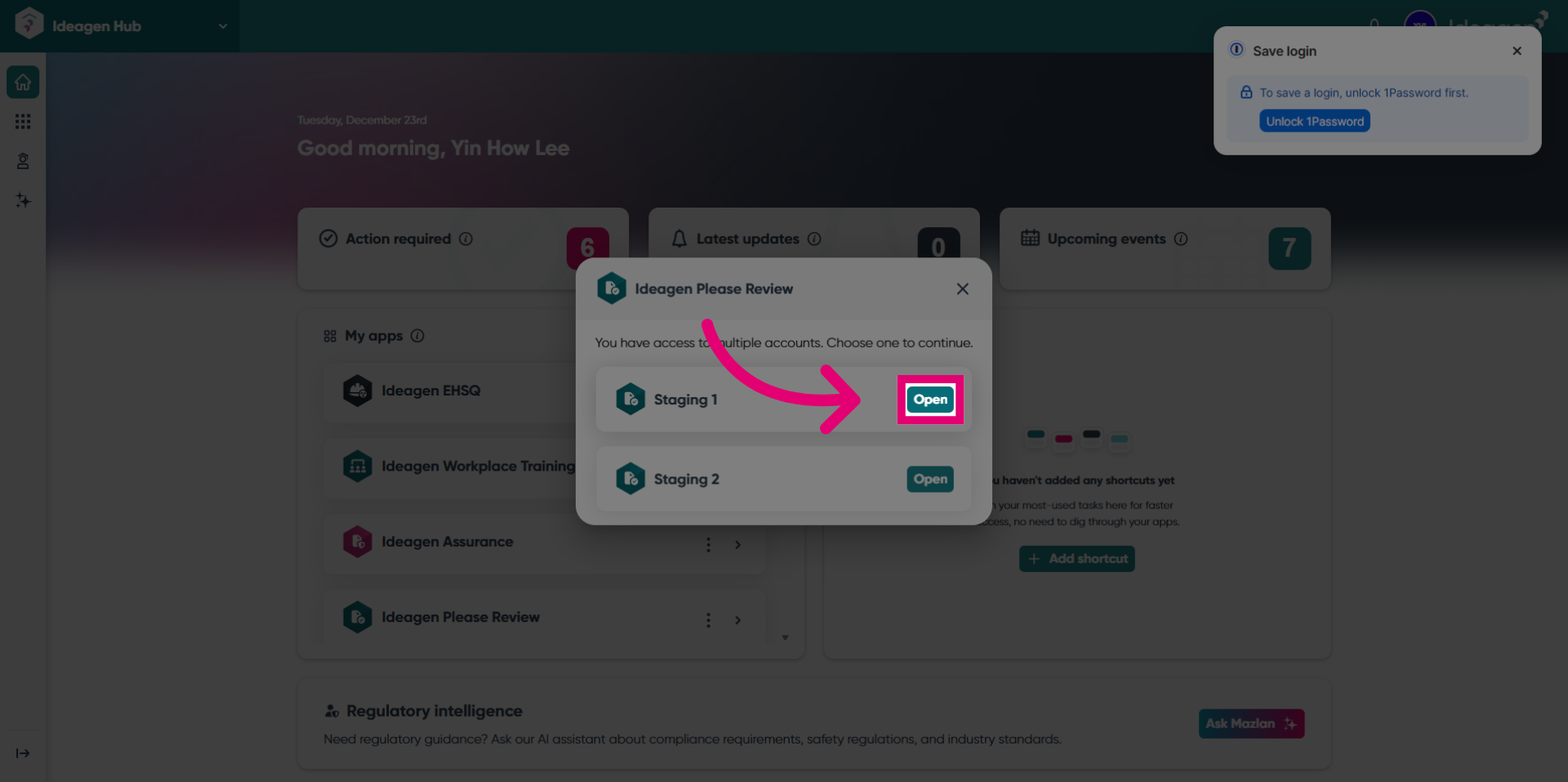
- Click the Open button for Staging 1 to access the instance.
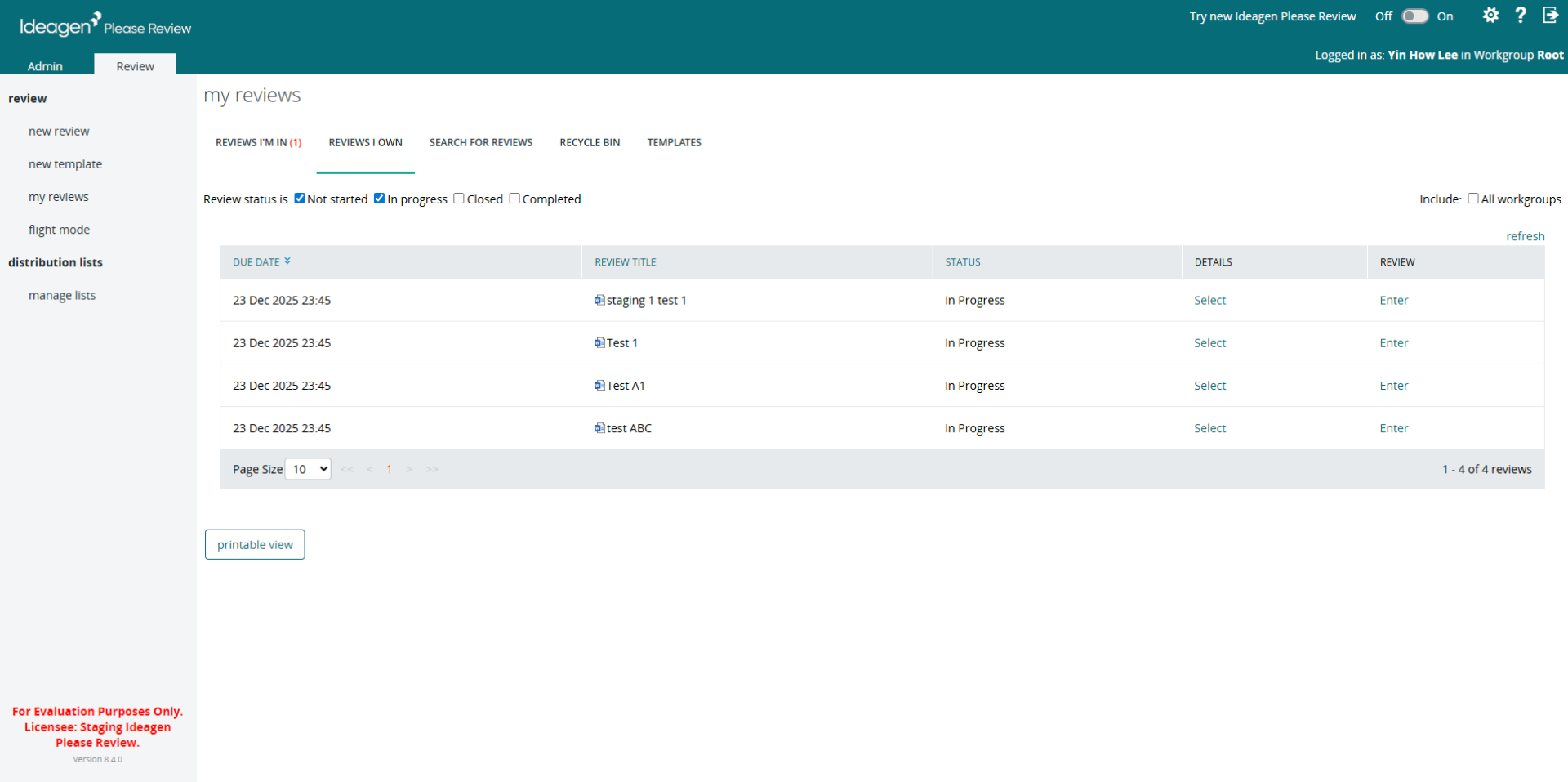
- You are redirected to Please Review.
- Switch back to the Hub.
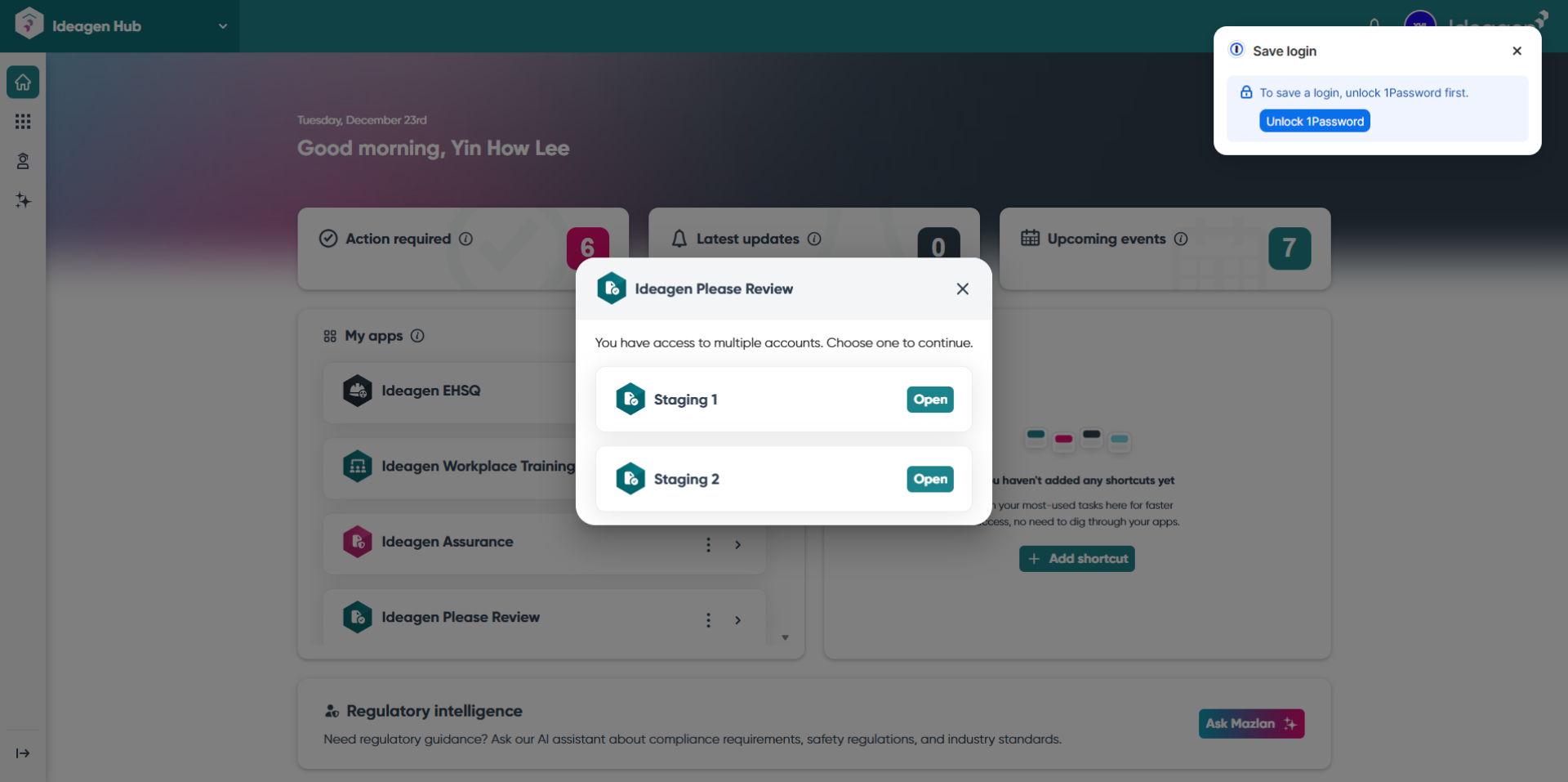
- Click the x to close the menu.
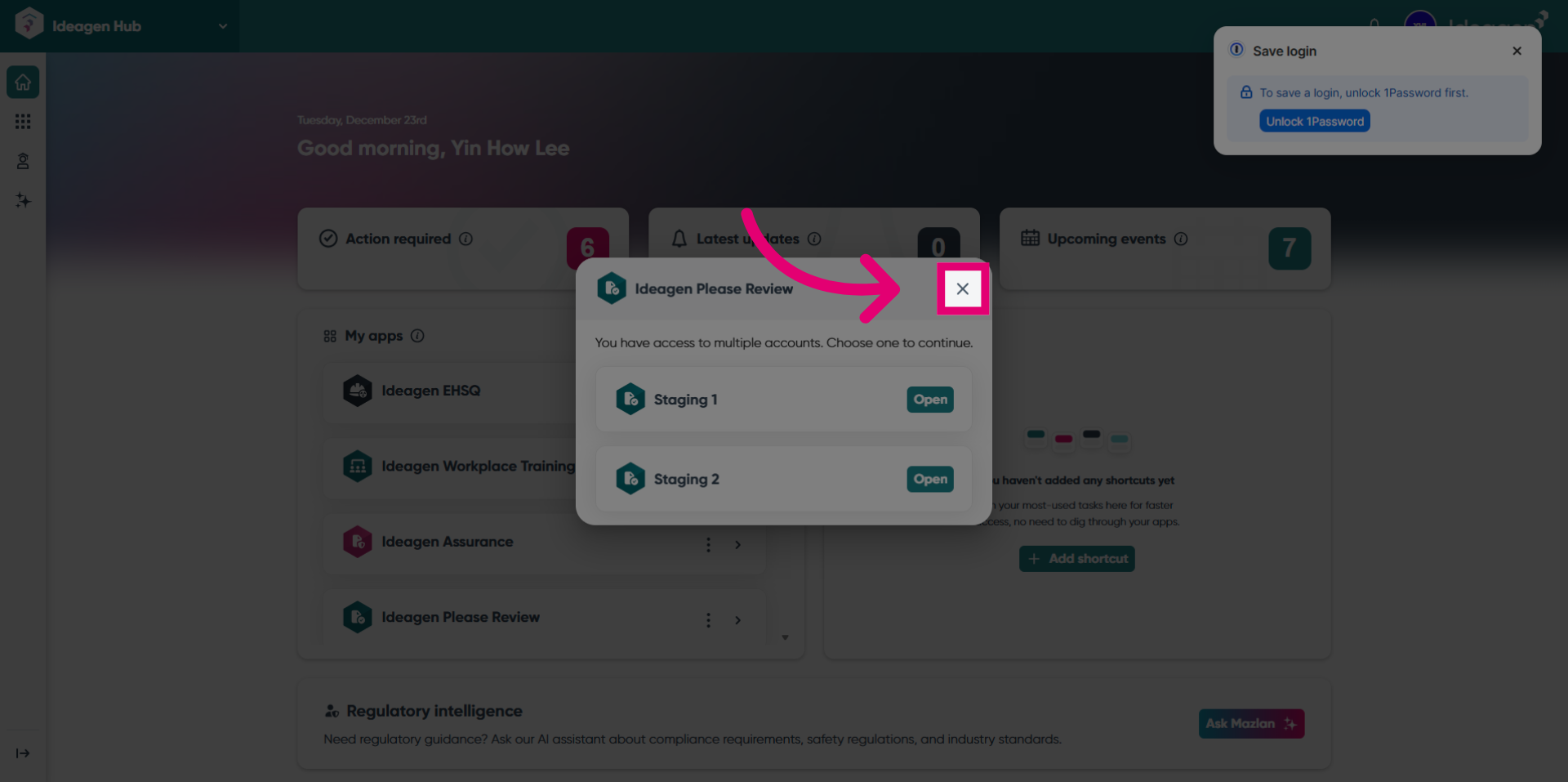
- Click the User Profile.
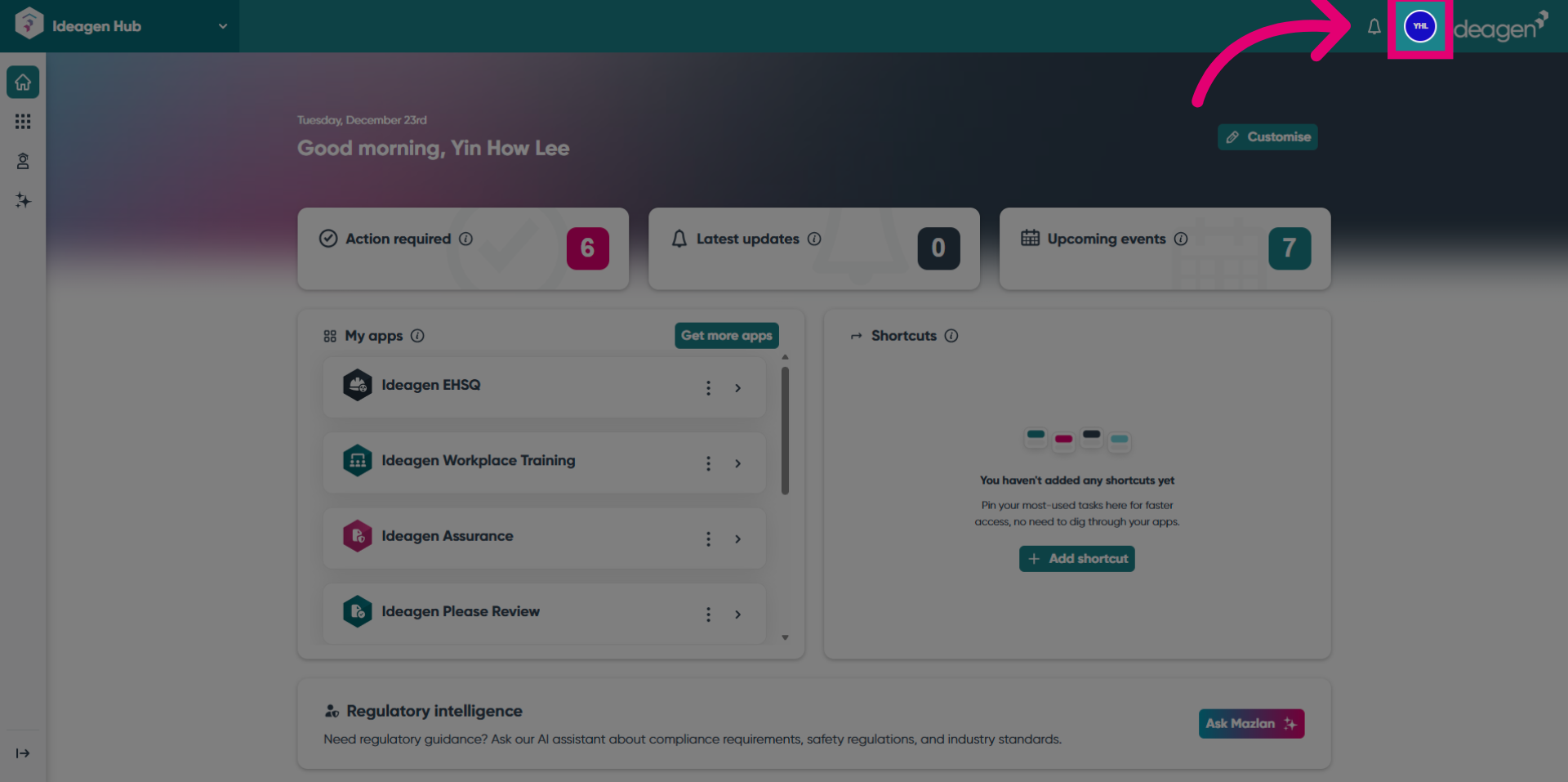
- Click the Logout button to begin the cascade logout process from the Hub.
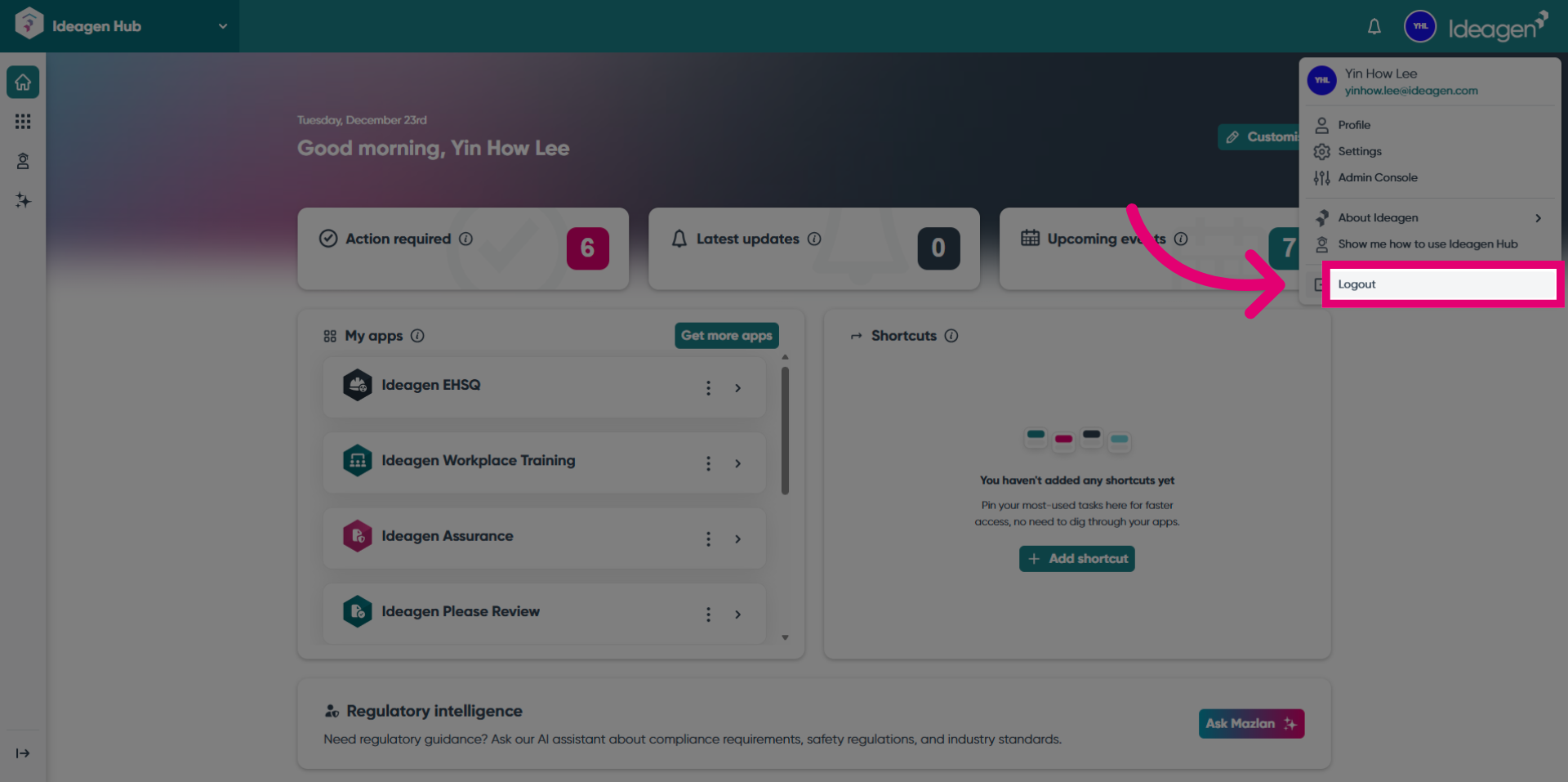
- Click the Logout button again to confirm and complete the logout from all connected accounts.
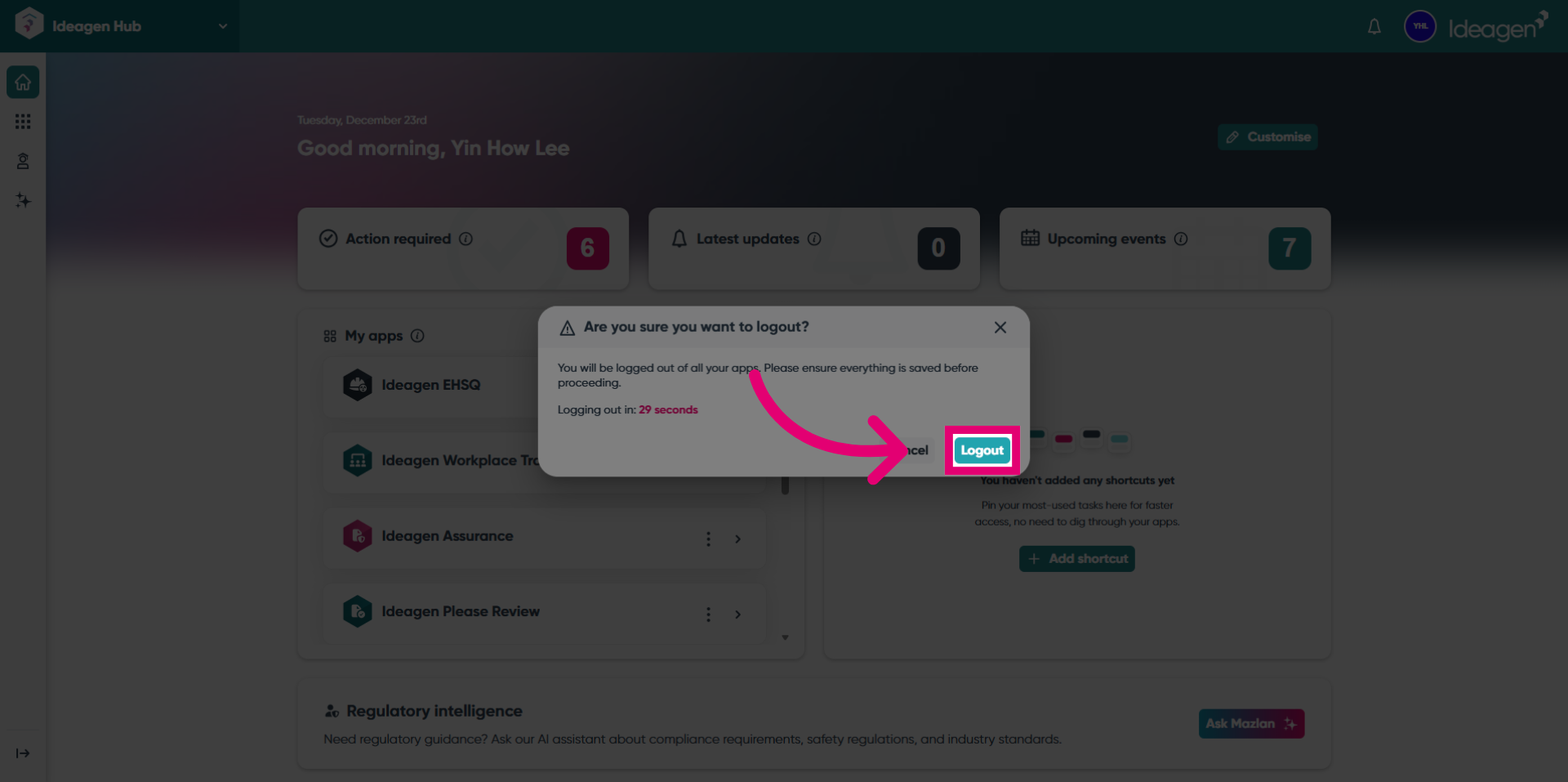
- You are now logged out from Hub.
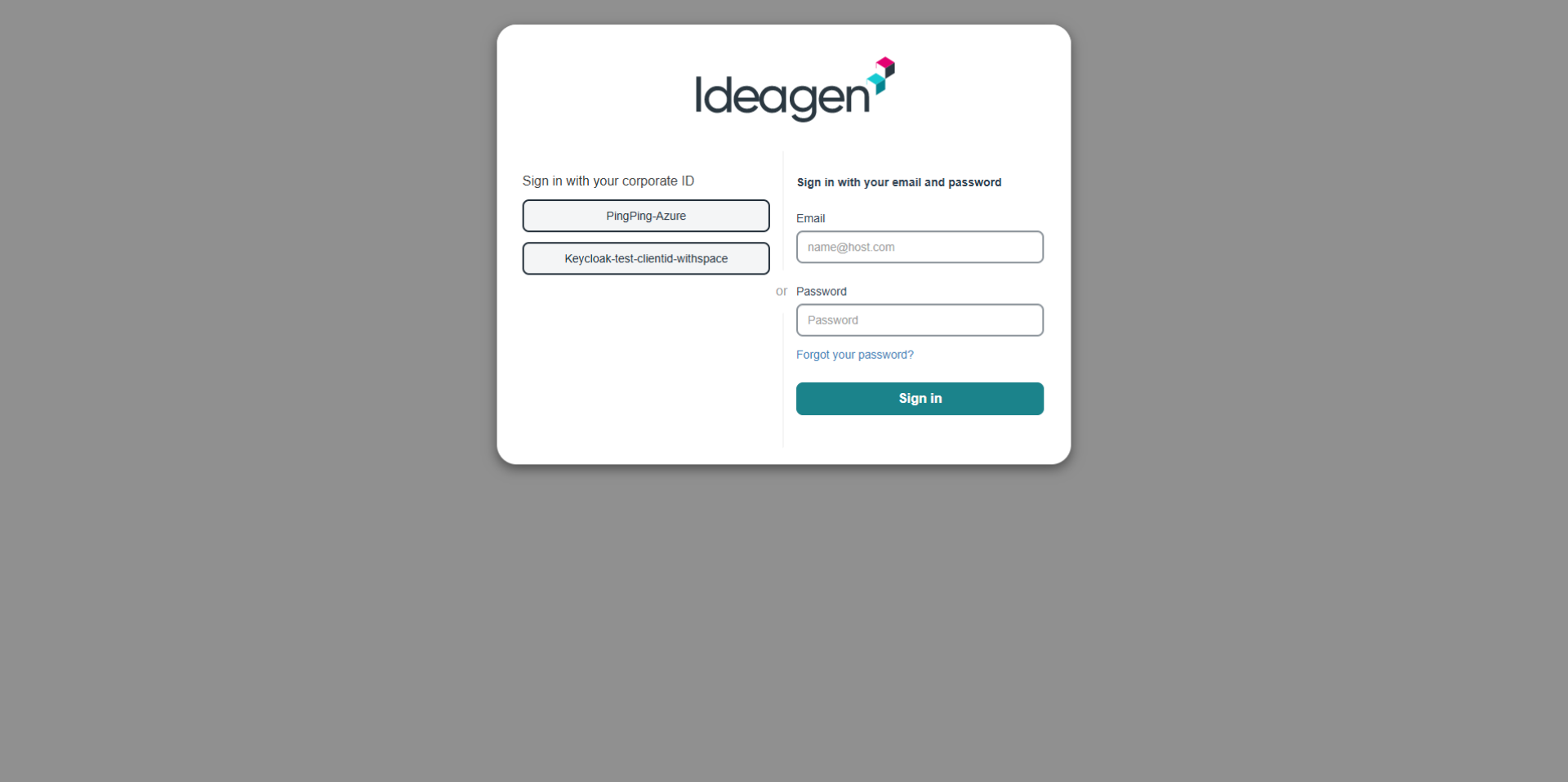
- You are logged out from Please Review as well.