New article
Recently updated
Using the Hub integration: Cascade logout from Please Review

Who is this article for?
Users who want to learn to initiate a cascade logout from Please Review.
No elevated permissions are required.
This demonstration shows how to perform a cascade logout initiated from Please Review.
1. Initiating a cascade logout from Please Review
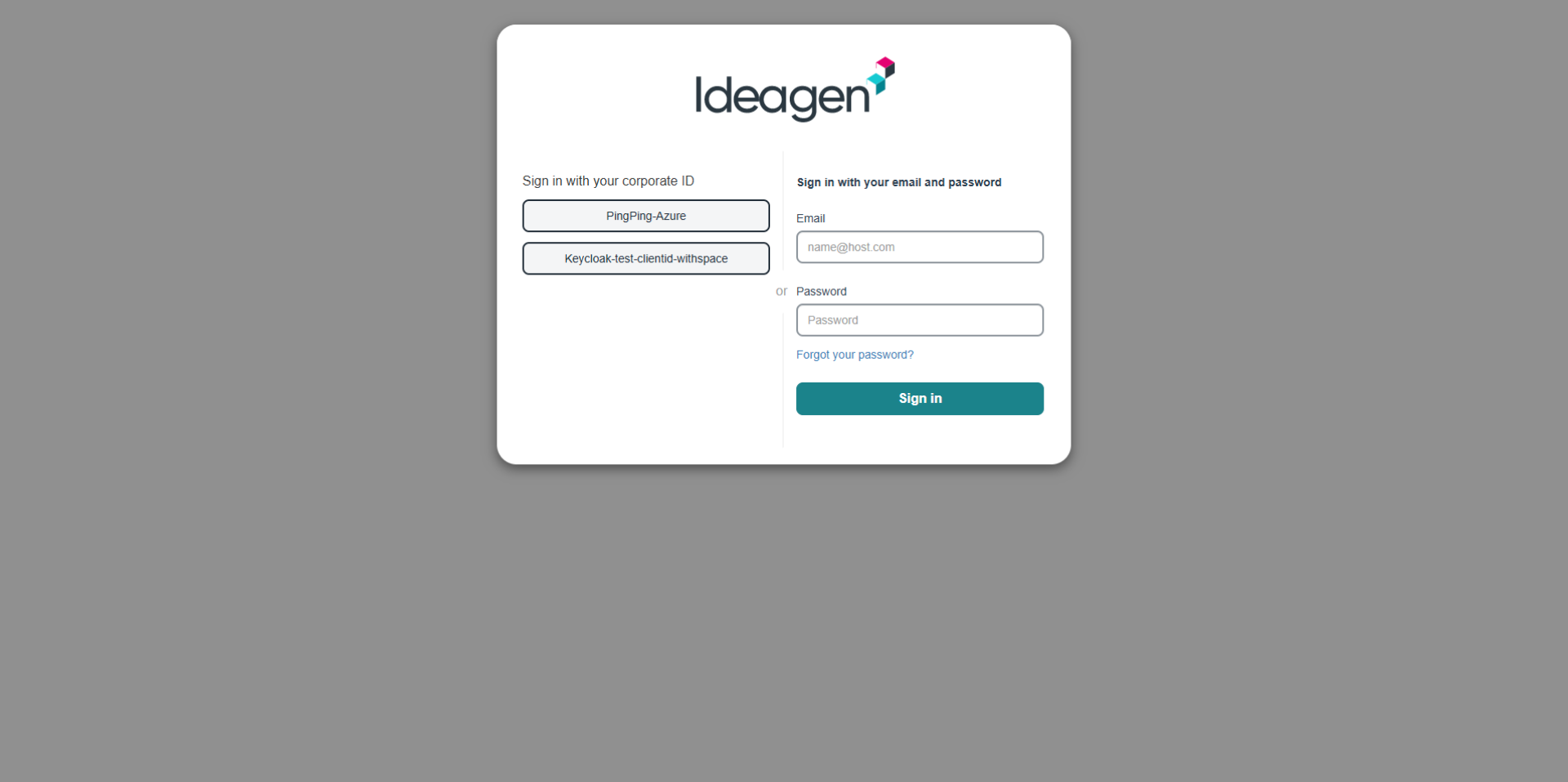
- Go to the Ideagen Mazlan Home.
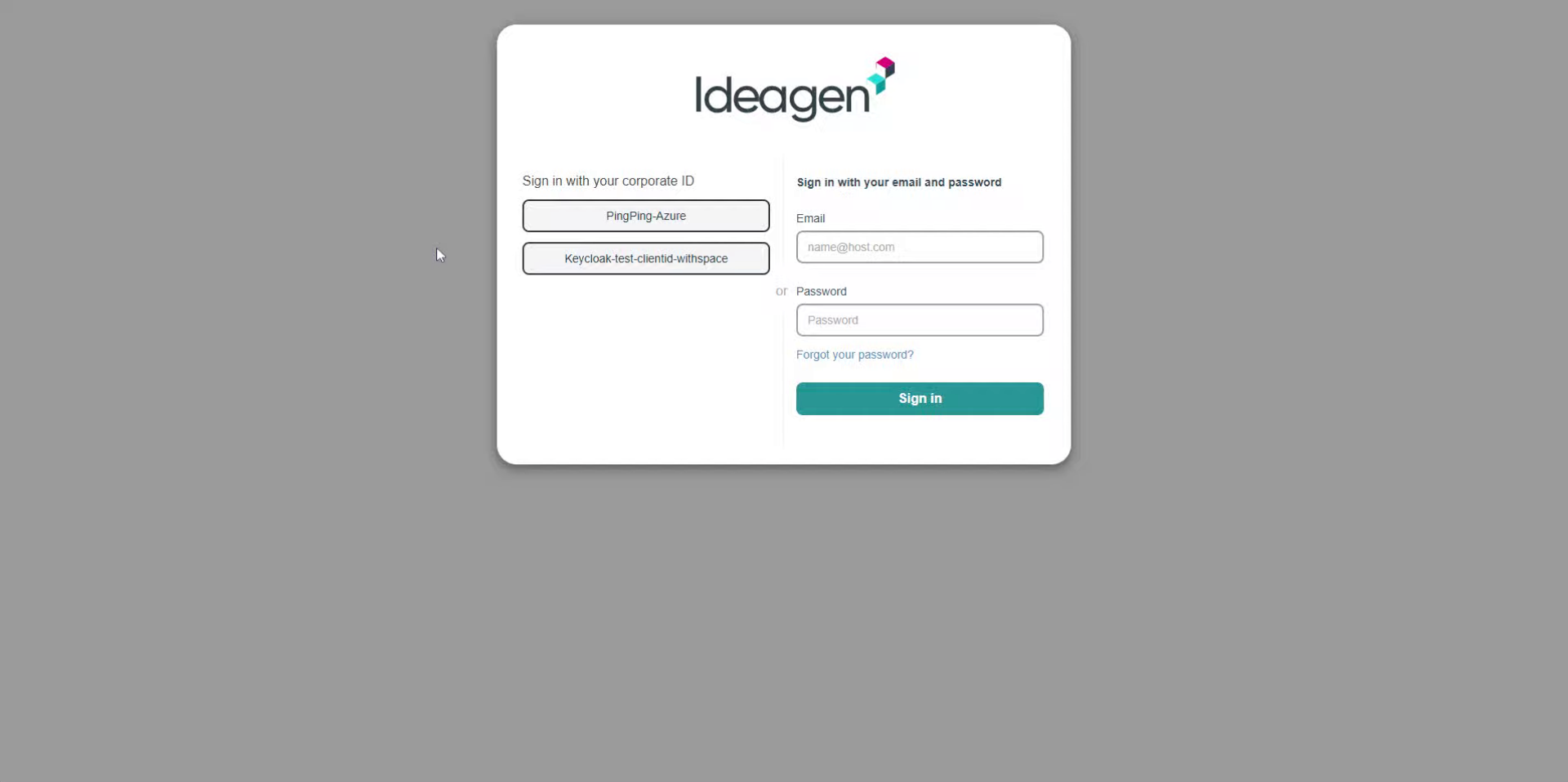
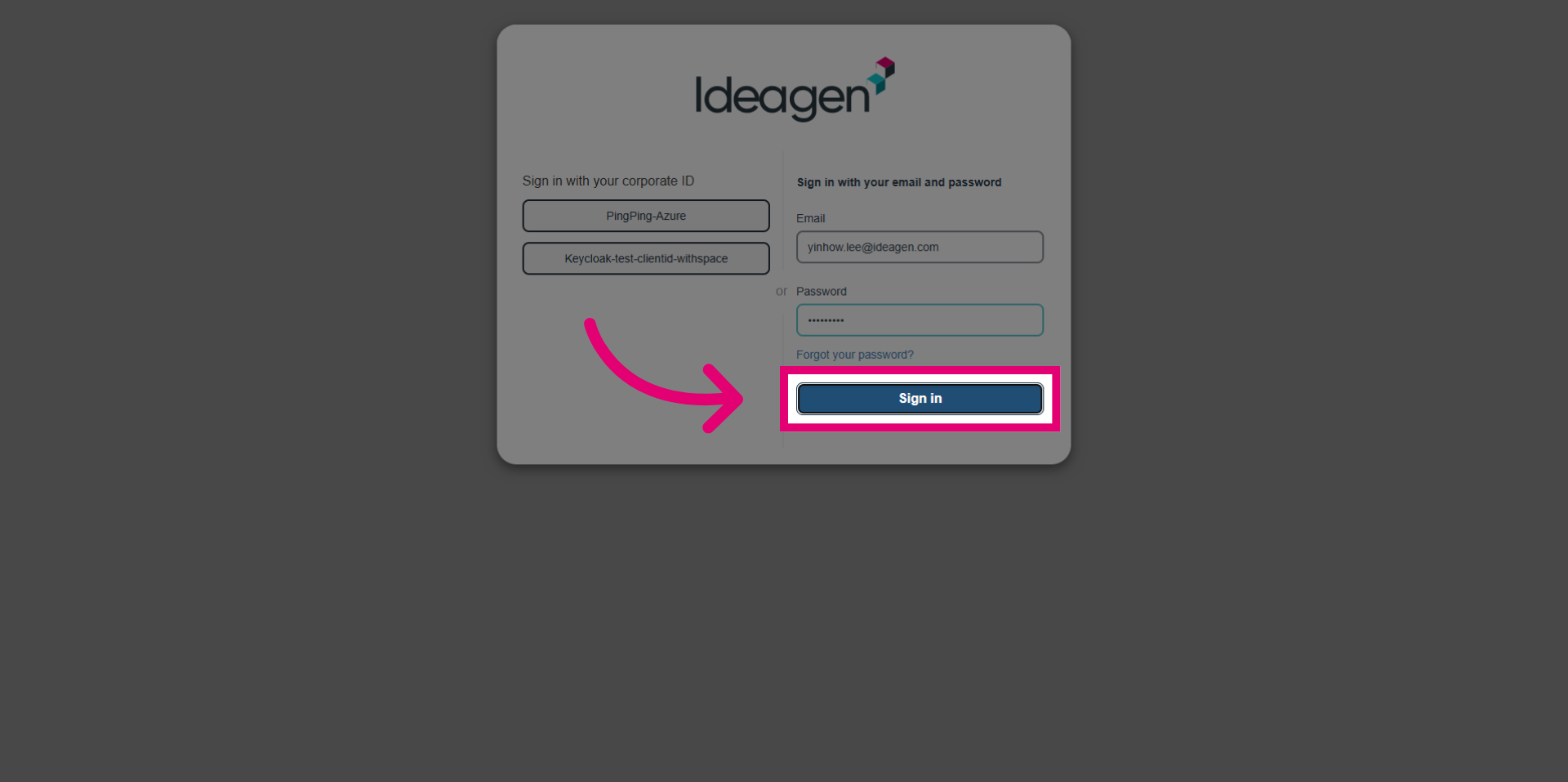
- Enter your email address to identify your user account securely.
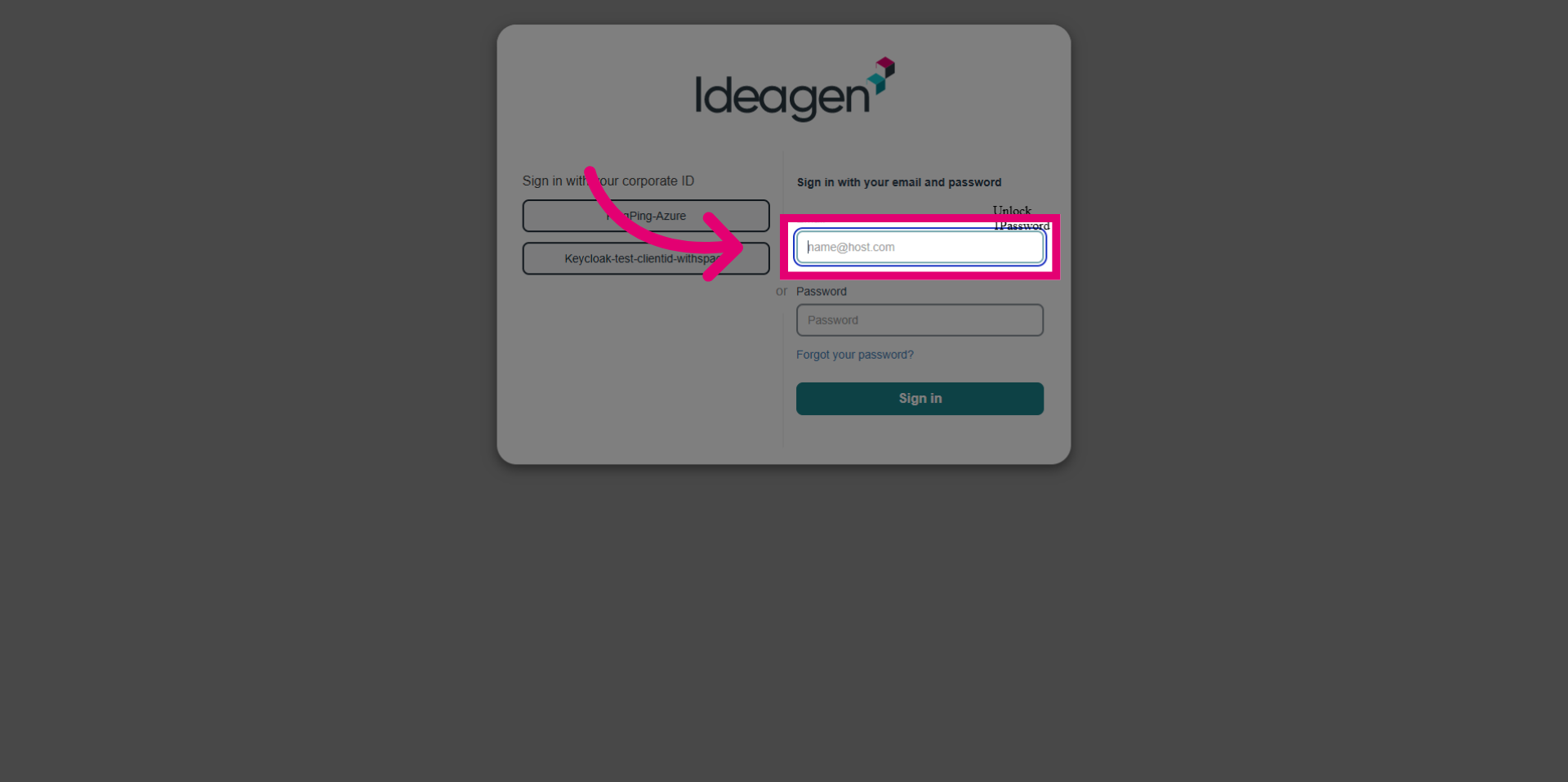
- Enter your password to authenticate your access.
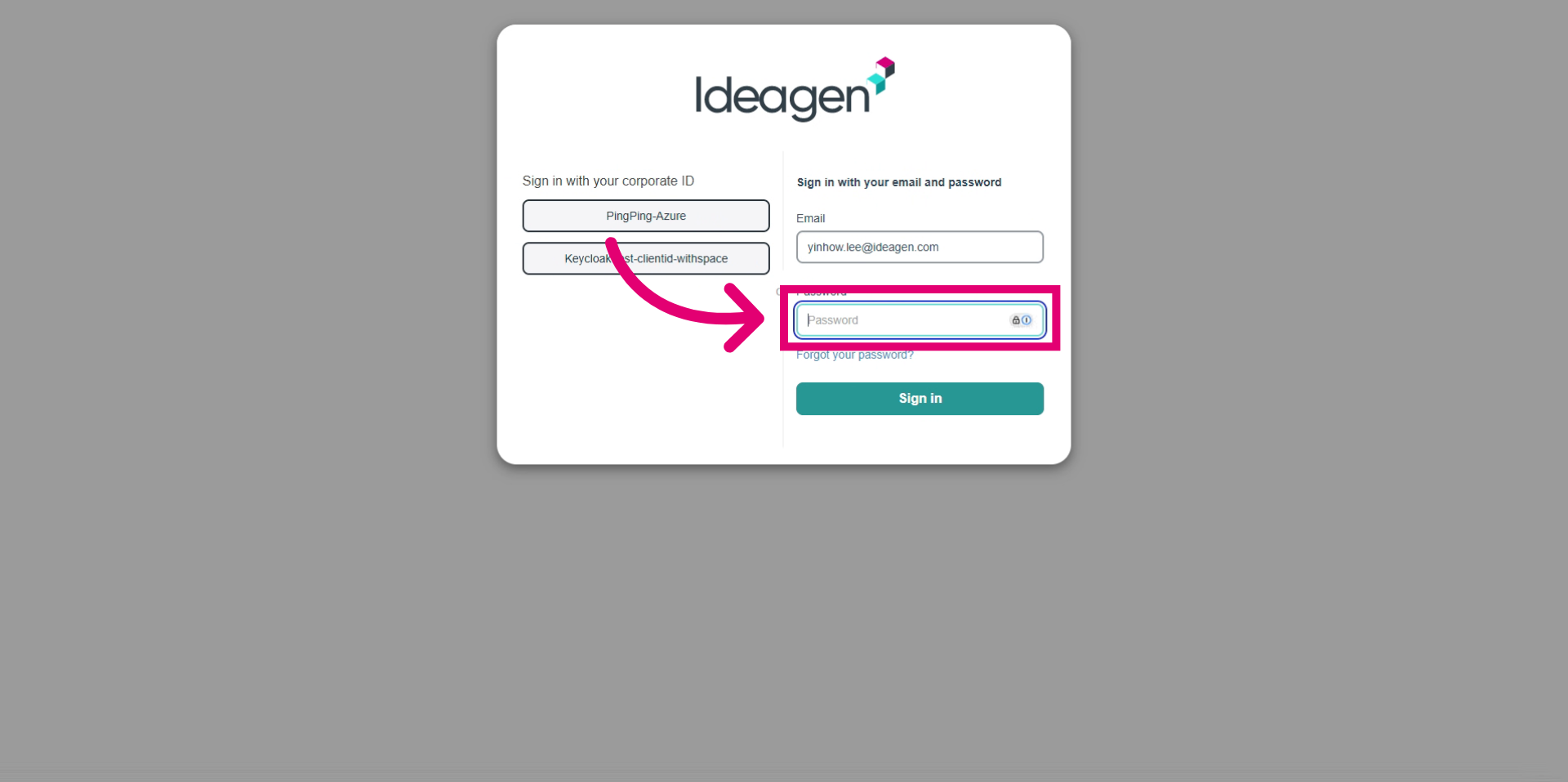
- Click the Sign in button to log in and access your account.
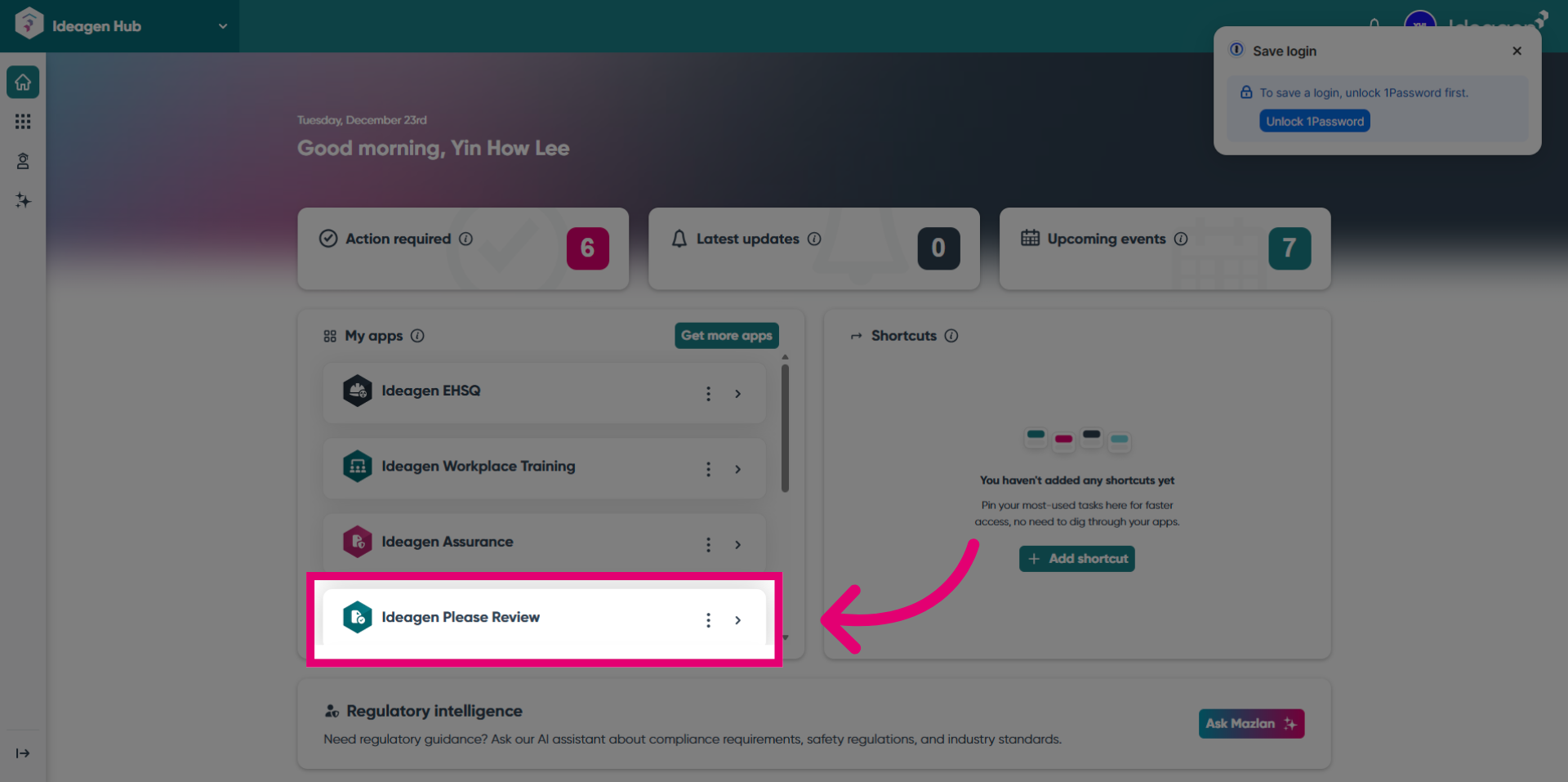
- Next, click the Ideagen Please Review option to access the instances.
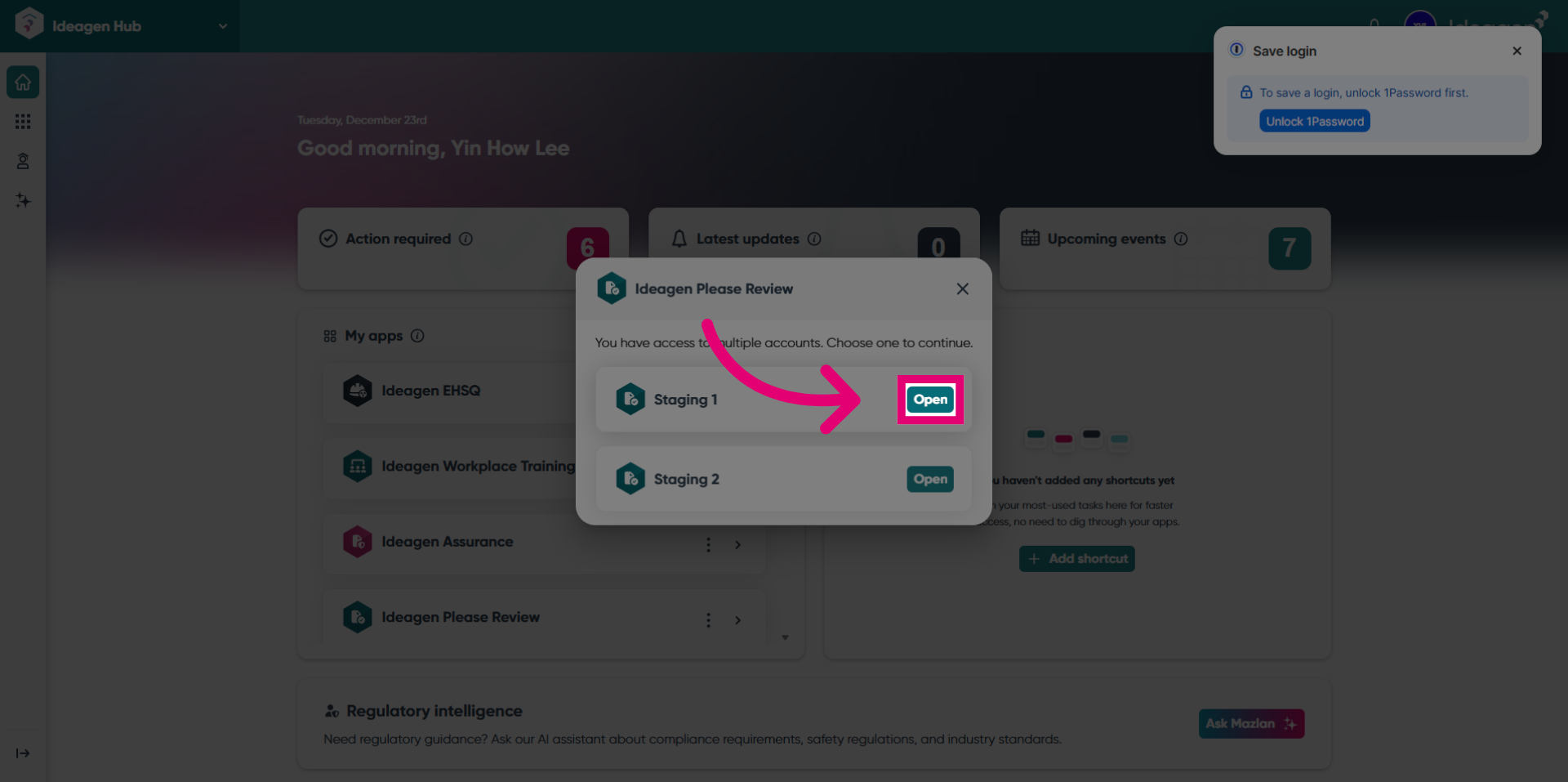
- Then, click the Open button for Staging 1 to access the instance.
- You will be redirected to Please Review.
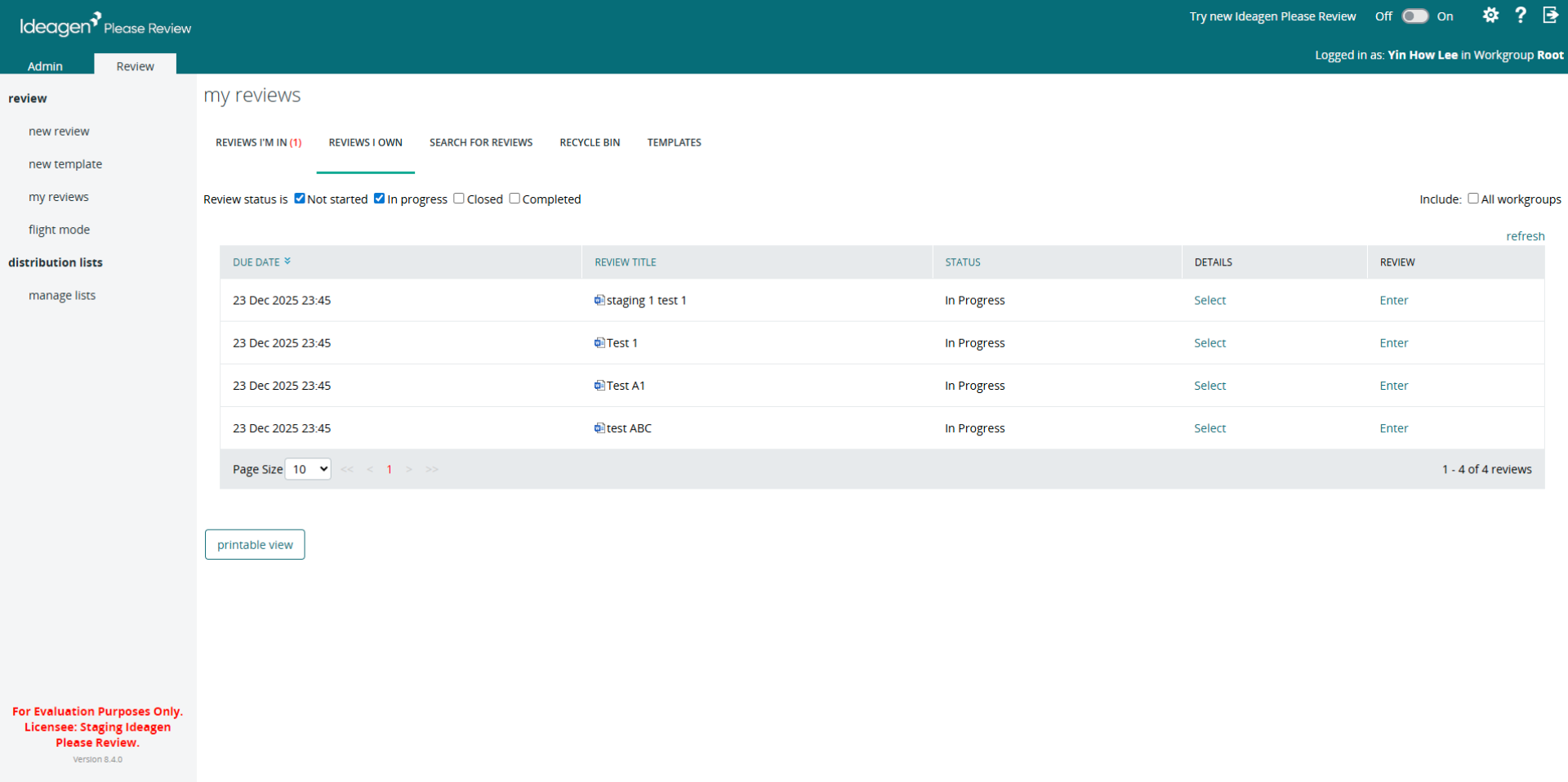
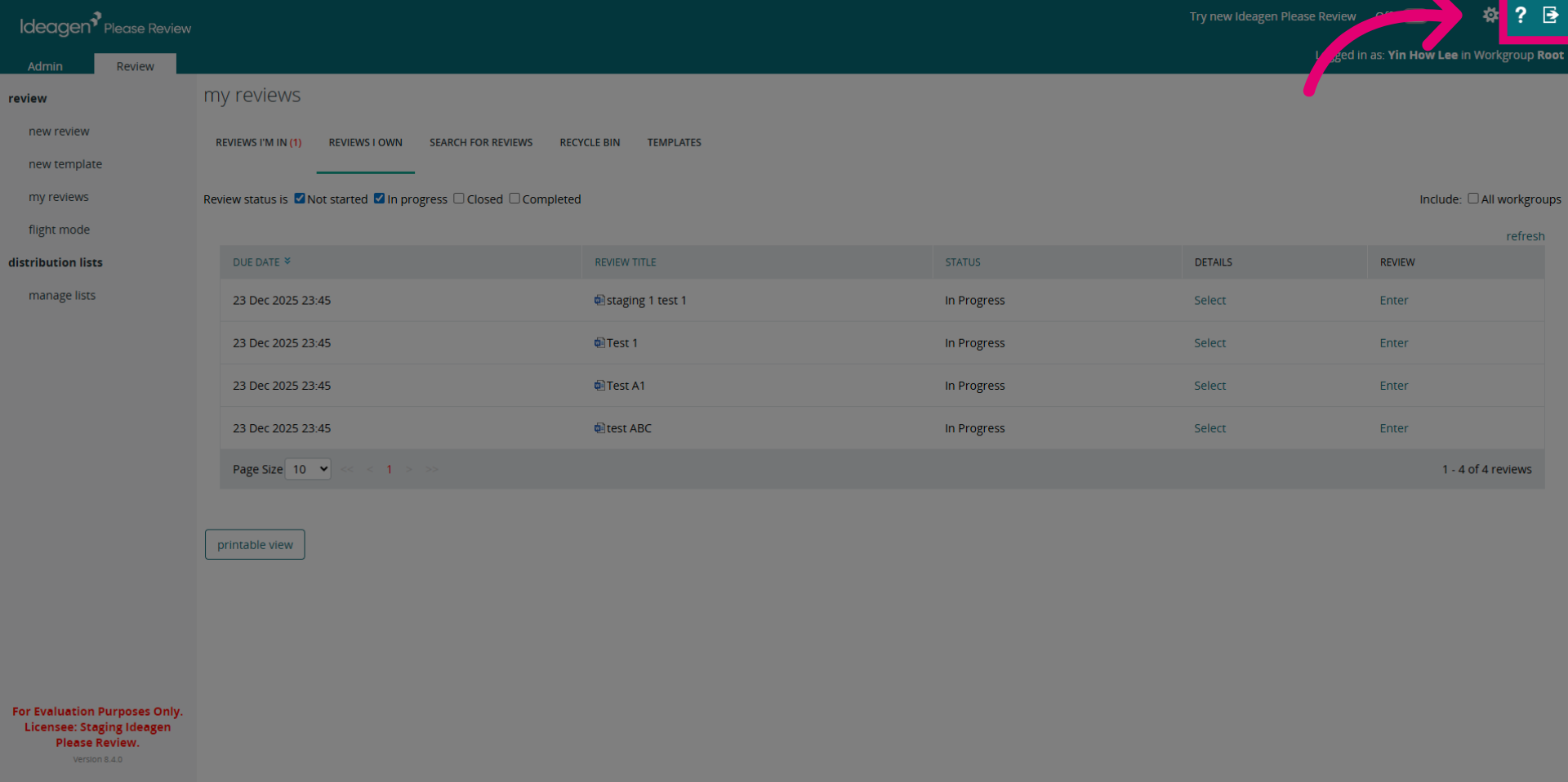
- Click the Logout button.
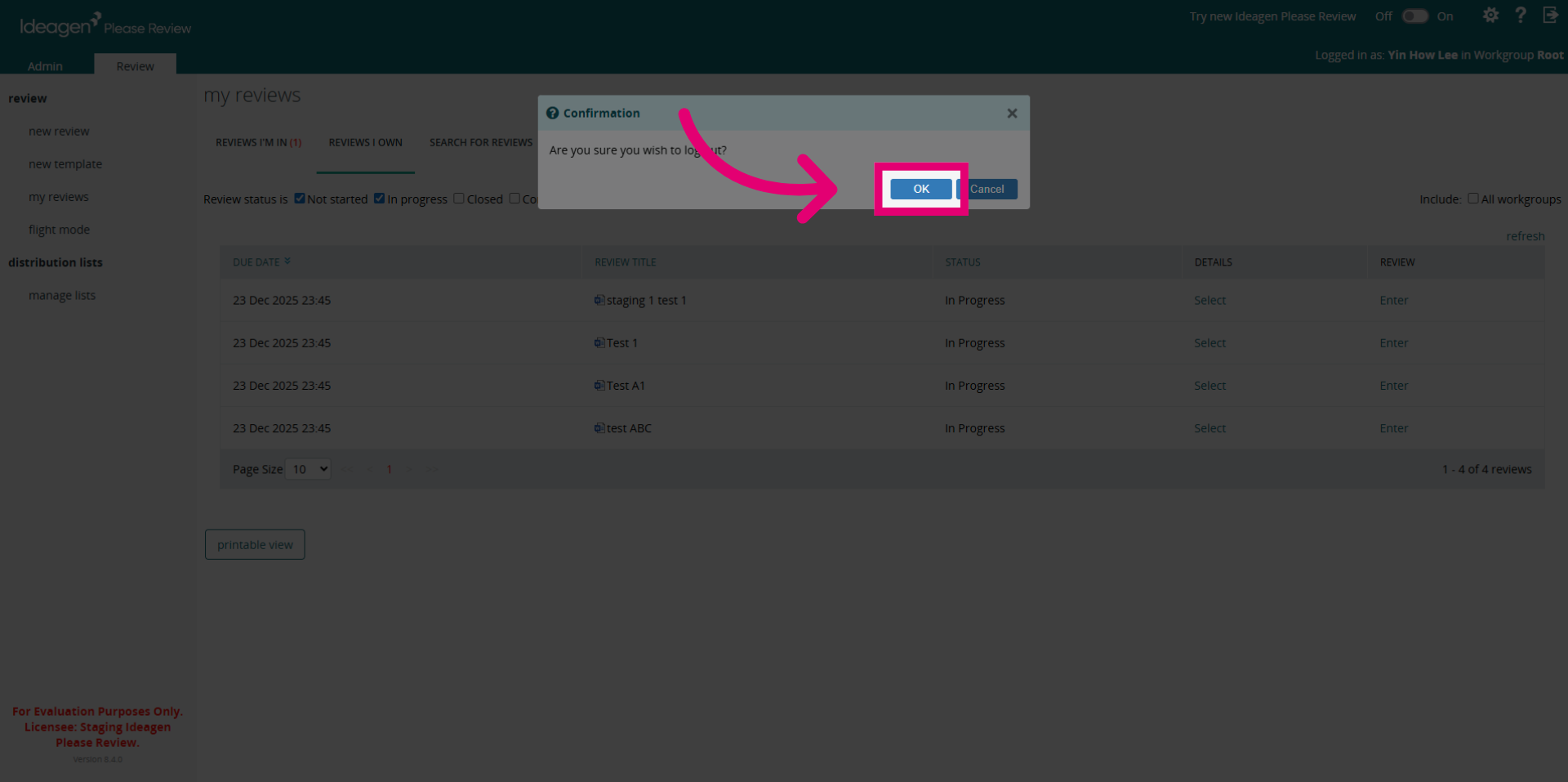
- Click OK to confirm.
- You will now be logged out from Please Review.
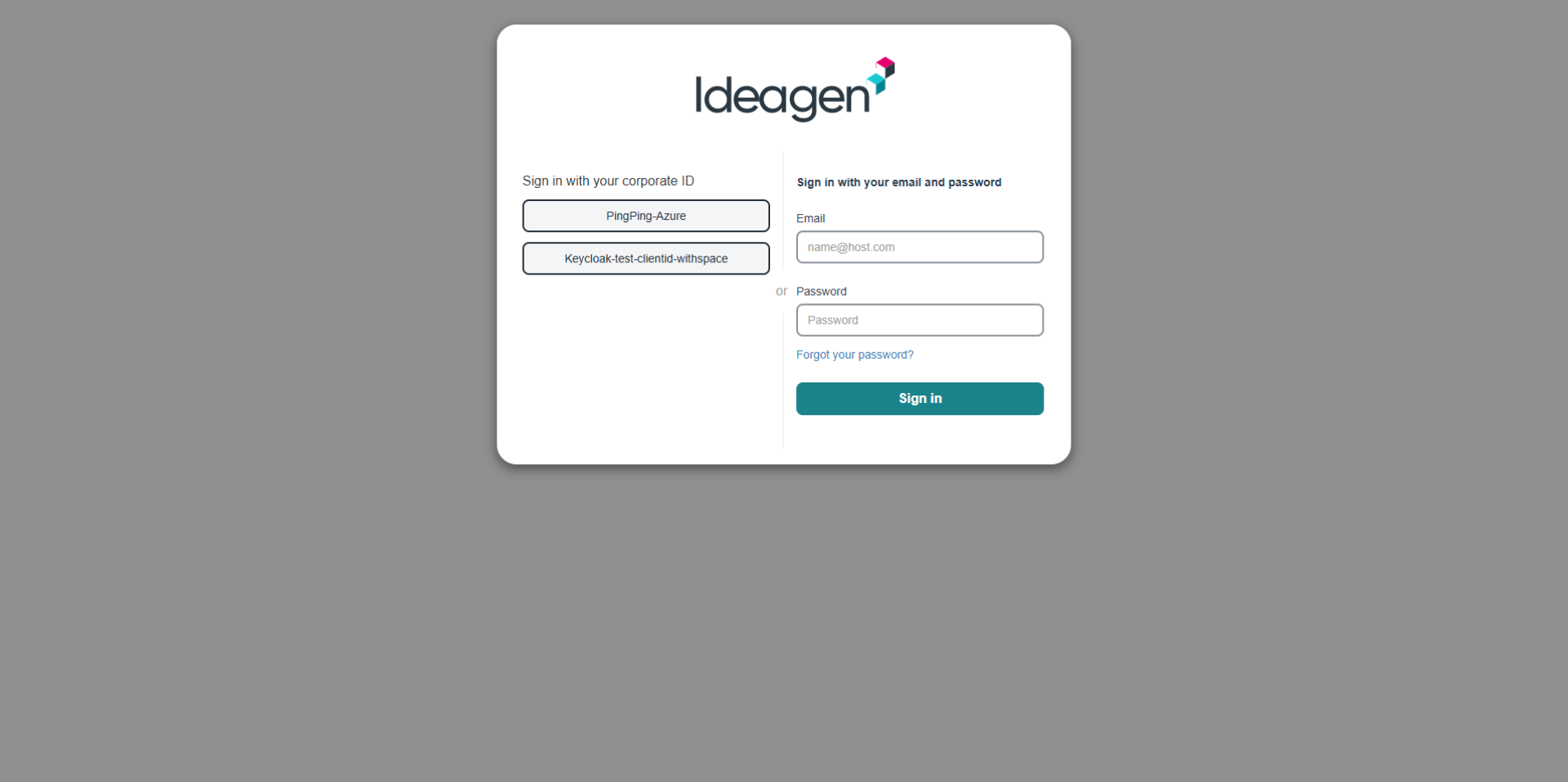
- You will also be logged out from Hub as well.