New article
Recently updated
Using Password Encryption

Who is this article for?Users who want to learn how to use Password Encryption.
No elevated permissions are required.
This guide will walk you through how to use password encryption in Please Review.
1. Using Password Encryption
1.1. Video
1.2. Steps
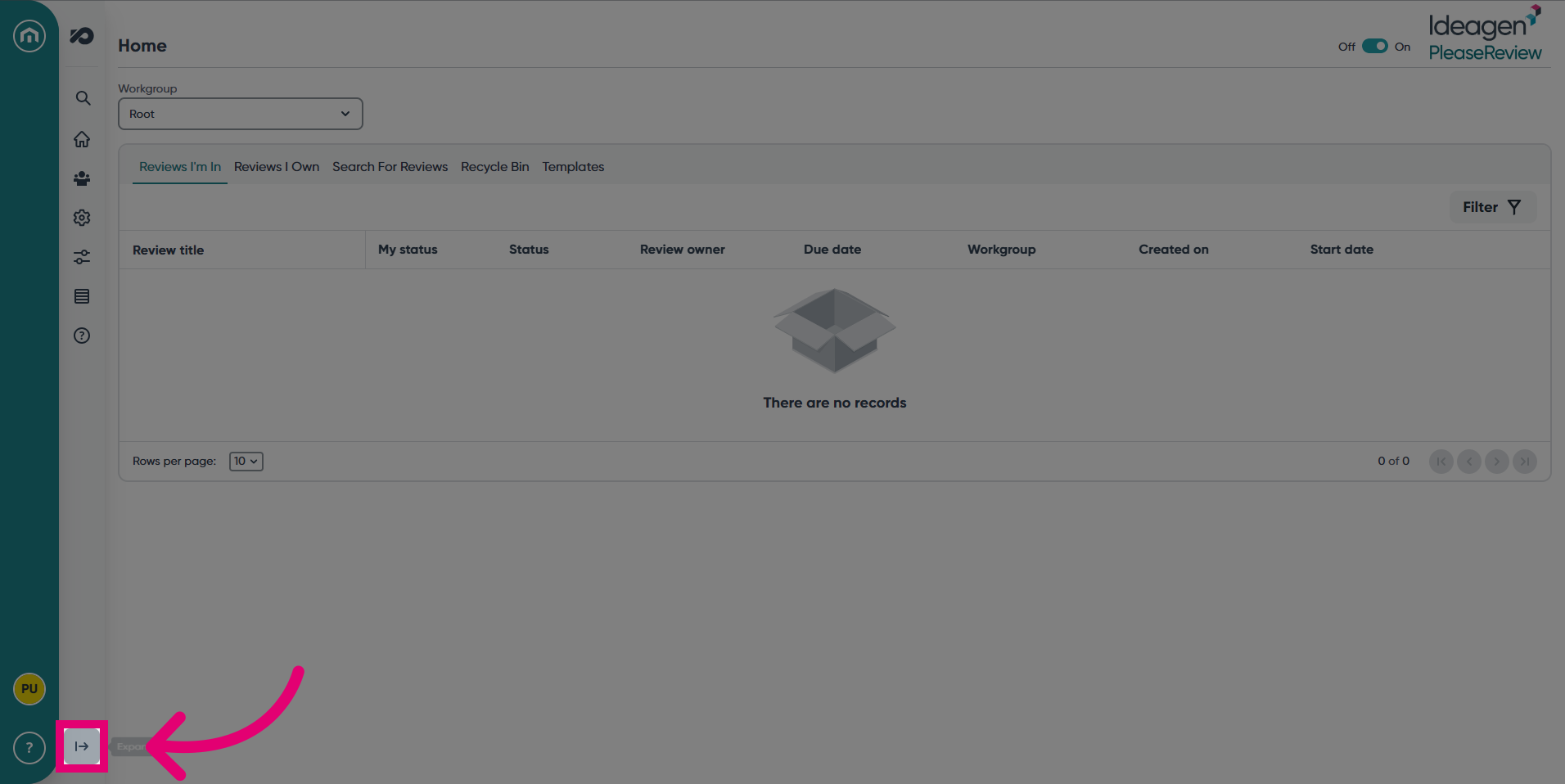
- Expand the navigation bar.
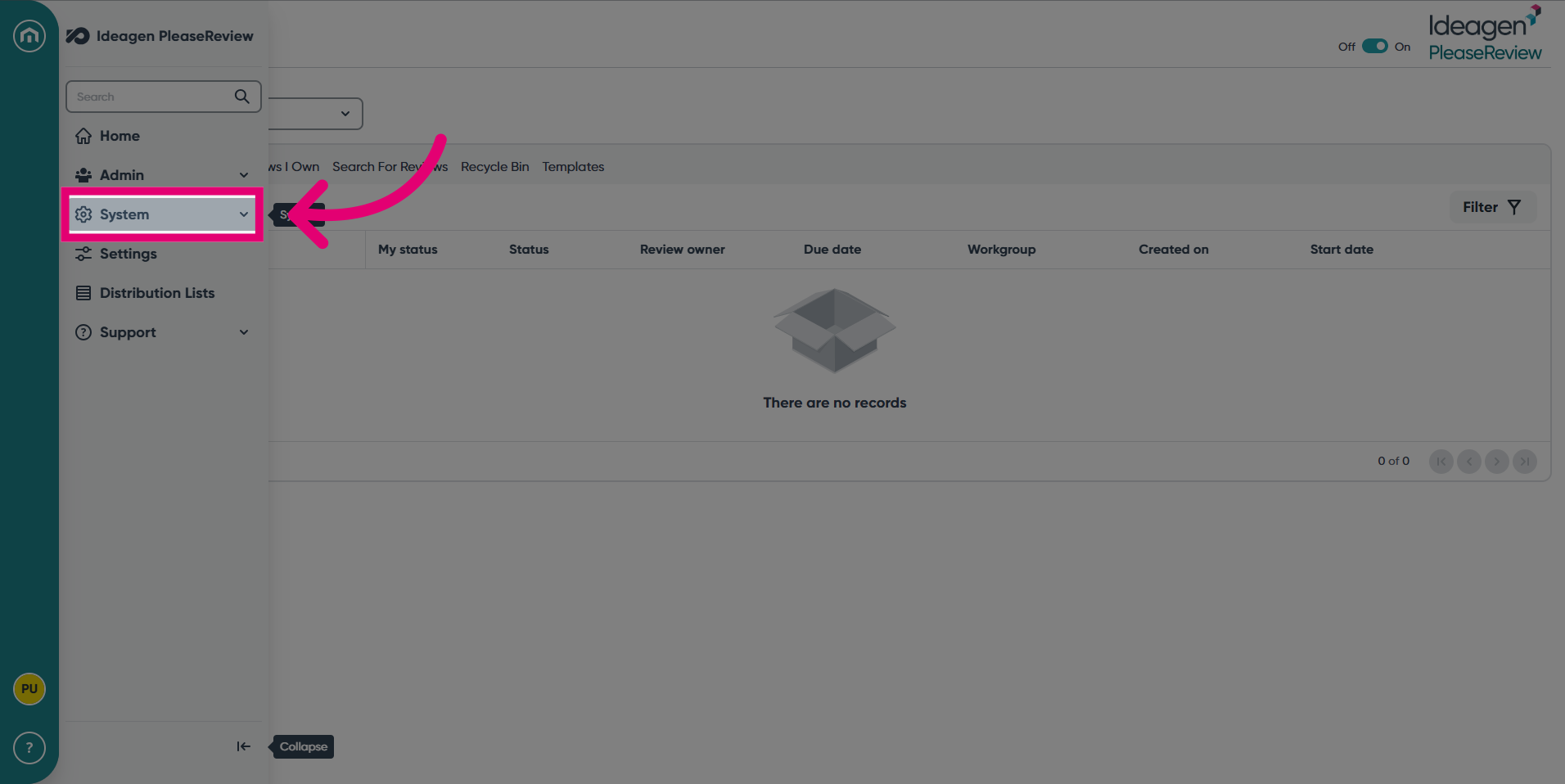
- Click the System tab.
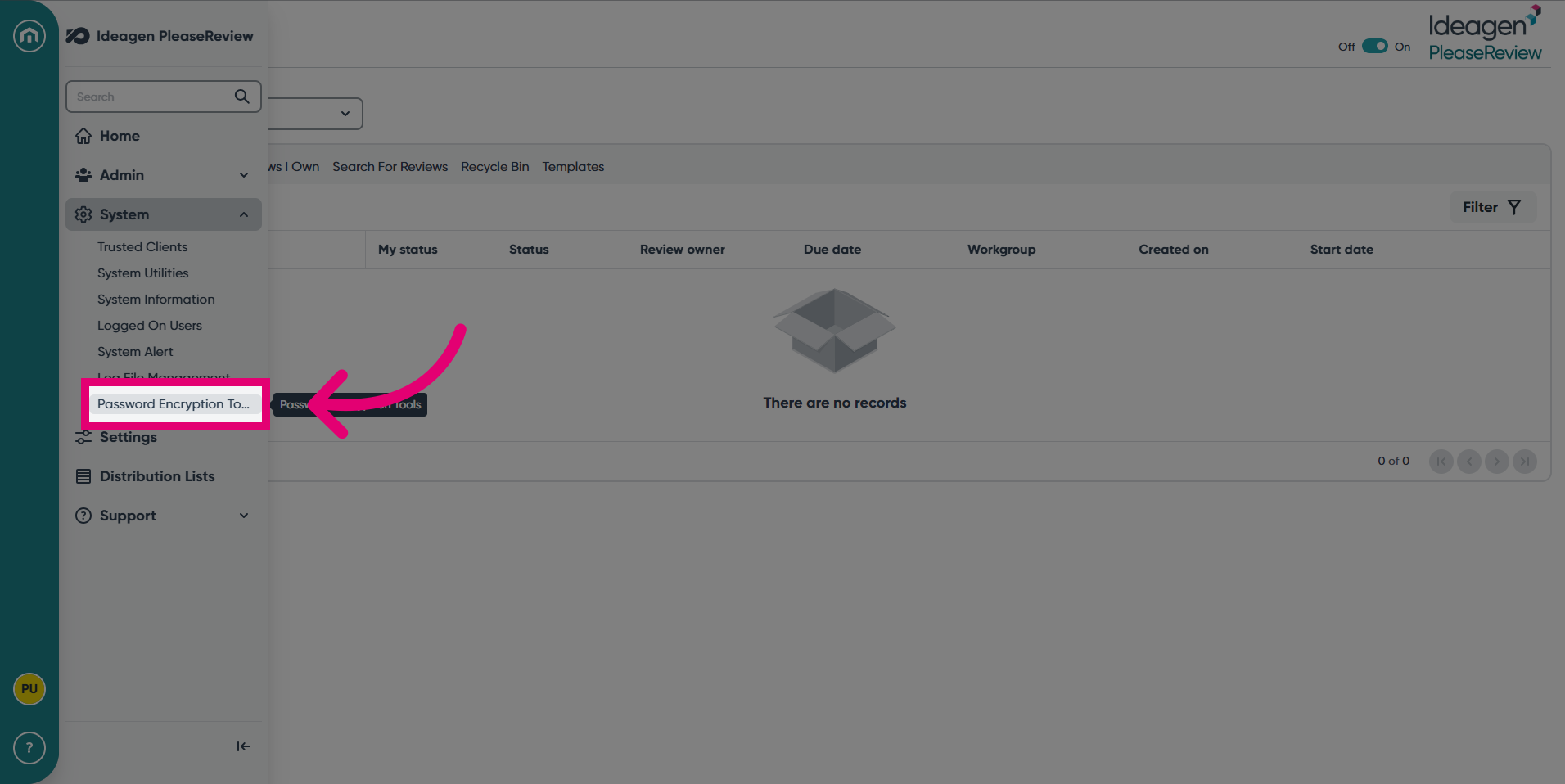
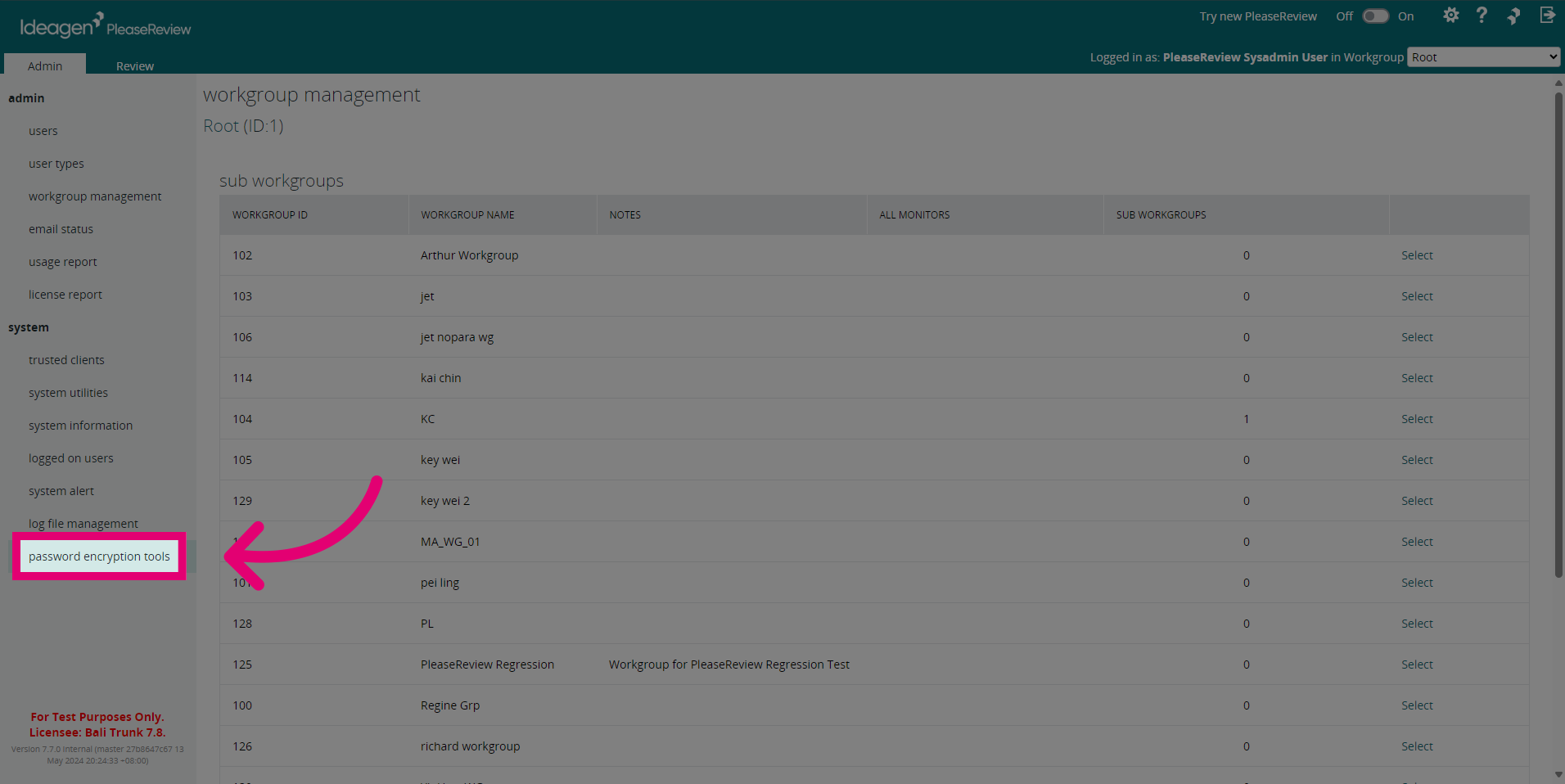
- Select Password Encryption Tools.
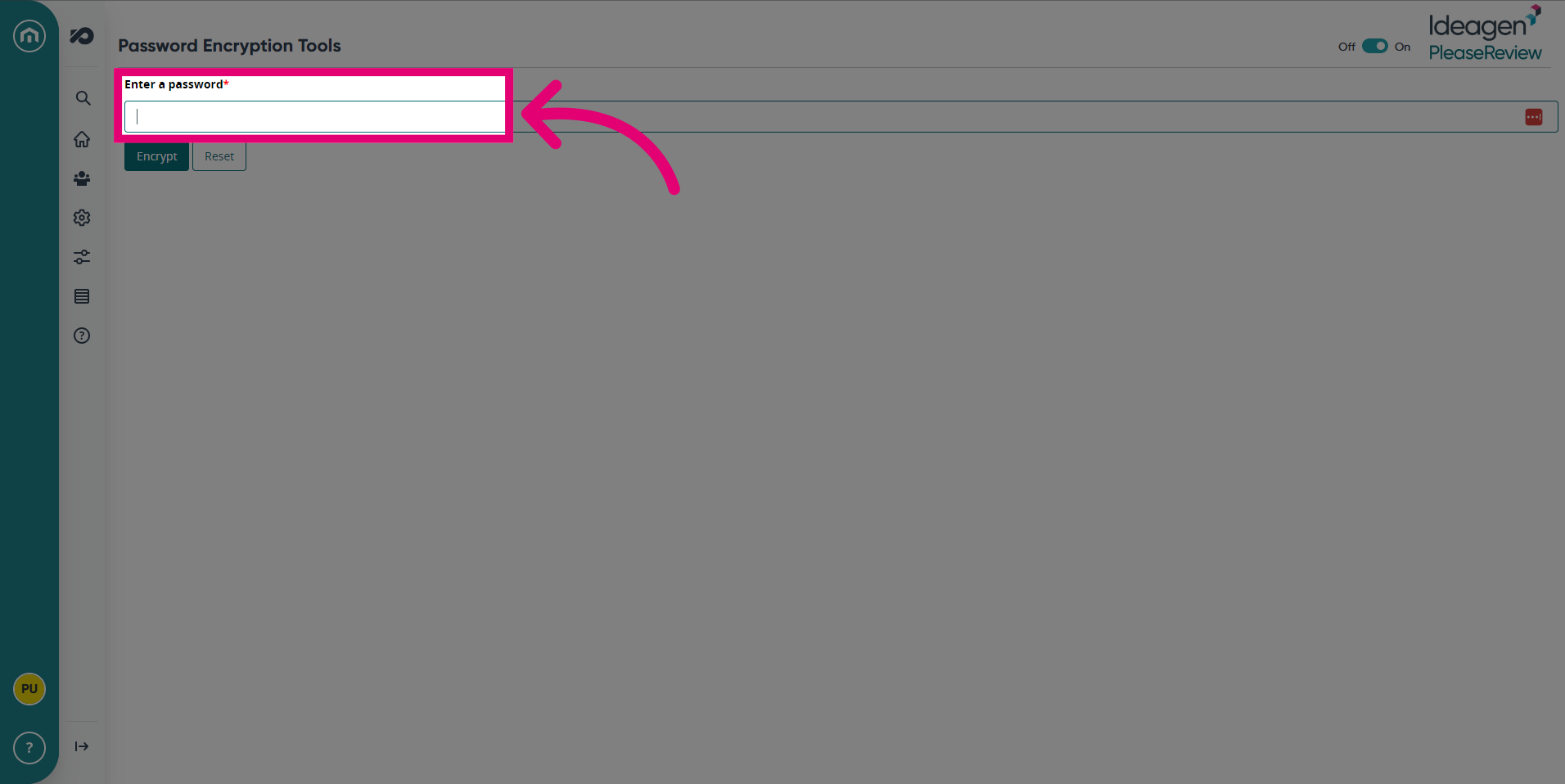
- Enter a password to encrypt.
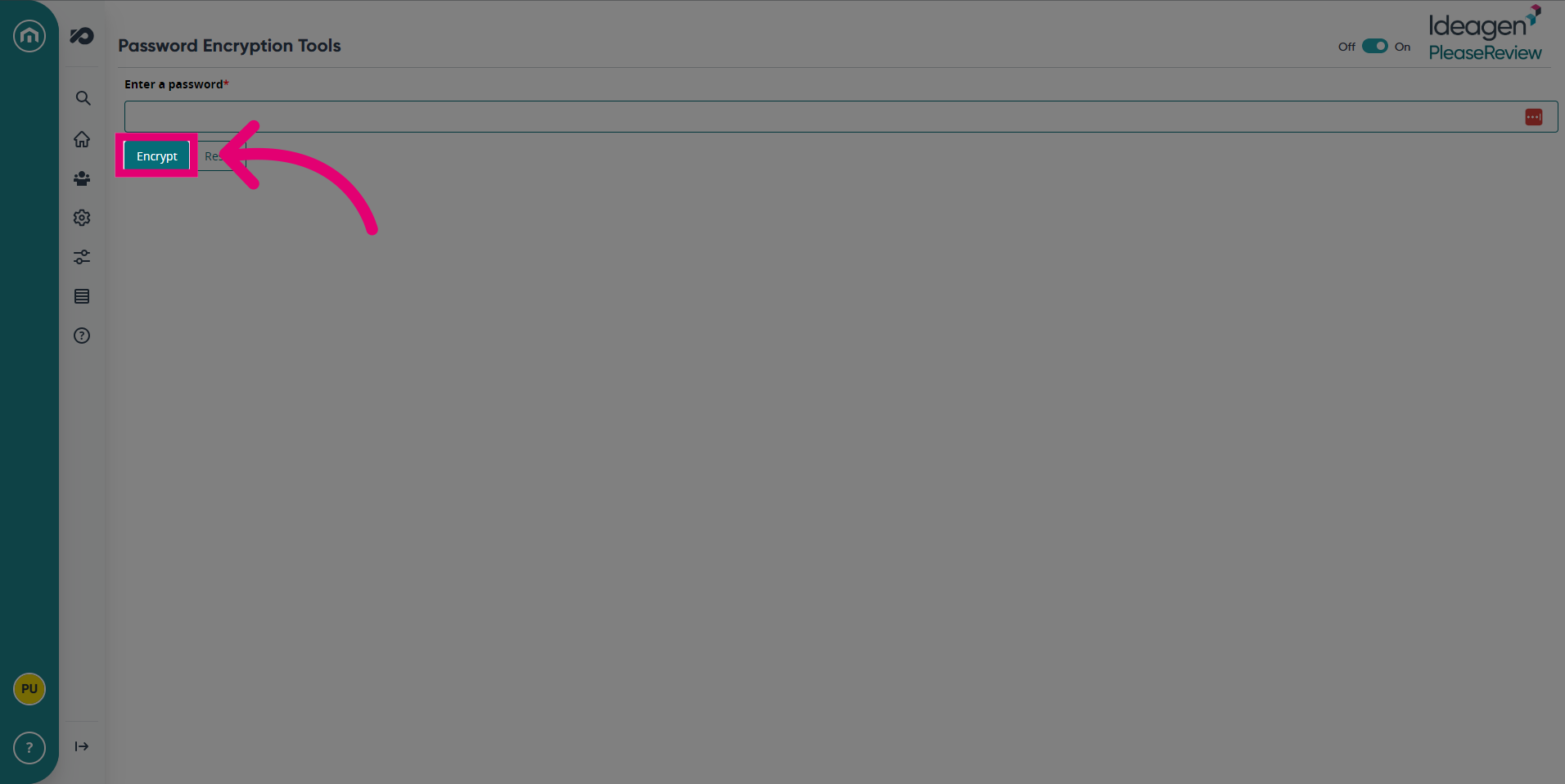
- Click Encrypt.
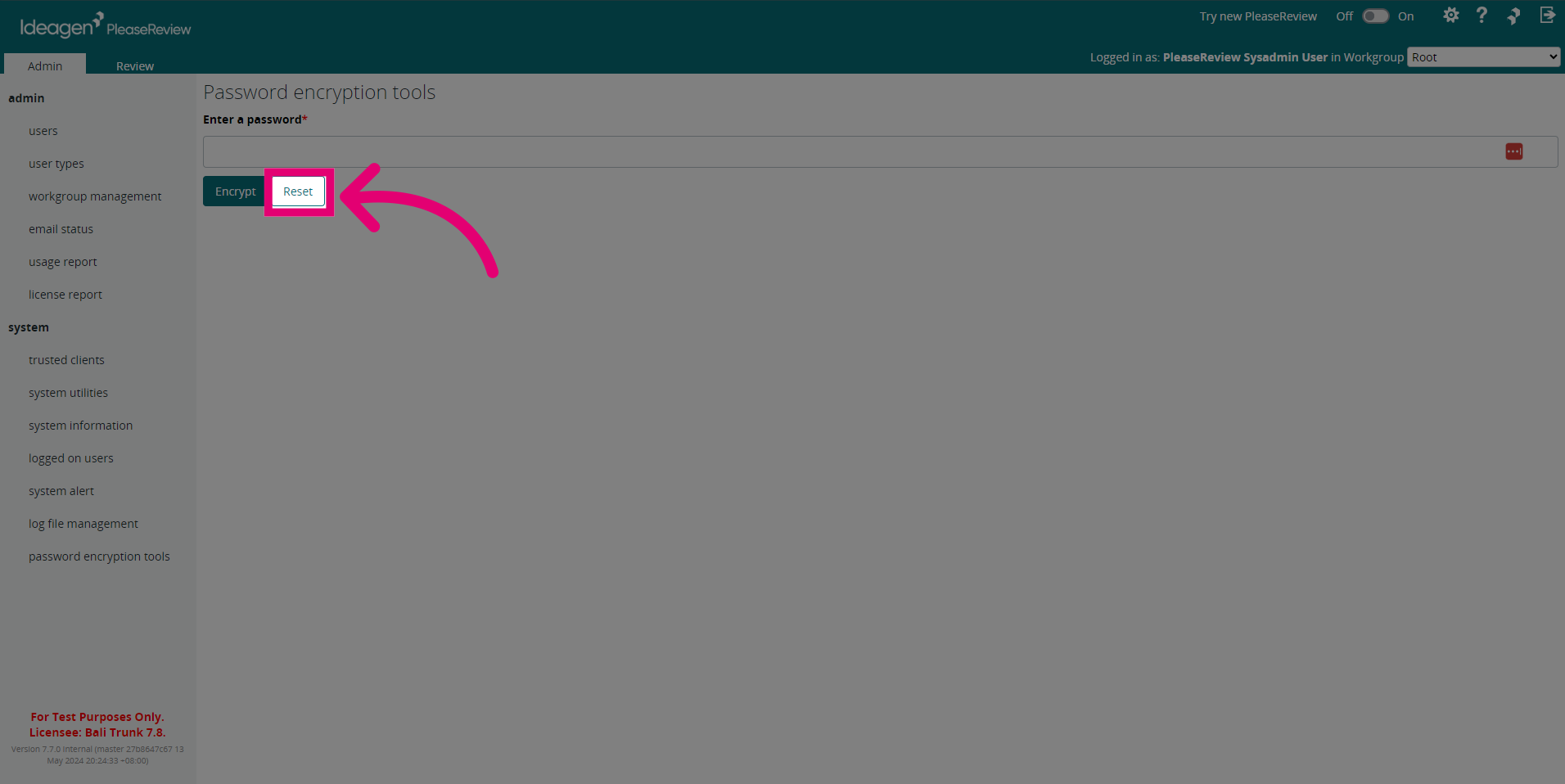
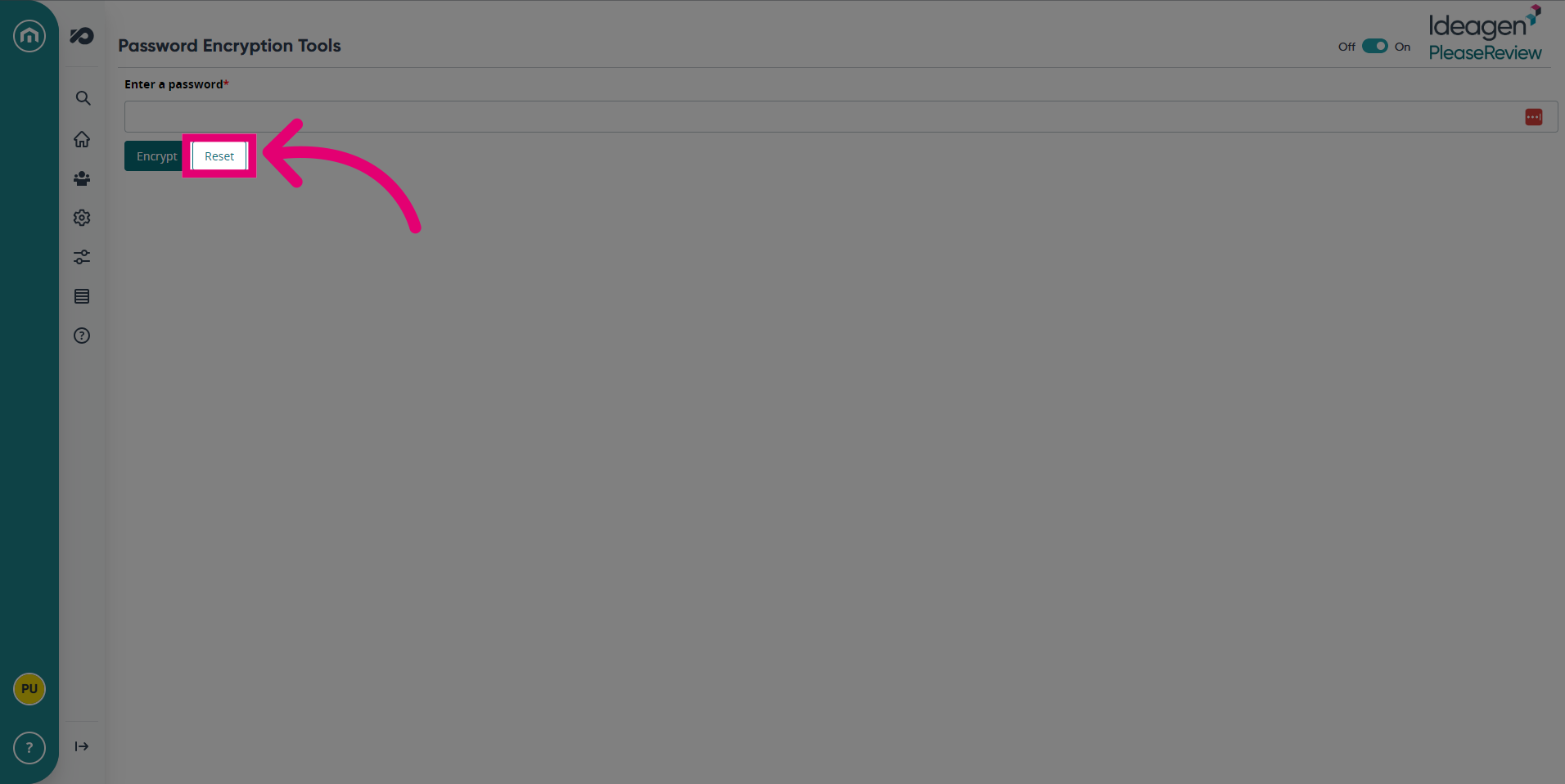
- Click Reset to clear the password.
1. Using Password Encryption for version 7.6 and lower
1.1. Video
1.2. Steps
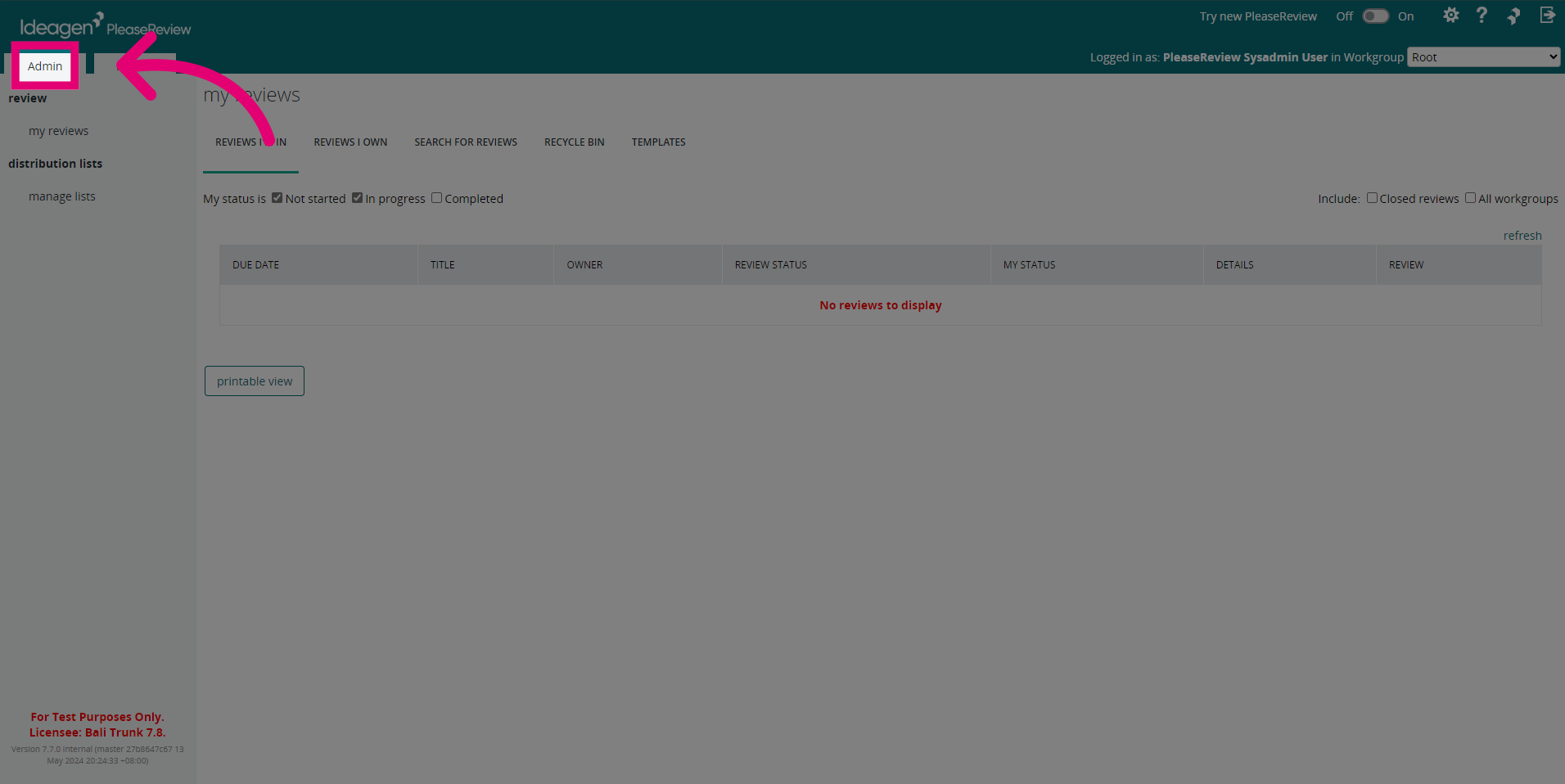
- Access the administration panel.
- Navigate to the password encryption tools section.
- Enter the password you want to encrypt.
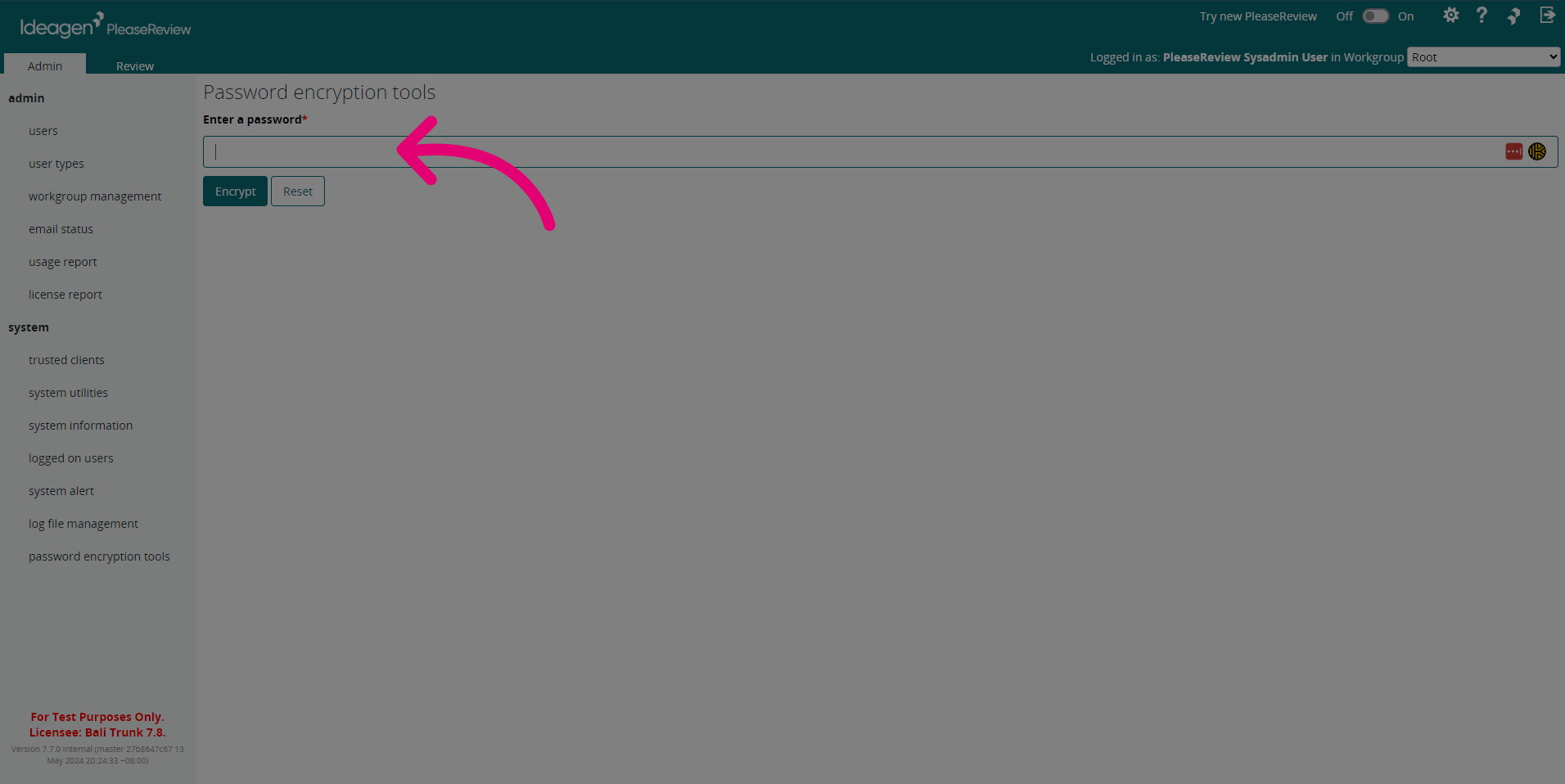
- Access the password encryption tools with the specified password field.
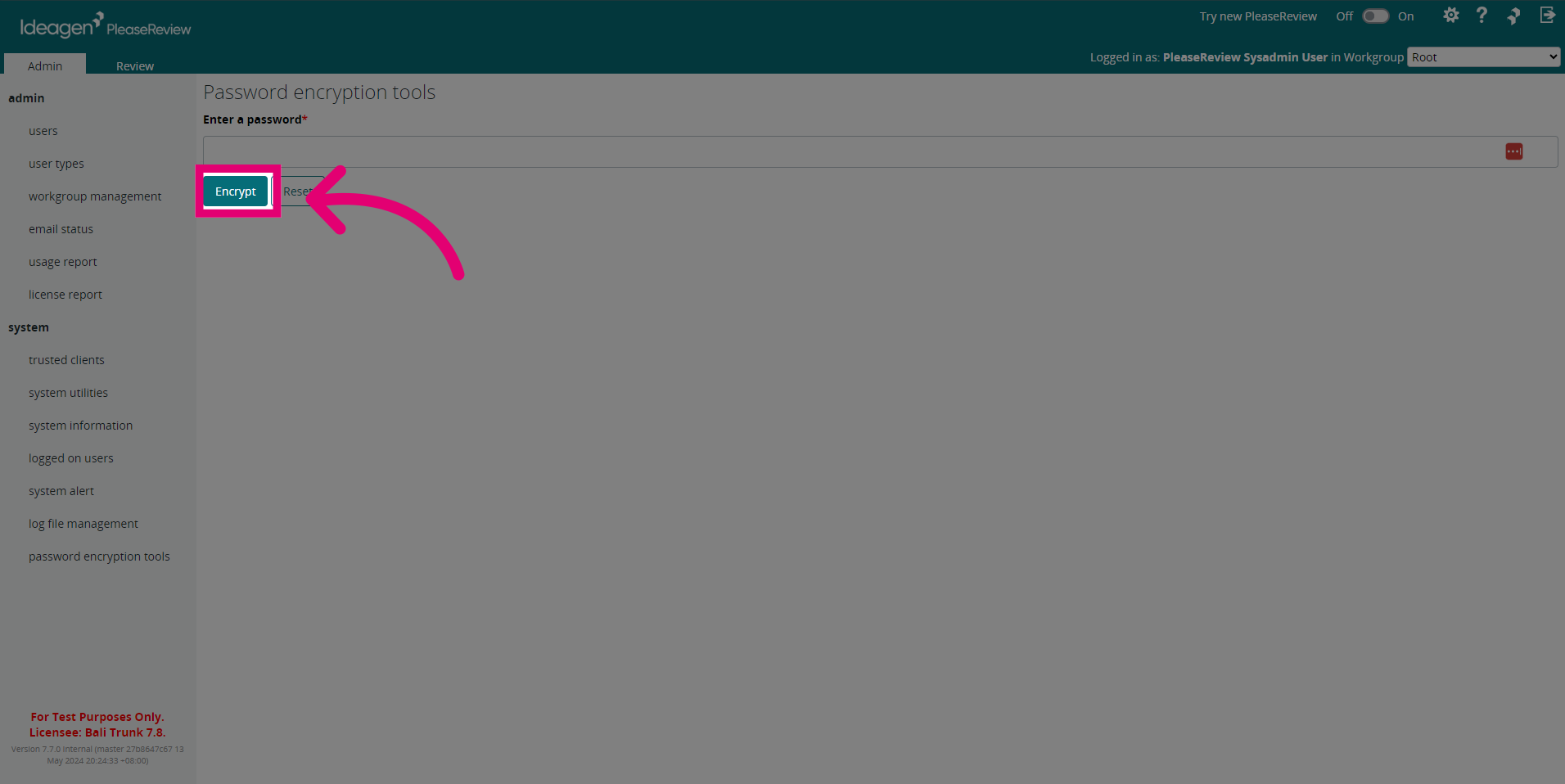
- To clear the password click Reset.