New article
Recently updated
Finding Help and Support in Please Review

Who is this article for?Users who want to find Help and Support.
No elevated permissions are required.
This guide will walk you through how to find Help and Support in Please Review.
1. Finding Help and Support in Please Review
1.1. Video
1.2. Steps
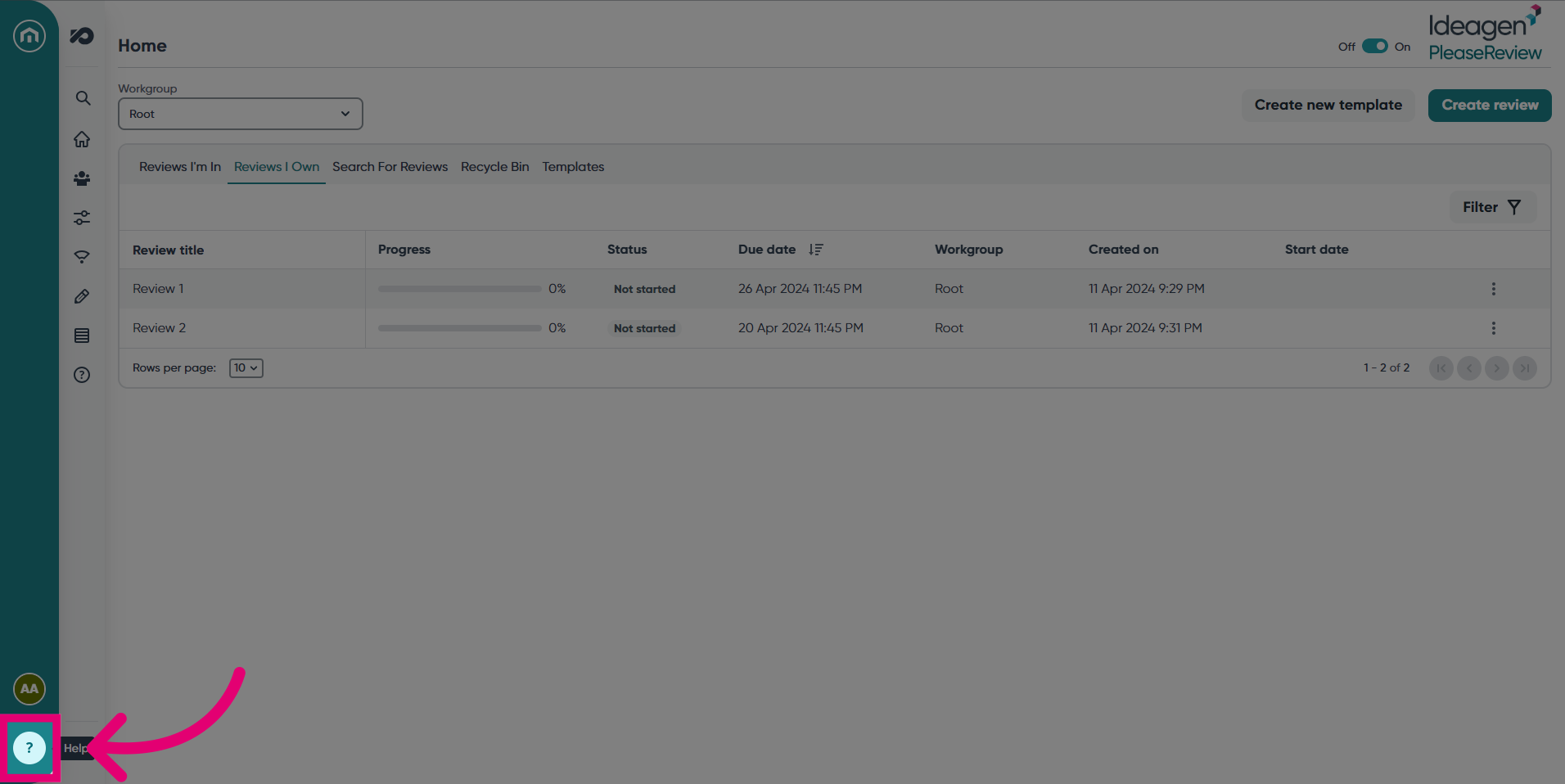
- In the Home bar on the left hand side, click the question mark button.
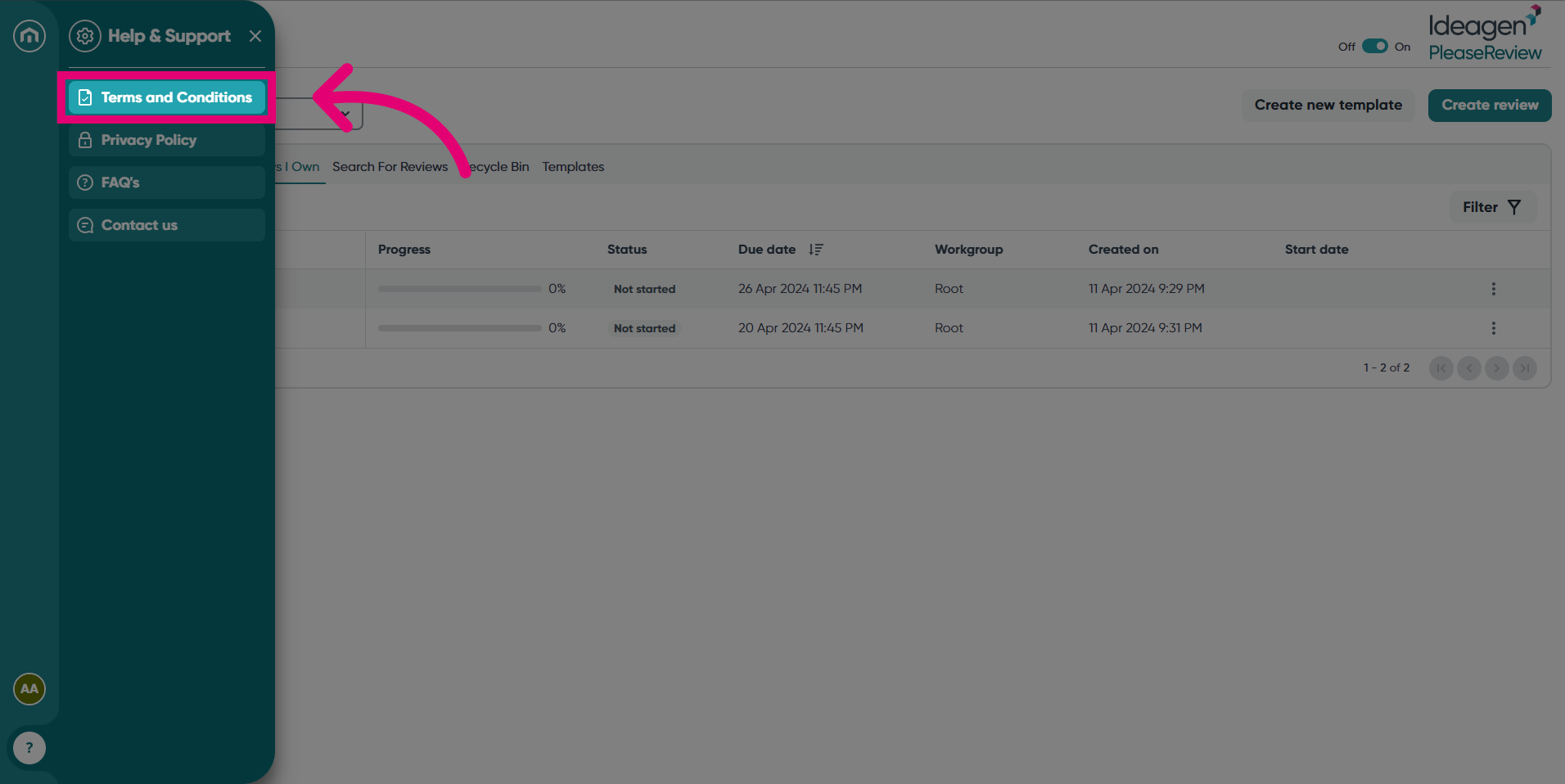
- A pop up will appear where you can select from: Terms and Conditions, Privacy Policy, FAQs and Contact us. Let's start with Terms and Conditions.
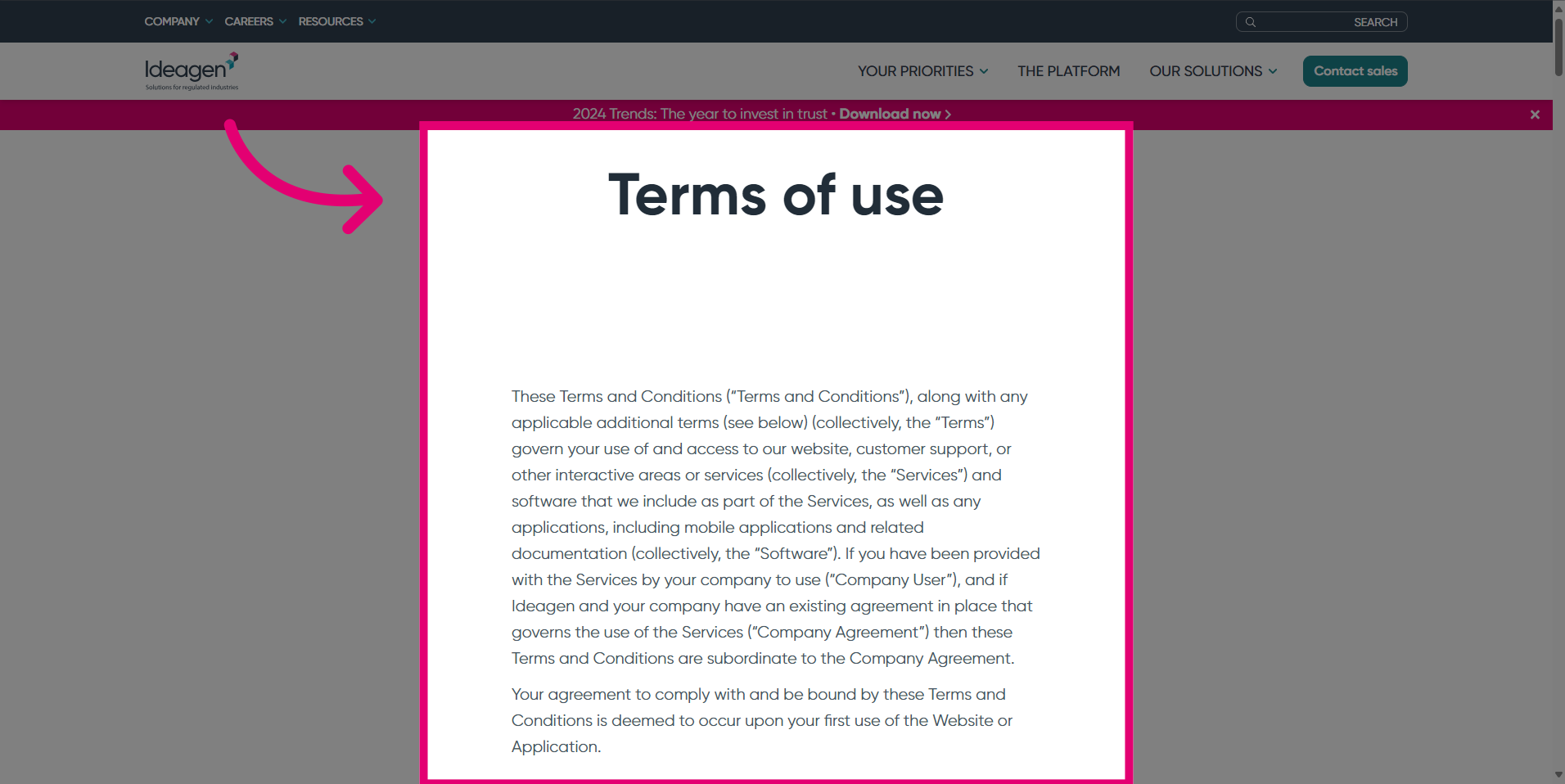
- The Terms of use will open in a new window.
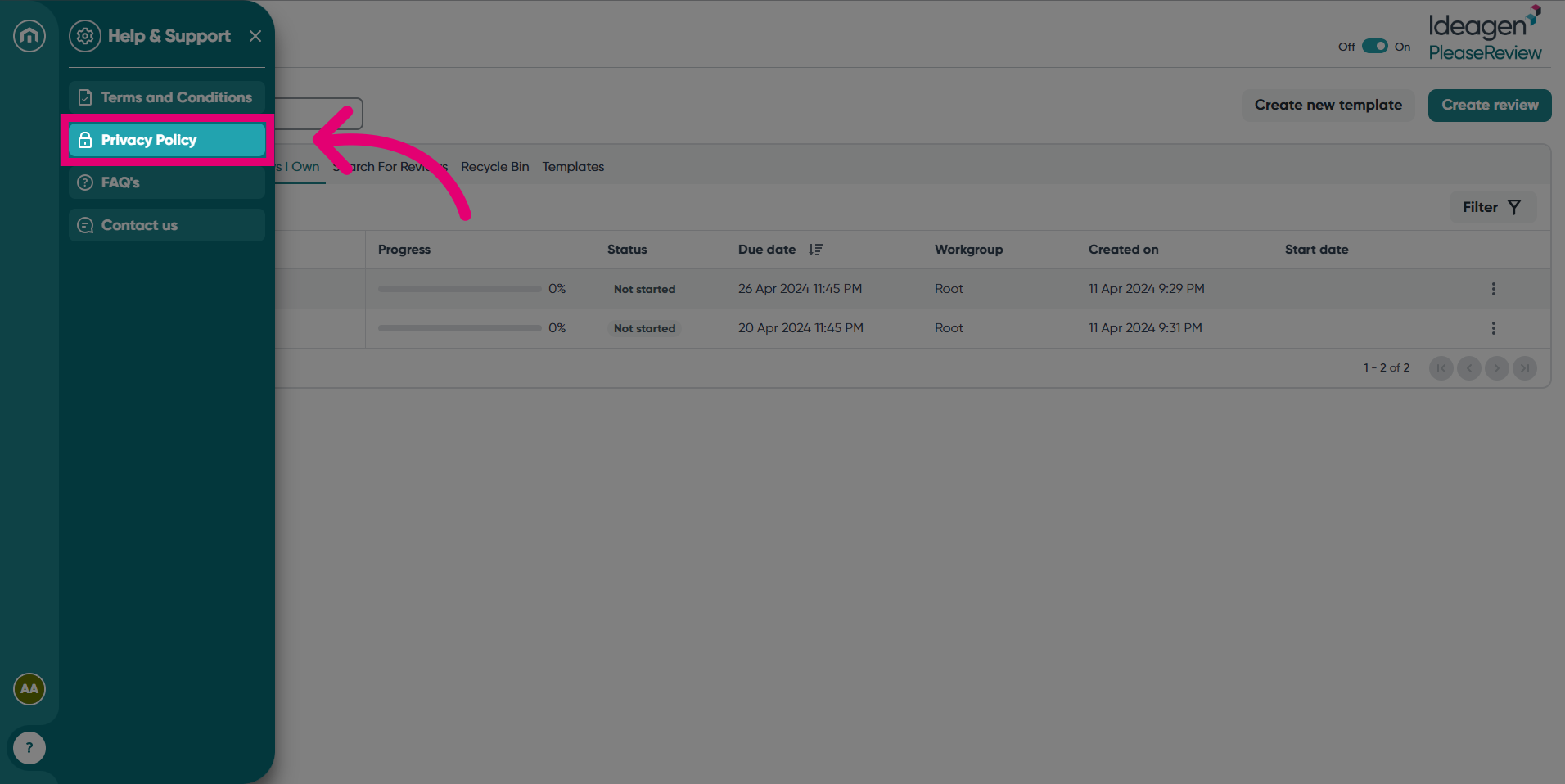
- The second option in the Help & Support section is Privacy Policy.
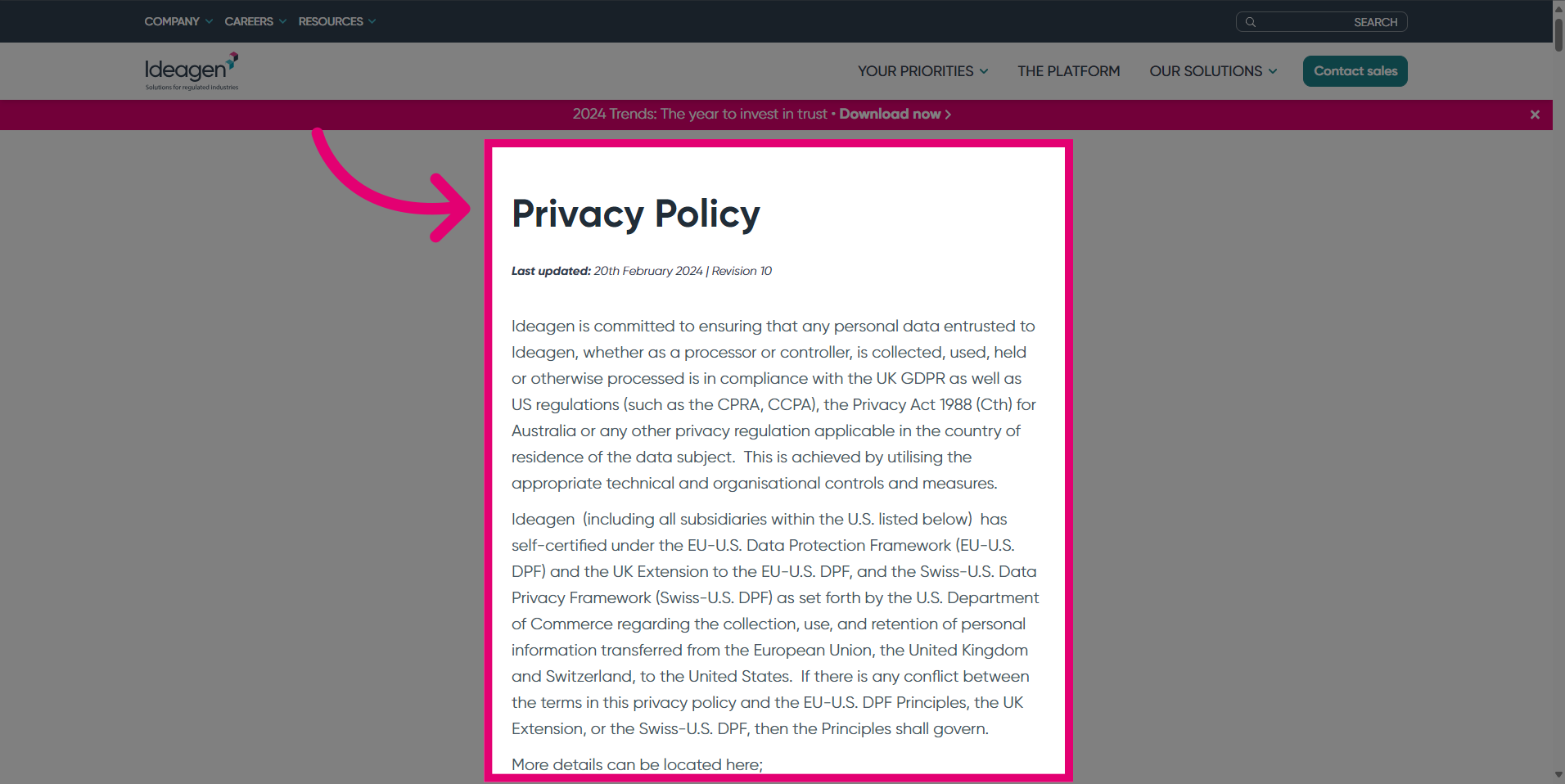
- A new window will open, showing the Please Review Privacy Policy.
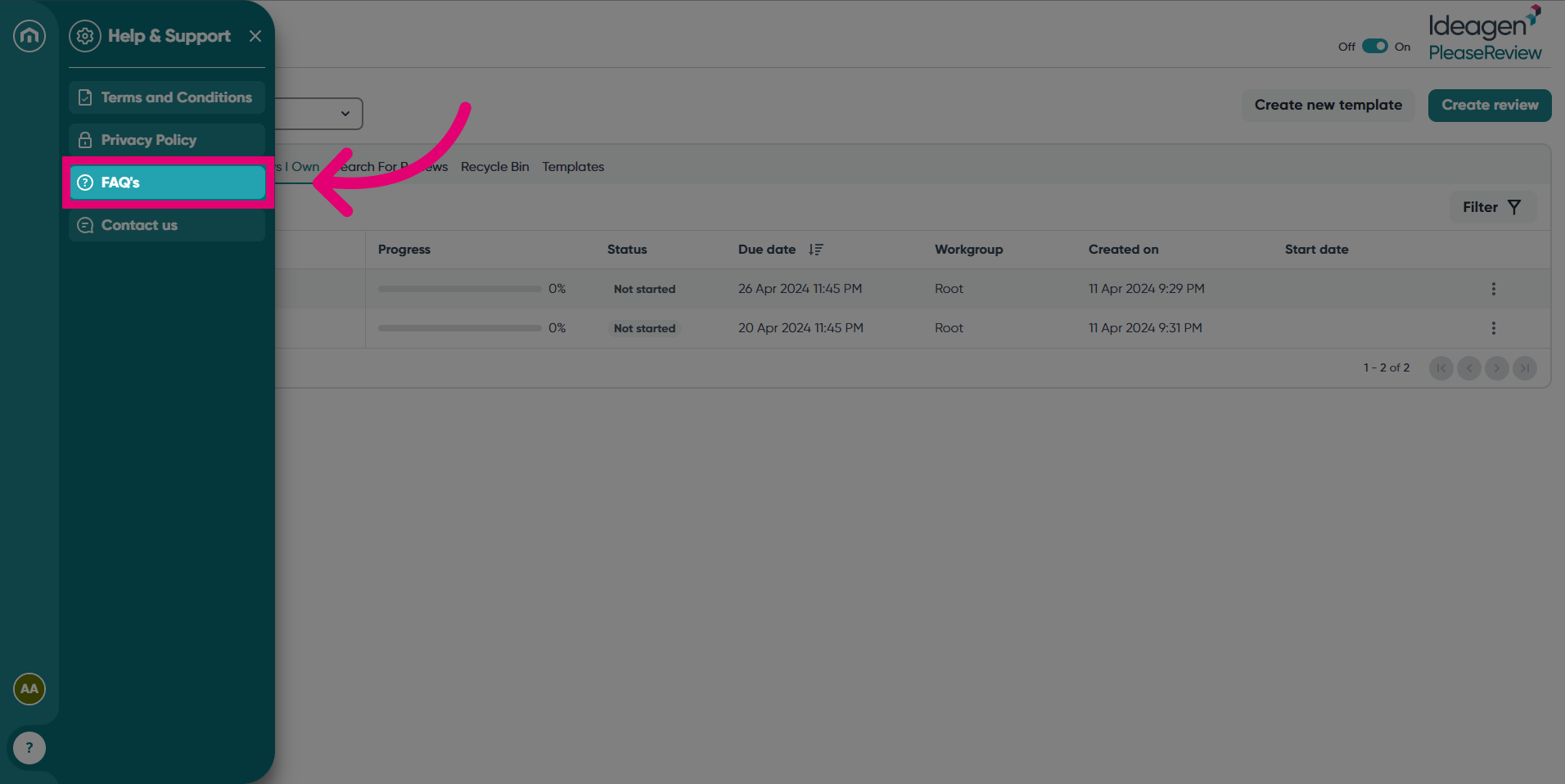
- Access the Frequently Asked Questions section by clicking FAQs. This will direct you to our Help site.
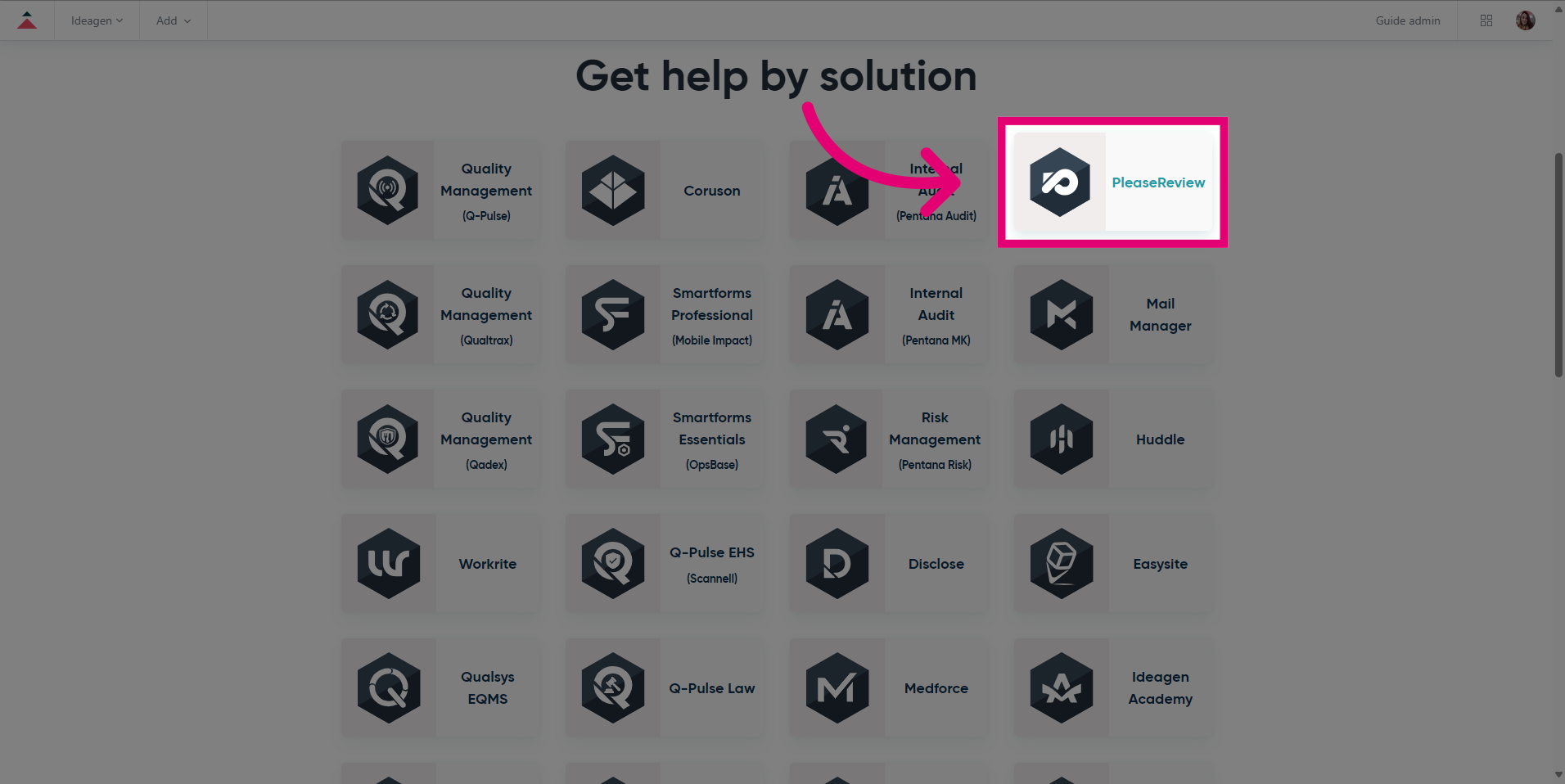
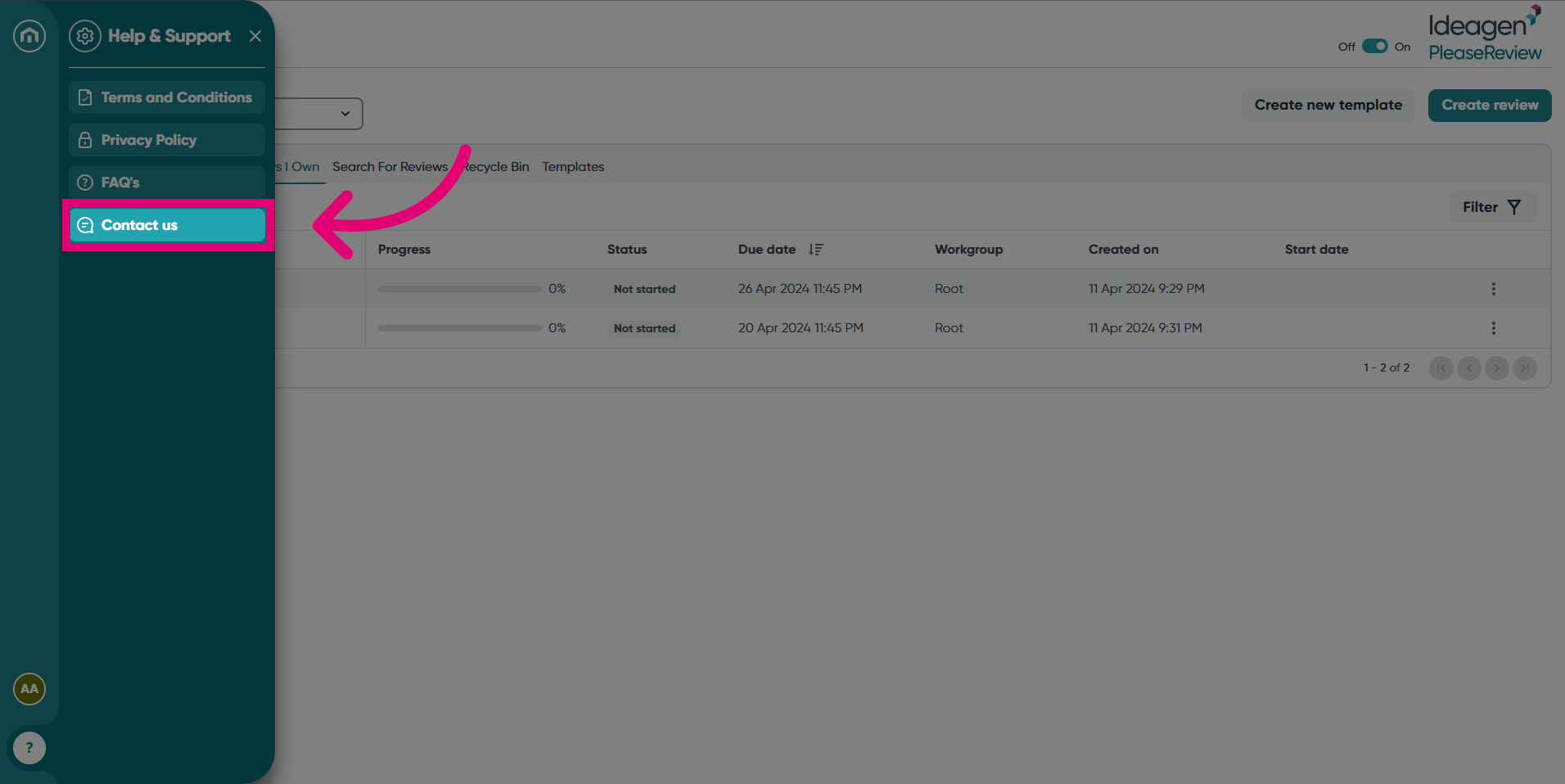
- Finally, select Contact us to be directed to the Get help by Solution screen.
- Click Please Review to access product-specific knowledge.