New article
Recently updated
Exploring the new Please Review UI

Who is this article for?Users who want to learn about the new Please Review UI.
No elevated permissions are required.
This guide introduces Please Review's new Helix UI, moving towards a simpler review process, emphasising refined creation and management, filtering options, and heightened progress tracking.
1. Exploring the New Please Review UI
1.1 Video
1.2 Steps
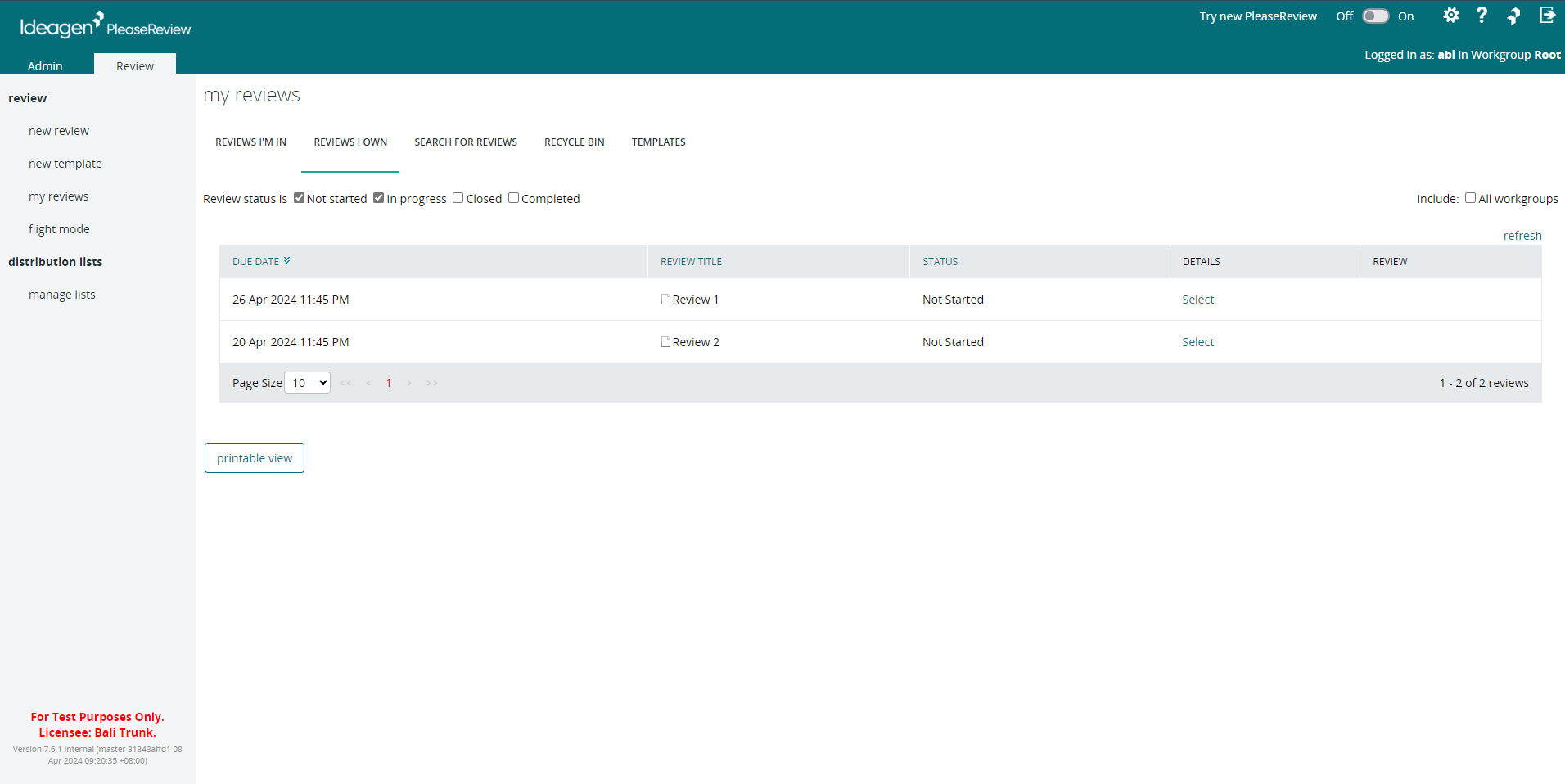
- This is the Please Review UI for version 7.6 and lower.
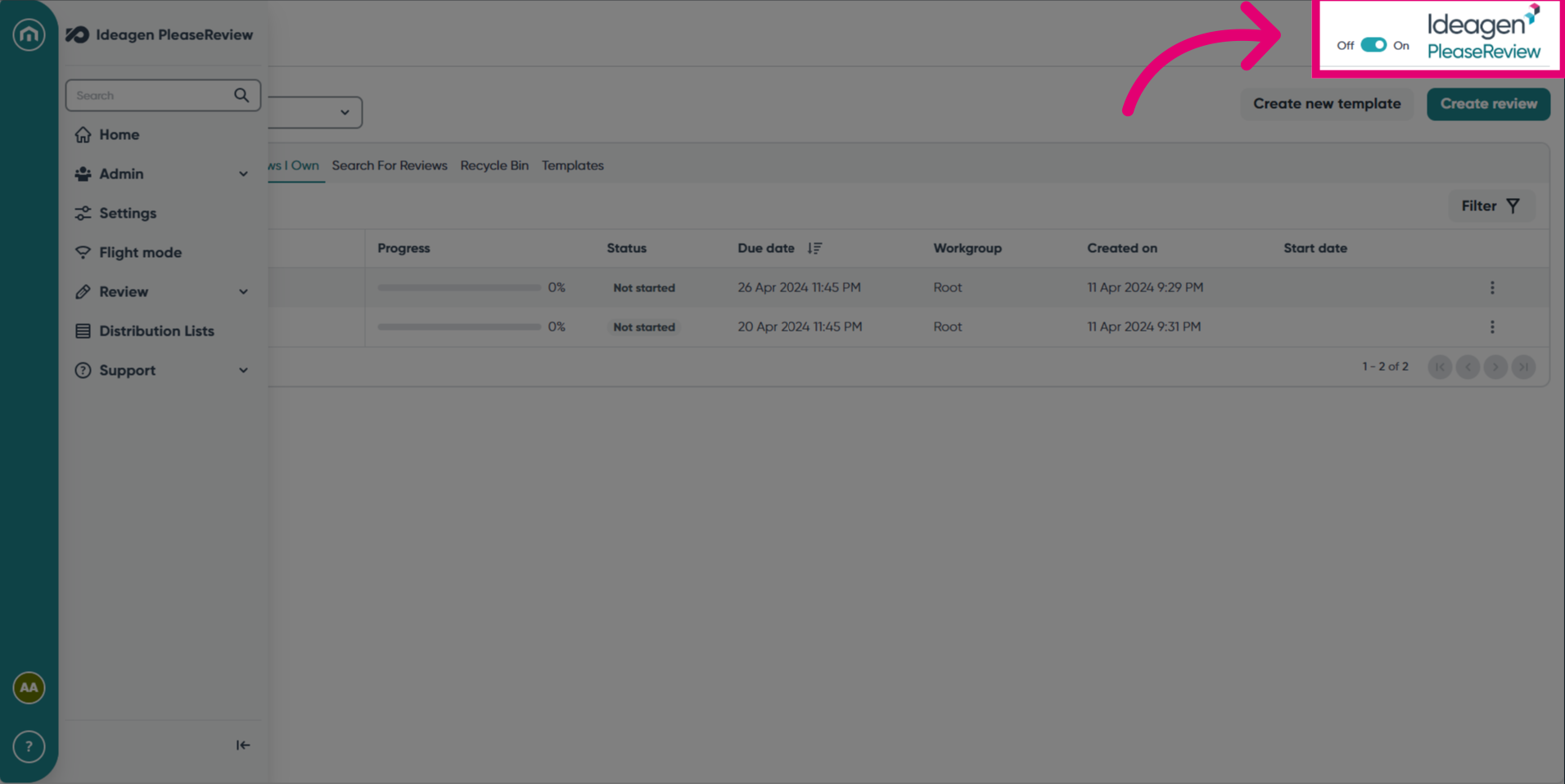
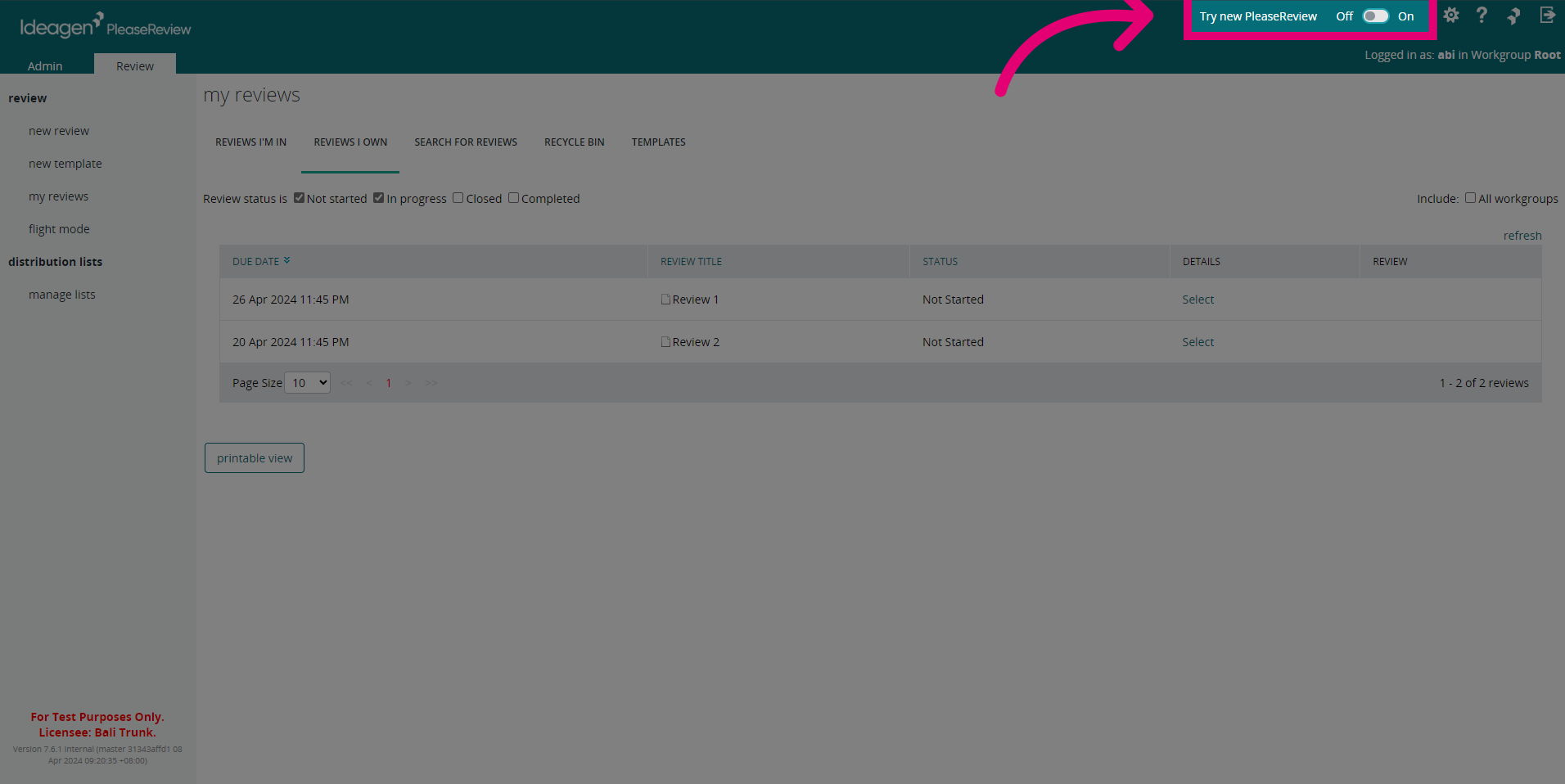
- To switch to the new UI for Please Review (version 7.7 and higher), click the toggle in the top right to On. This means you will be able to enjoy the new experience at your own pace, and you can revert to the old experience to continue your work uninterrupted.
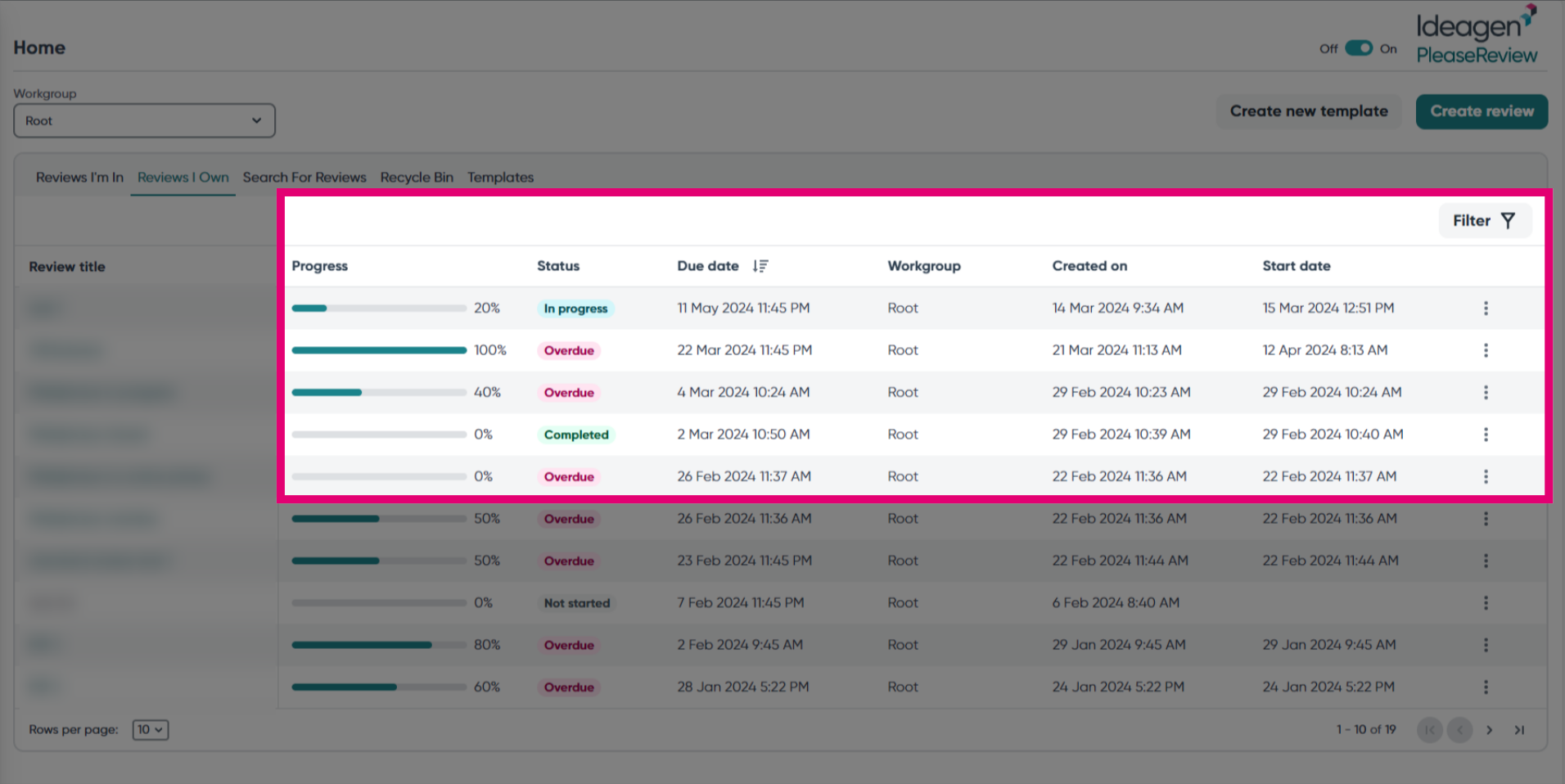
- The new UI enhances accessibility with improved colour contrast, streamlined action buttons, and added features like progress bars, status tags and filter options.
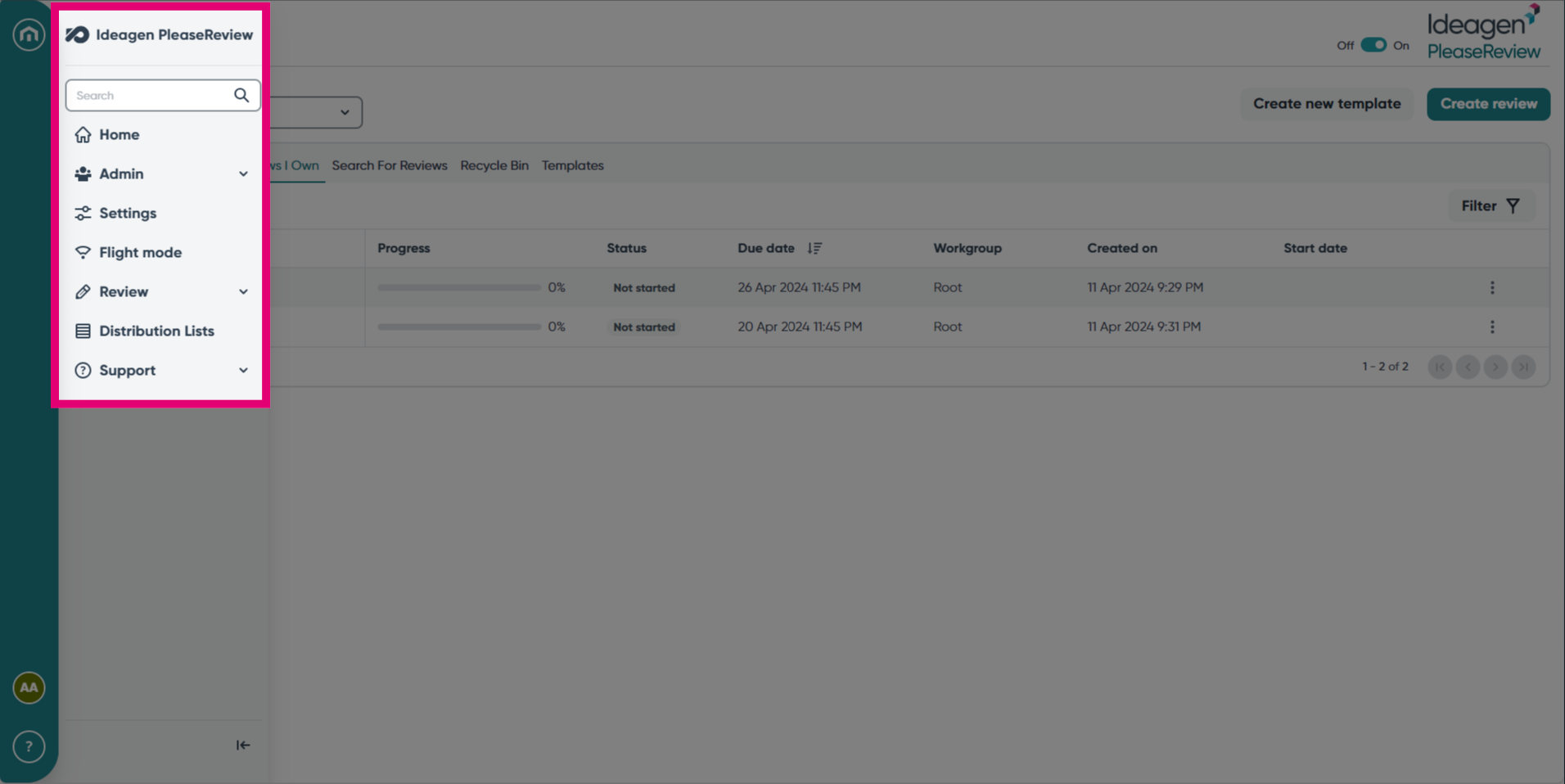
- Seamlessly navigate Please Review with the new navigation bar on the left hand side.
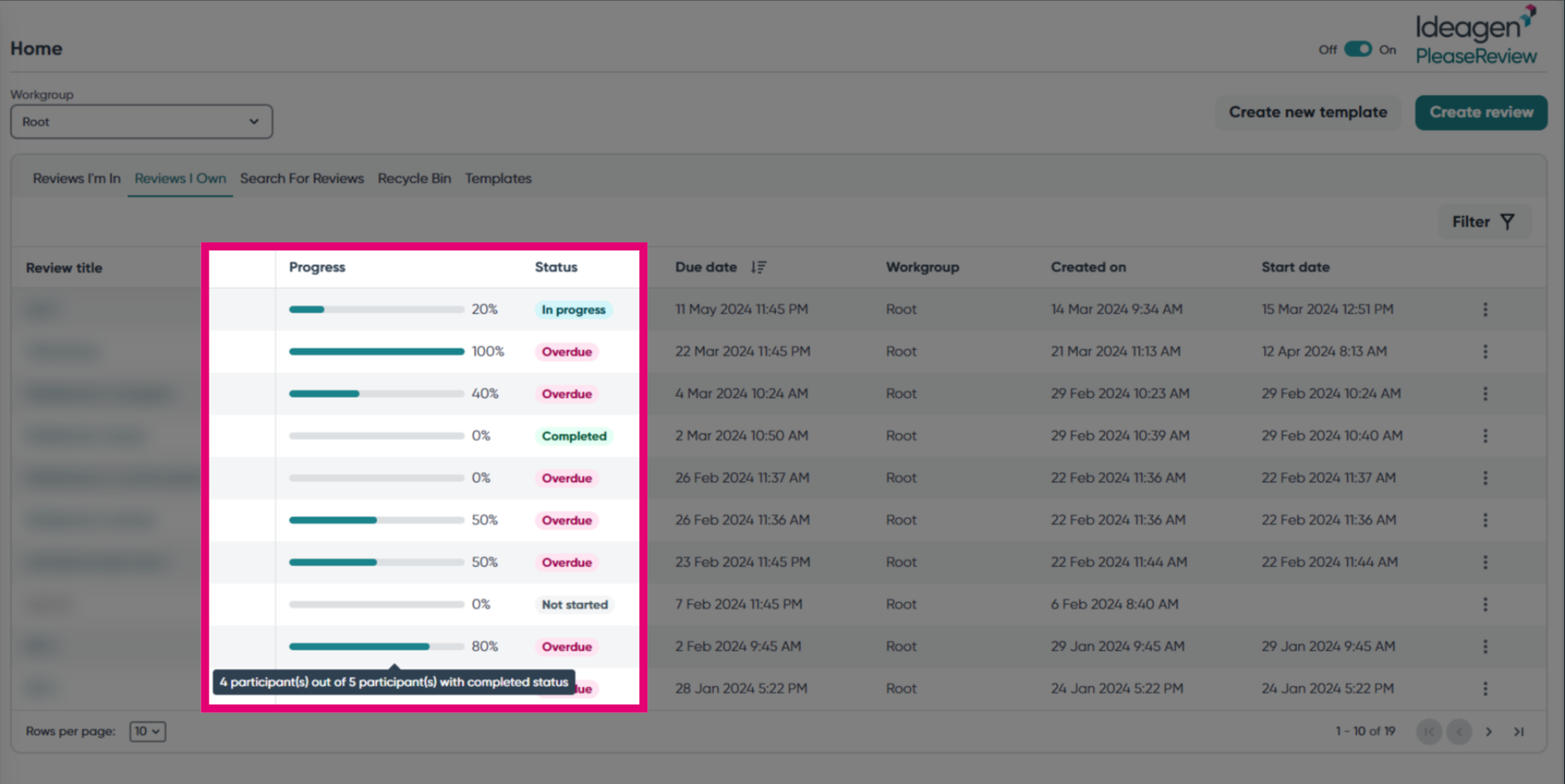
- The introduction of Progress and Status bars provides users with visual cues, offering insights into the review's progress and participant statuses, accessible by simply hovering over them.
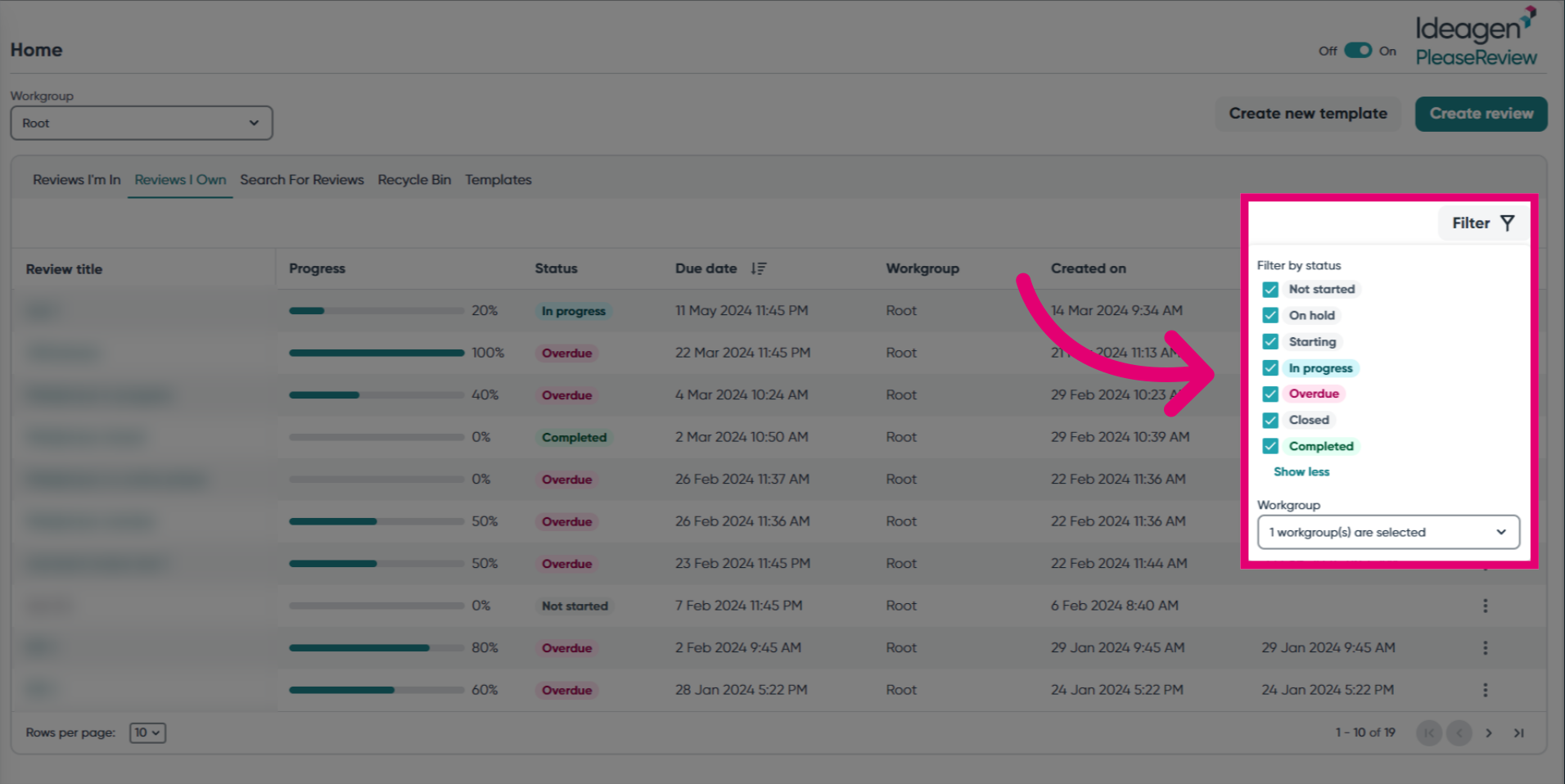
- Use the Filter option to filter by Status and Workgroup.
- If you'd like to switch back to the old experience, simply switch the toggle to Off.