


New article
Recently updated
Using System Utilities, Alerts and Information

Who is this article for?Users looking for system alerts & utilities.
System Administrators can monitor and manage system alerts.
Using system alerts in Please Review allows administrators to proactively monitor and manage the platform's performance and user interactions by receiving notifications for critical events or potential issues, helping ensure a smooth and efficient document review and collaboration process. System alerts empower administrators to take timely actions, maintaining the integrity of the review environment and enhancing user experience.
1. Using System Utilities, Alerts and Information
1.1. Video
1.2. Steps
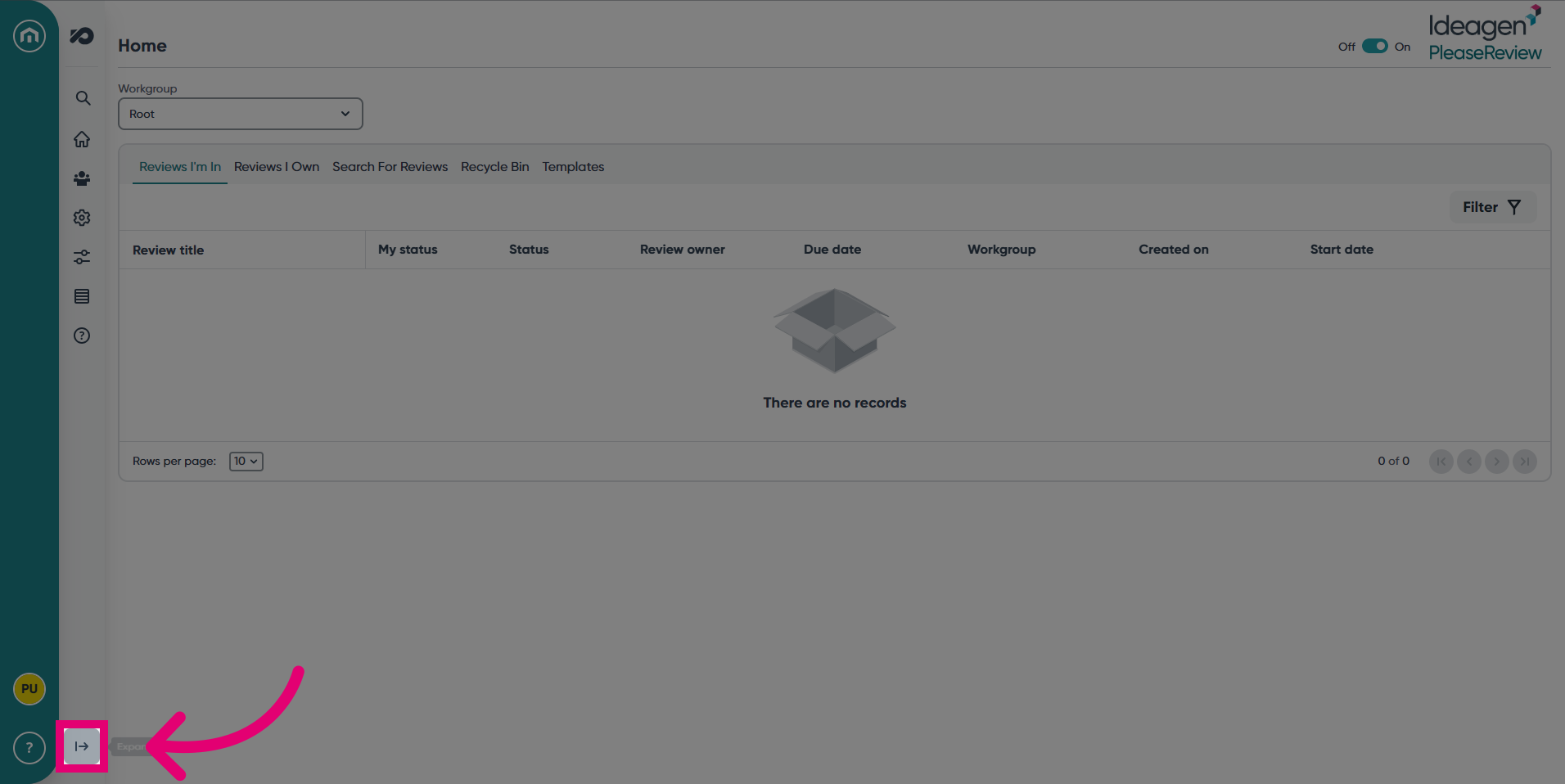
- Expand the navigation bar.
- Select the System tab.
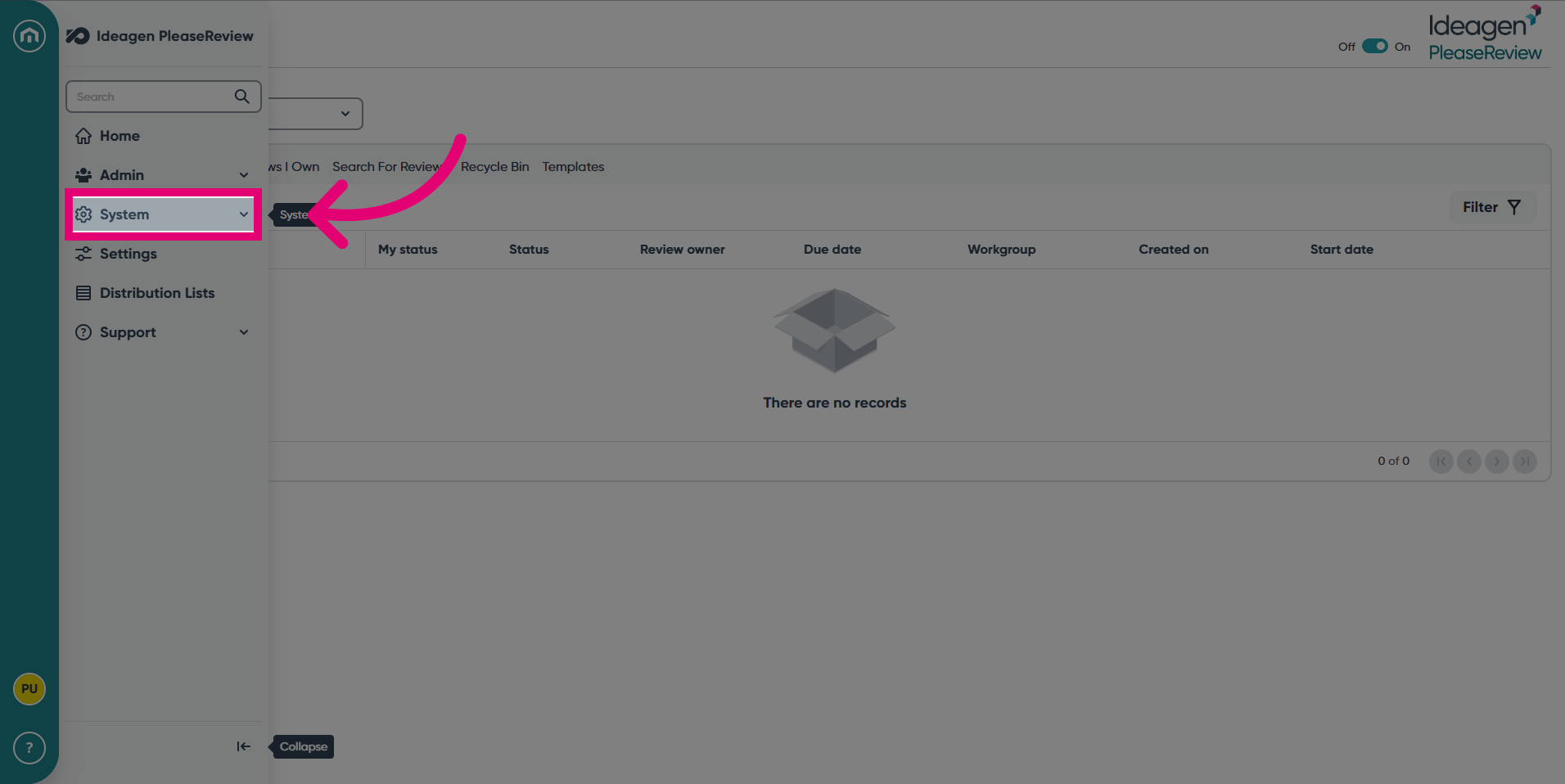
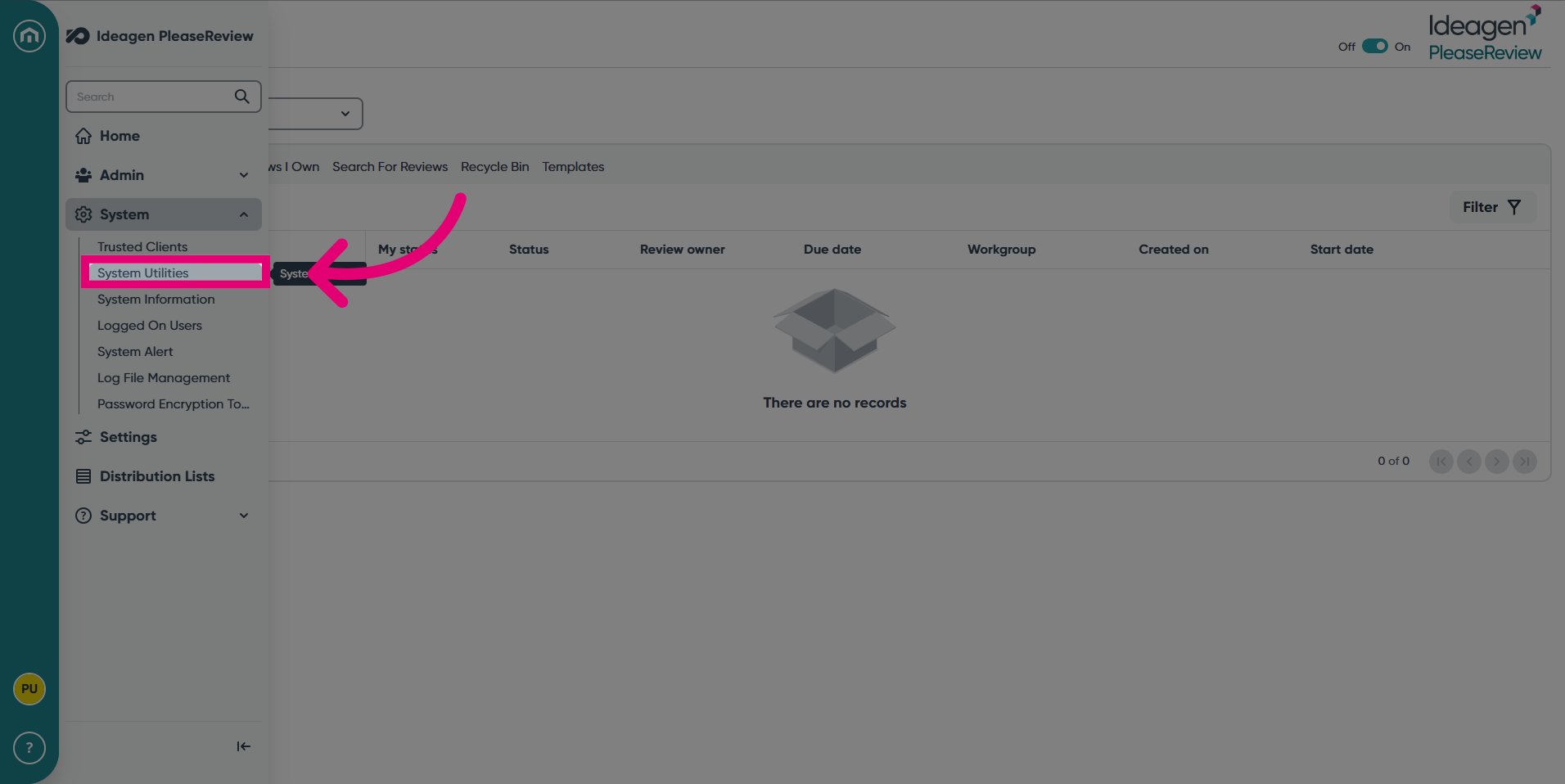
- Click System Utilities.
- To test a System Utility, click GO under Actions.
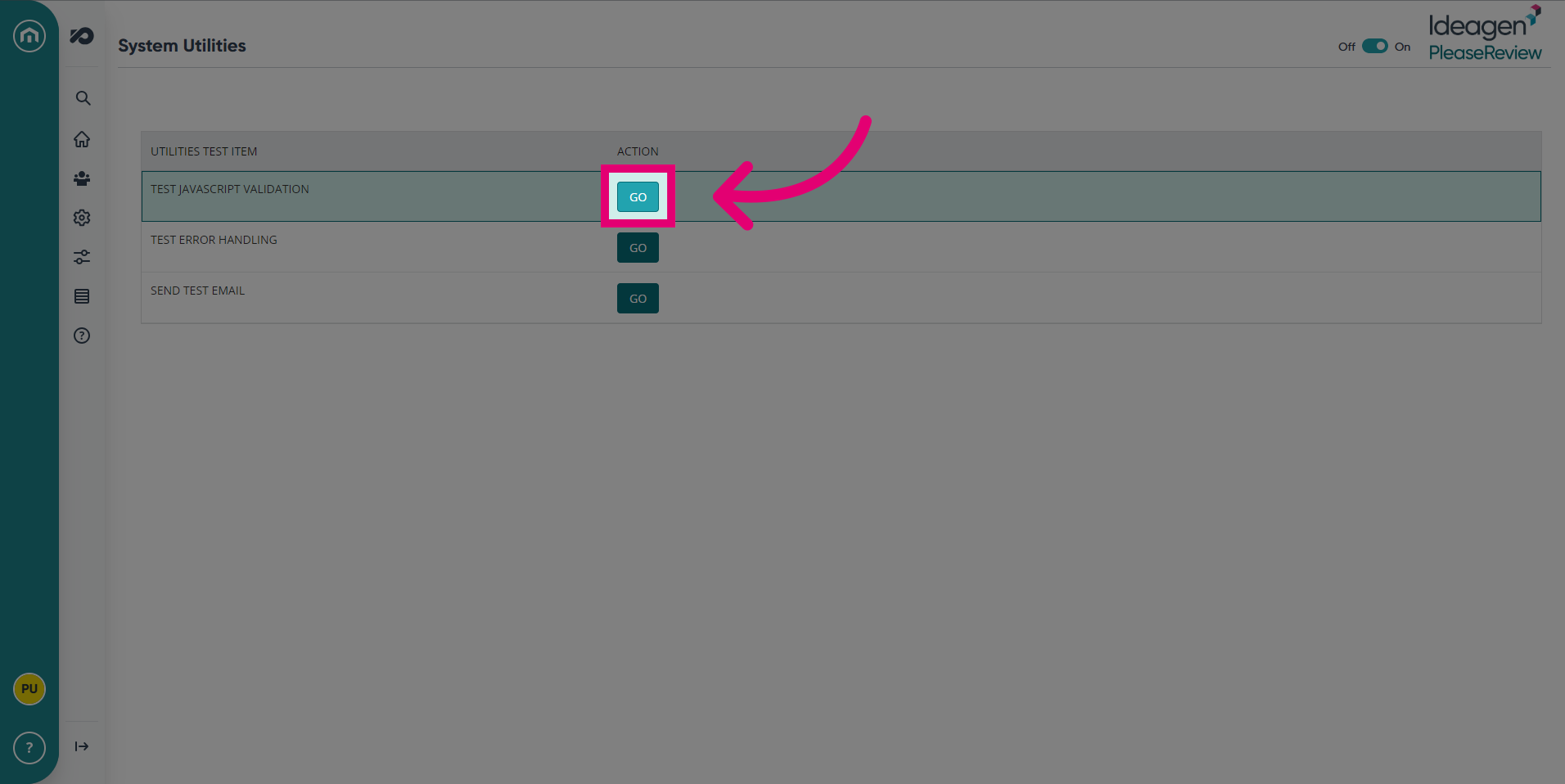
- This will show if the test item is working.
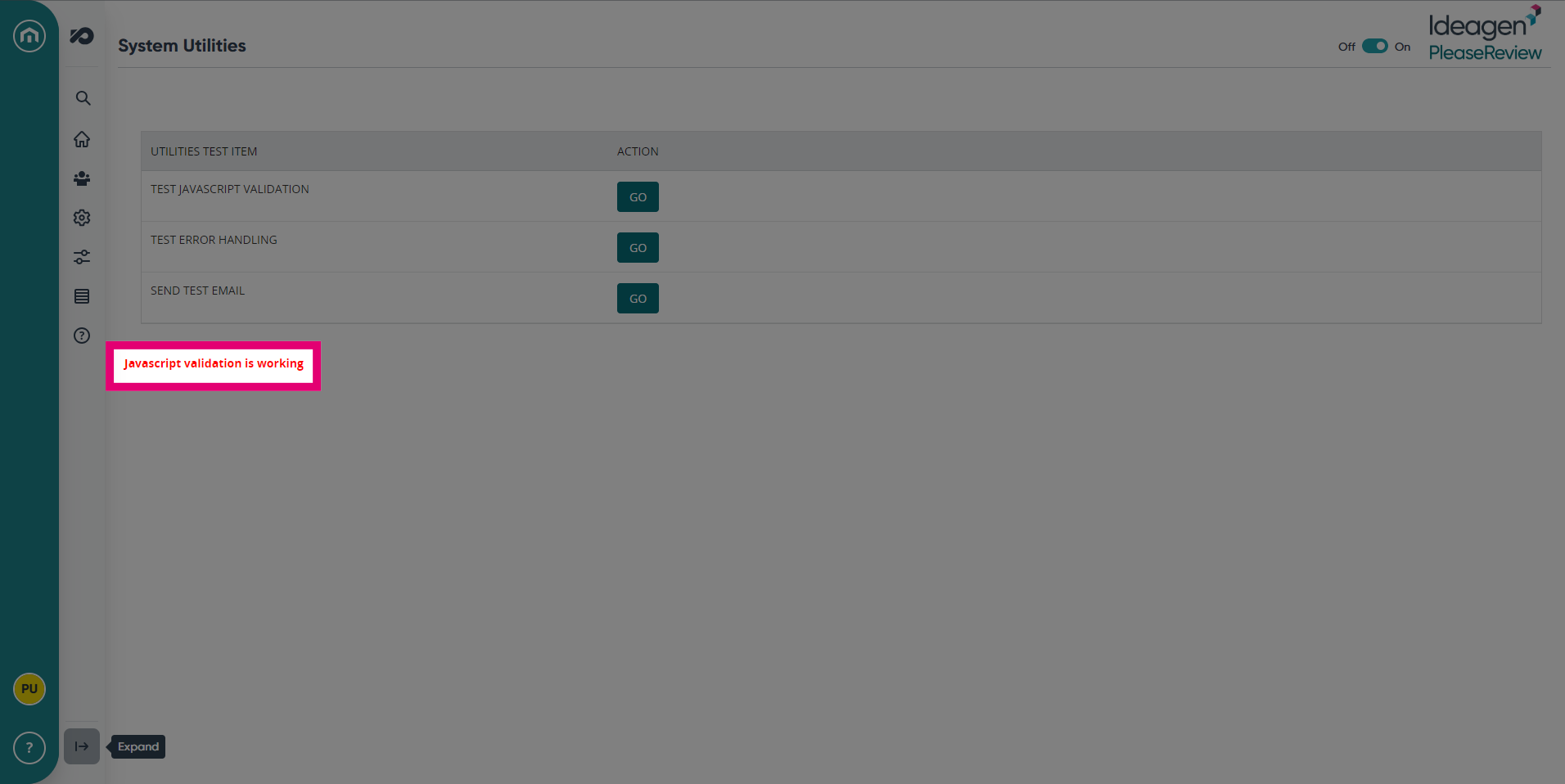
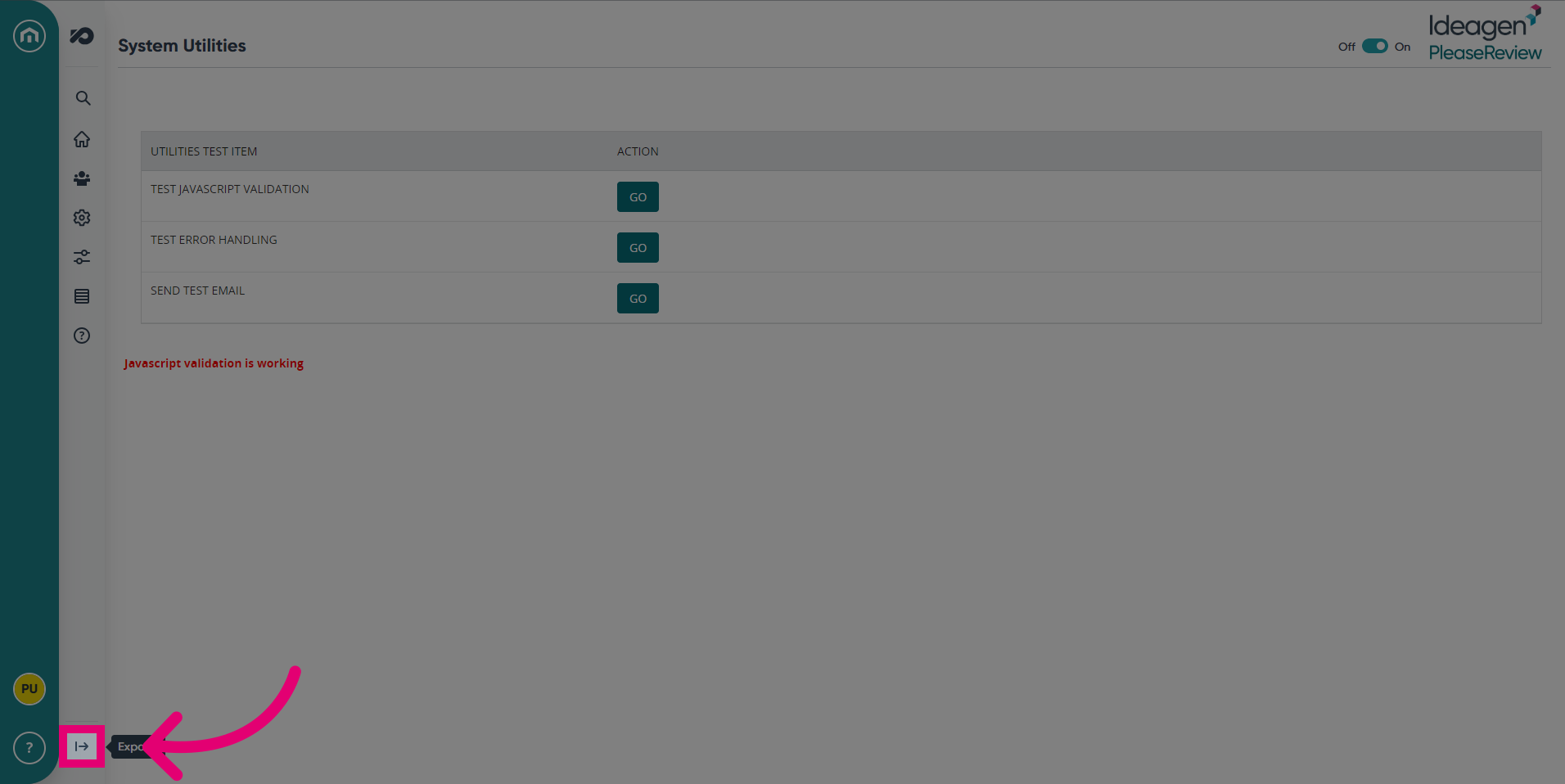
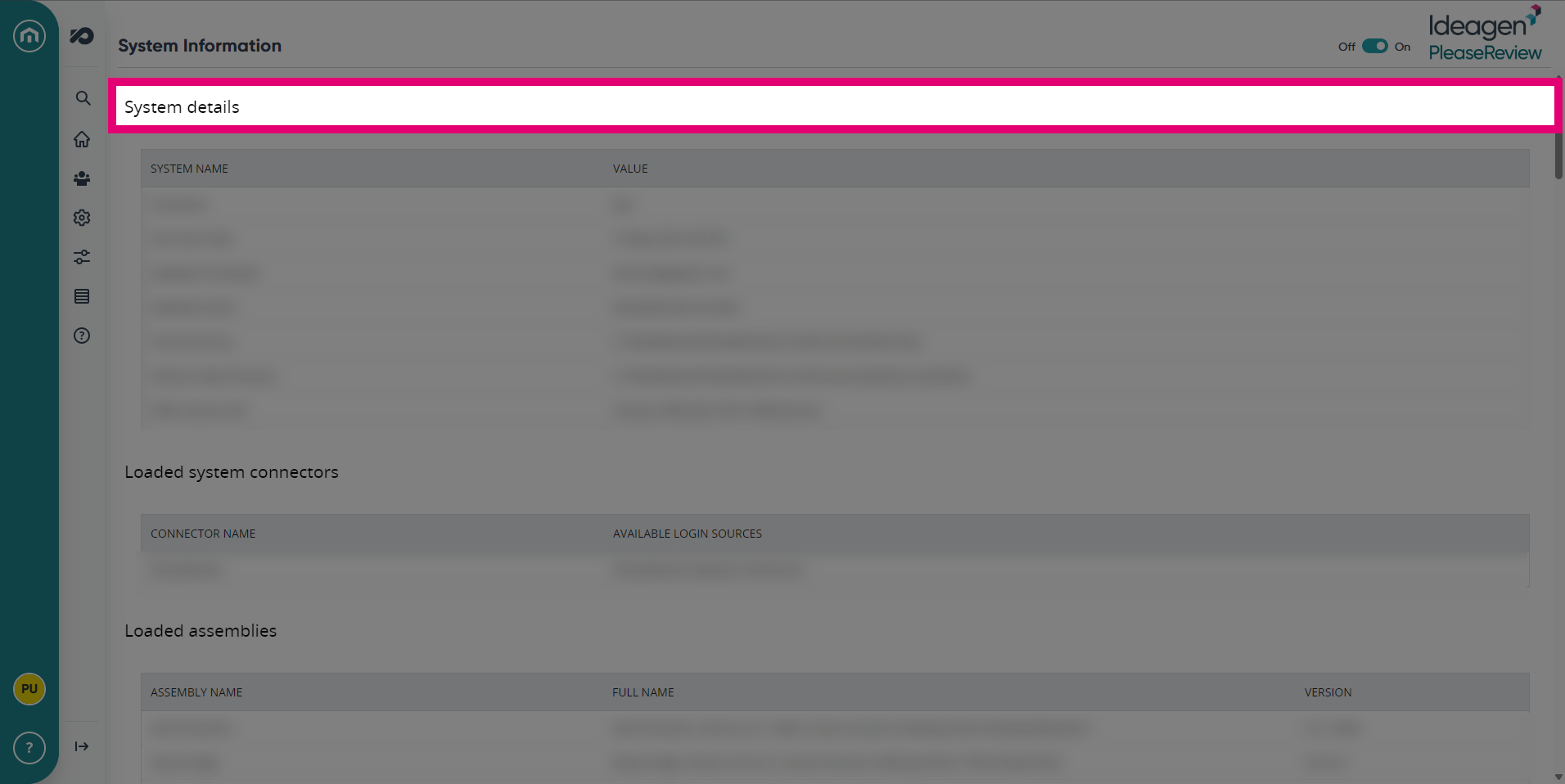
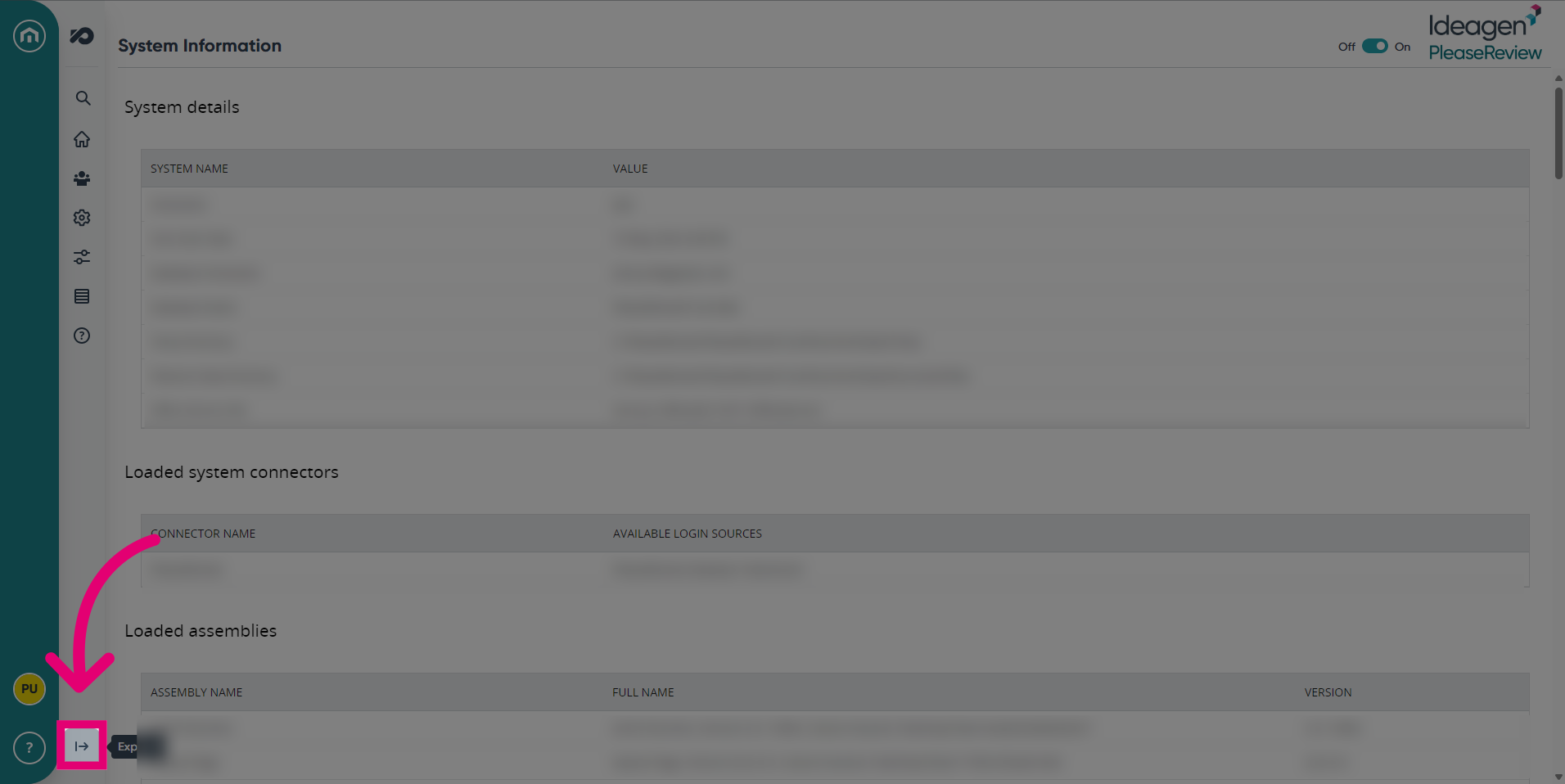
- Next, to access System Information, expand the navigation bar.
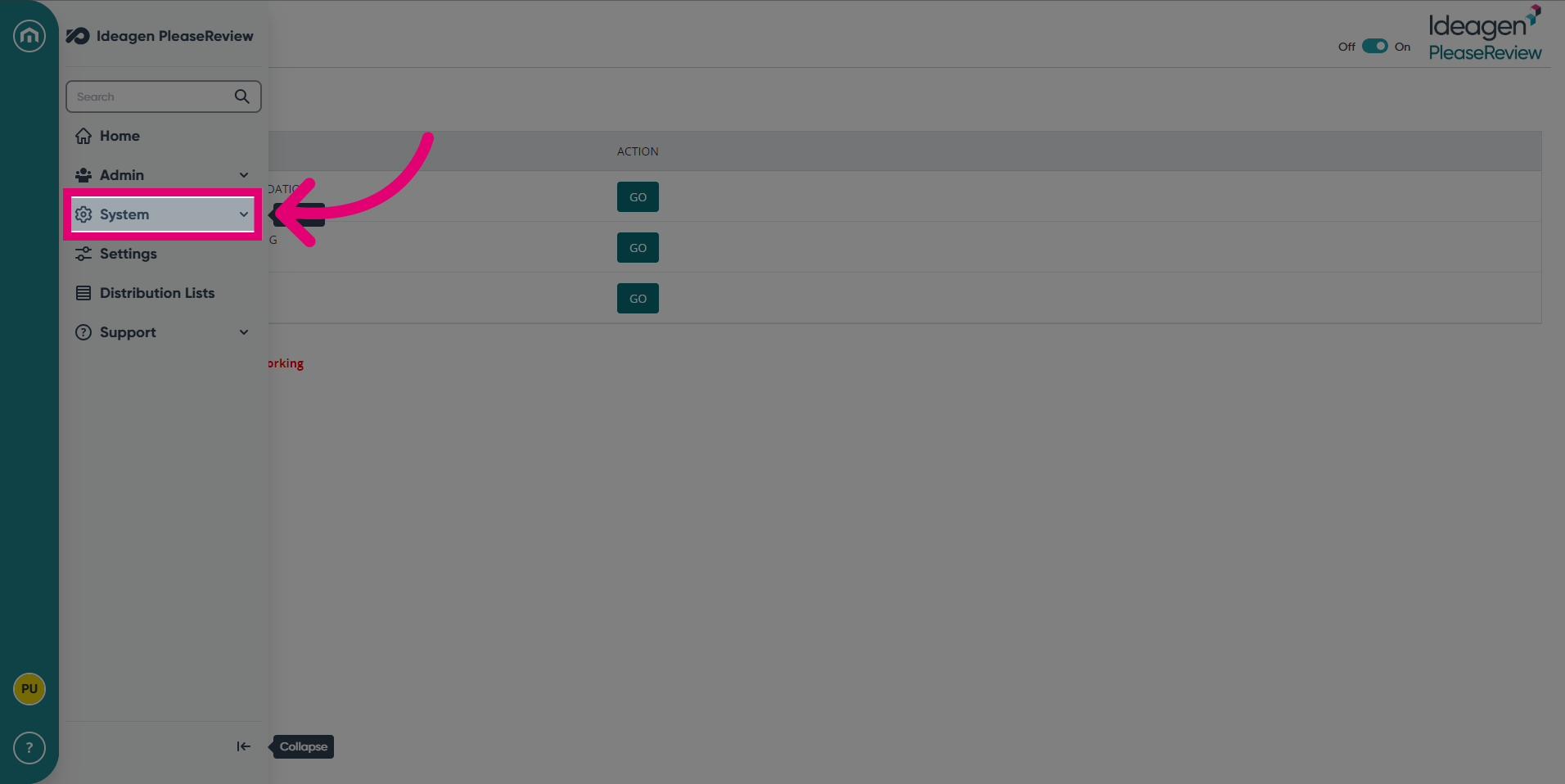
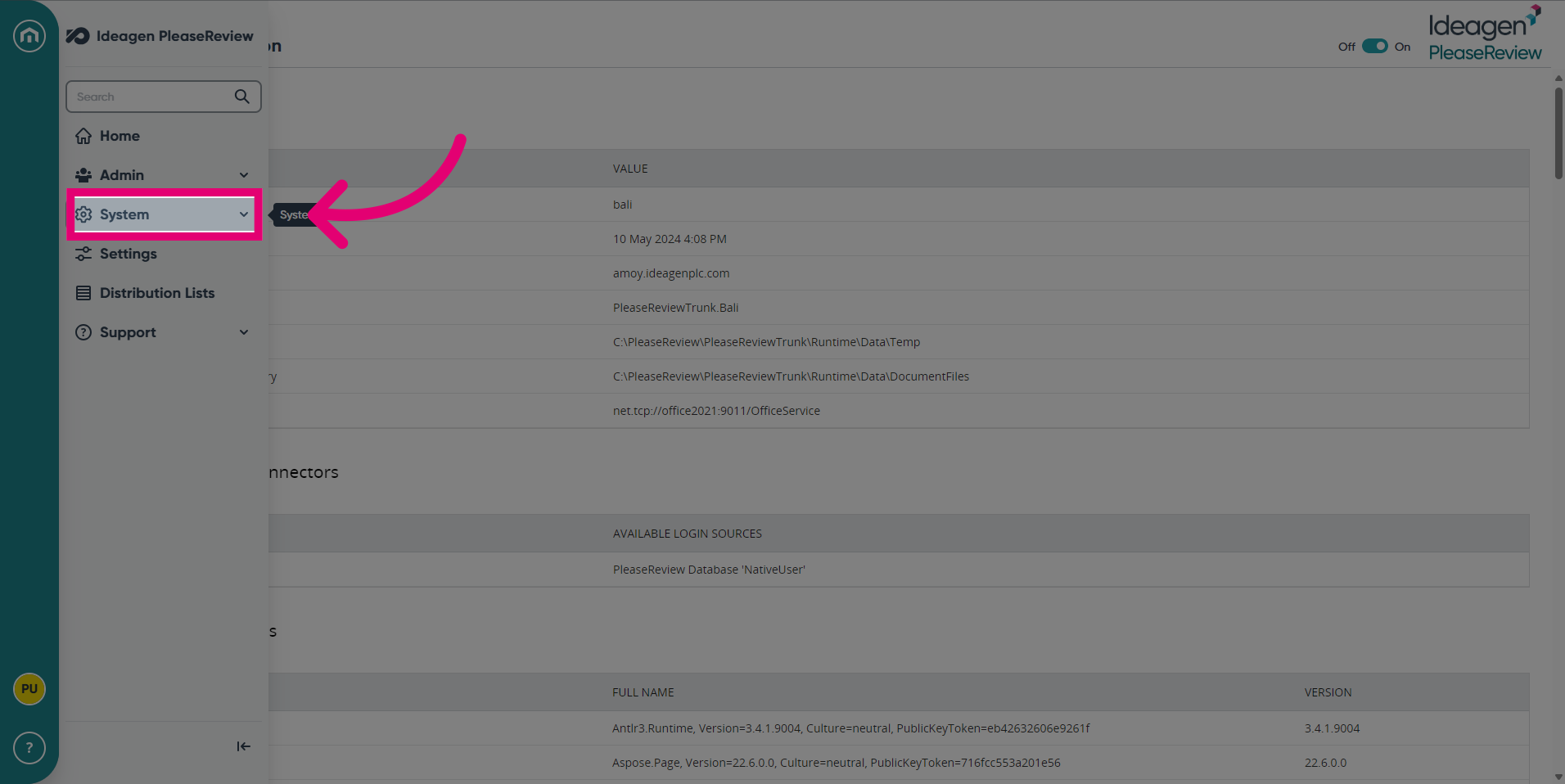
- Click System.
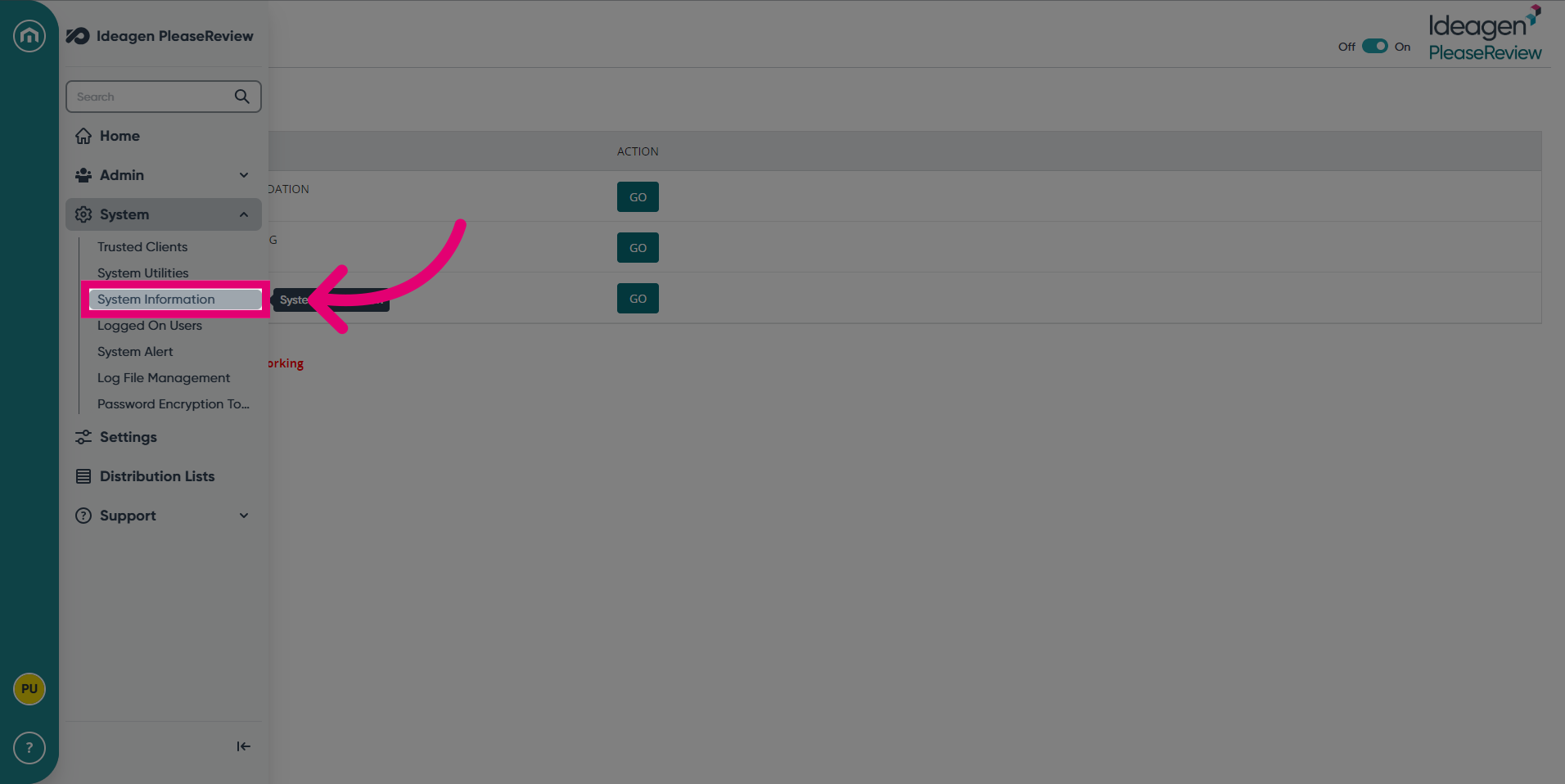
- Select the System Information.
- Scroll through the System Information.
- Finally, to access System Alerts, expand the navigation bar.
- Click the System tab.
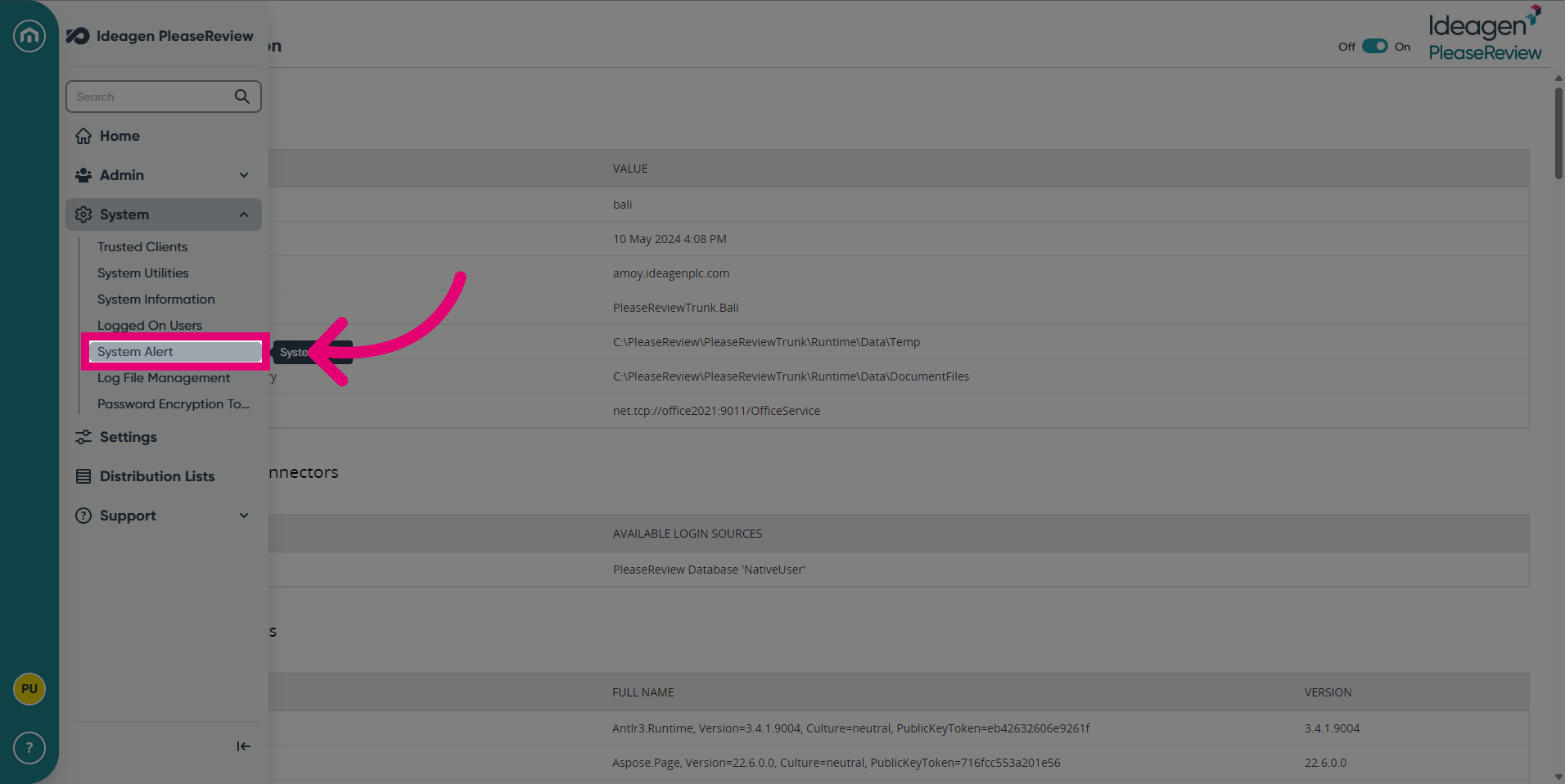
- Click on the System Alert field.
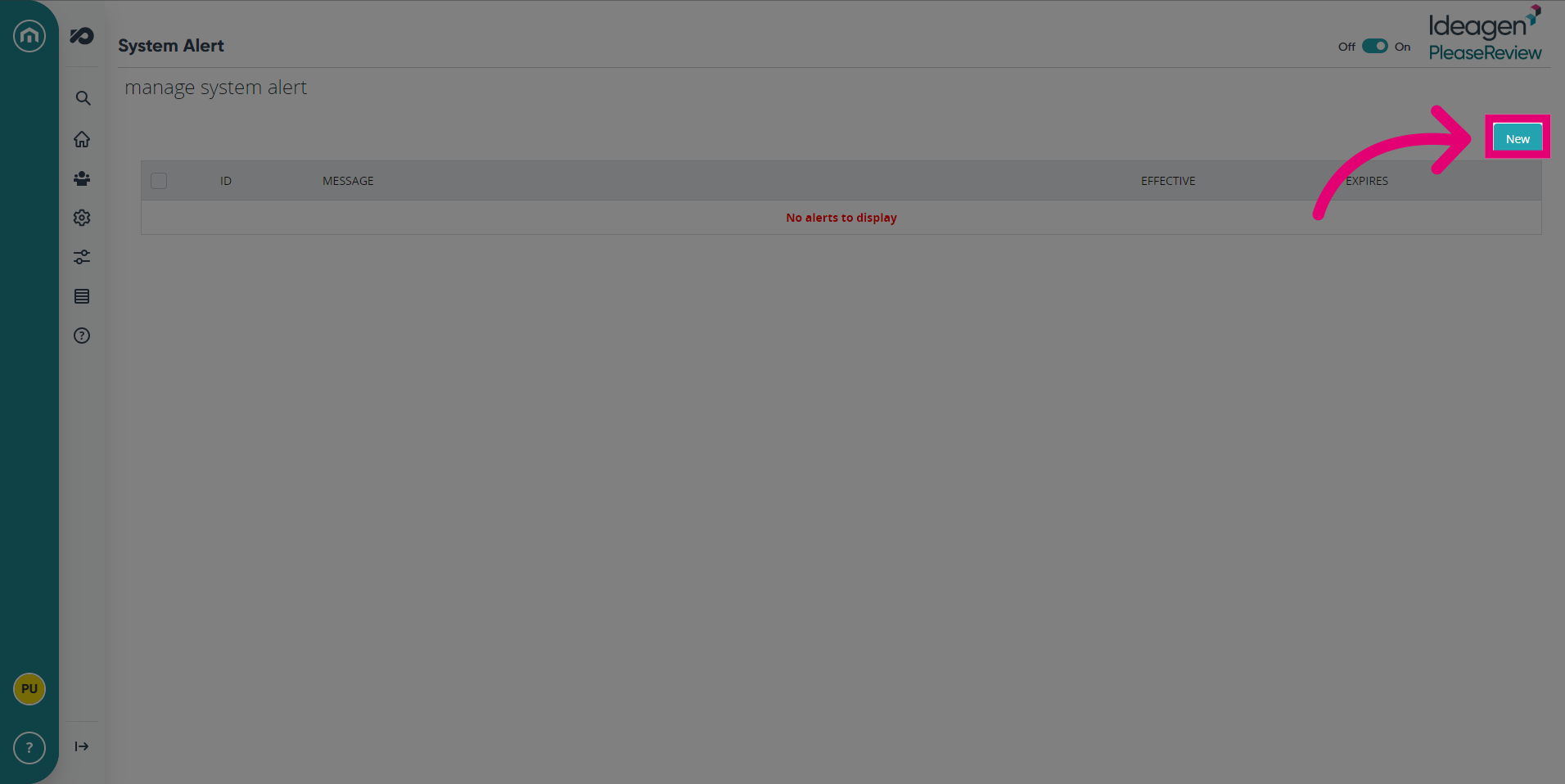
- To add a new System Alert, click New.
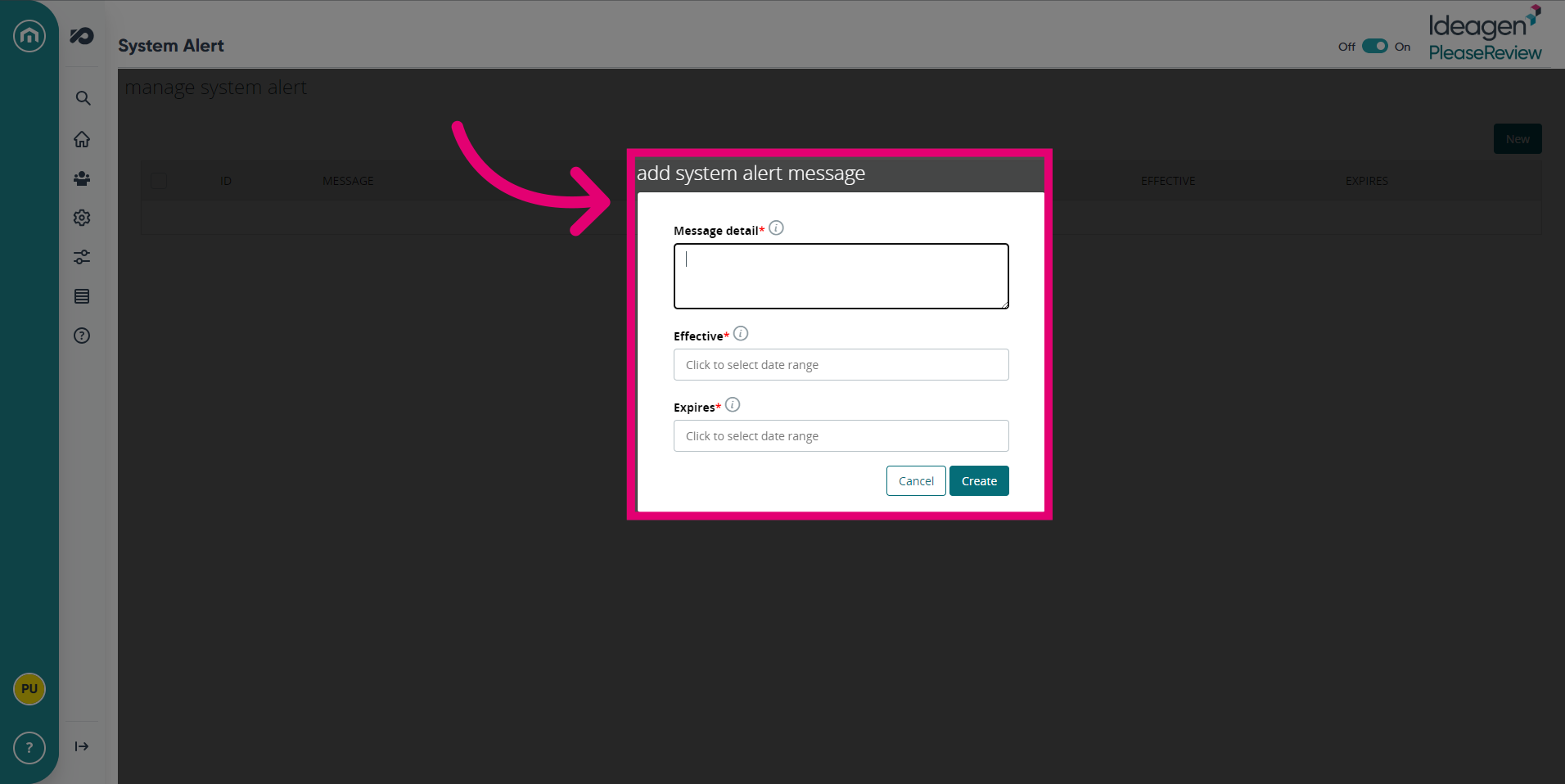
- Add the details of the System Alert.
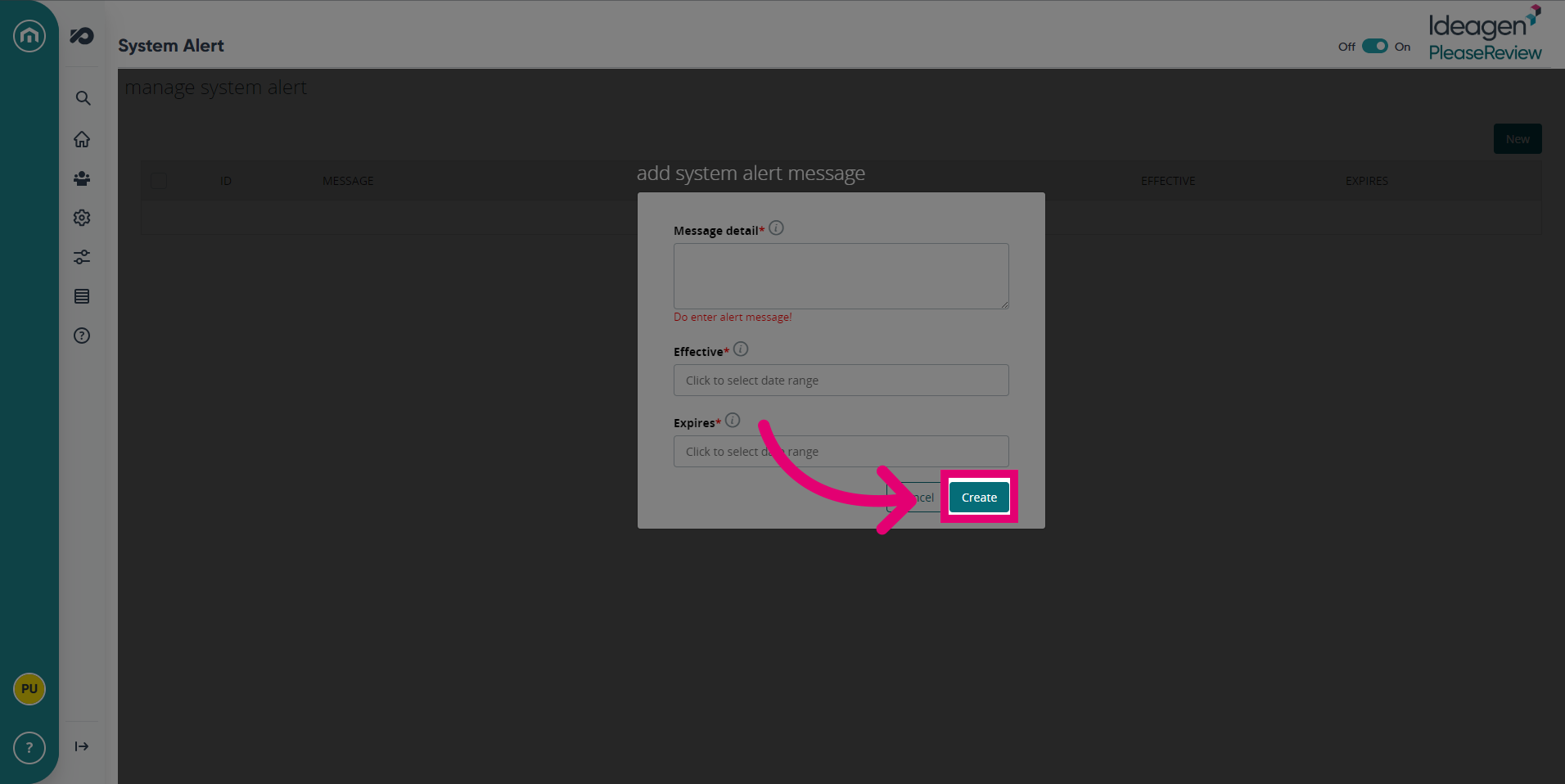
- Click Create to add the System Alert message.
1. System Utilities
The system utilities page provides the following options:
Pre-Compile Pages (aspx)
- This utility pre-compiles all aspx pages to start all services ensuring maximum performance. The result of clicking the ‘Go’ button is shown below:
Test JavaScript Validation
- Testing JavaScript validation provides a test of the JavaScript validation and should return the following:
Test Error Handling
- This test tests error handling and is designed to force an error. The expected result from clicking ‘Go’ is:
- Pressing ‘Back’ will return you to the system utilities page.
Note: This is the correct result and is not an error itself, therefore DO NOT click the last ‘here’ link to send an email to Please Review technical support.
Send Test E-mail
- Sending a test e-mail shows the system can send emails and should return the following:
2. System Alerts
Please Review allows the System Administrator to communicate with all users via a system alert.
- All existing alerts and historic alerts are displayed:
- Alerts may be edited by using the ‘ID’ link and added as required.
- If a system alert is specified, users will receive a pop-up warning message:
- And the message will scroll in the Please Review page header:
Note: To create an alert which has immediate effect select a start time in the past.
3. System Information
The system information page provides information on current system details, loaded system connectors, and the loaded assemblies. It is a single page: